

-----------------------------------------------------------------------------------------------------
POSTING GUIDELINES - PLEASE READ
1. Please RESIZE your image to preferably 800p wide, though 1024p is acceptable. Alternatively, create a thumbnail linking a larger version of that size or smaller.
2. Any discussion that takes place must concern screenshots in the thread or the taking thereof. This is NOT a thread for discussing the graphical fidelity or lack thereof found within the game itself, nor is it a thread for discussing how much you like other games more.
-----------------------------------------------------------------------------------------------------
Since the original thread was getting difficult to navigate due to thread size and full-size pictures, we decided it was a good idea to start anew. This action has been mod sanctioned.
The 1st Halo 3 screenshot thread can be found here.
PLEASE do not be frightened by what may seem like a chasm in difference between your own photos and the ones in this post. Remember, these were culled from hundreds of shots. The best way to get better is to take more! So post your screenshots!
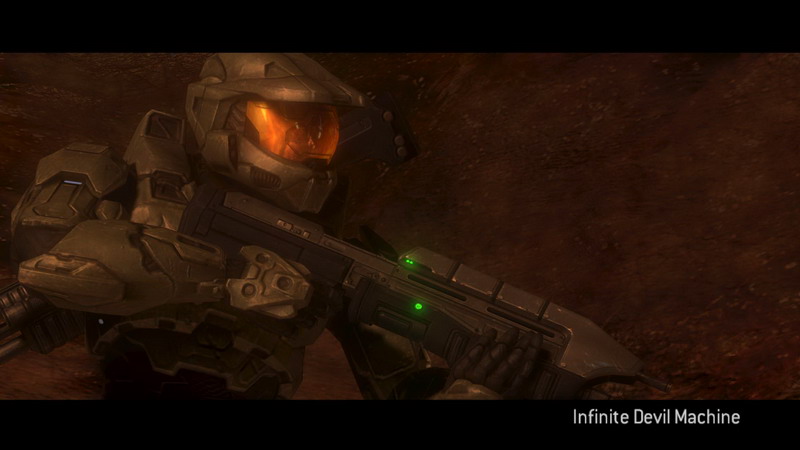
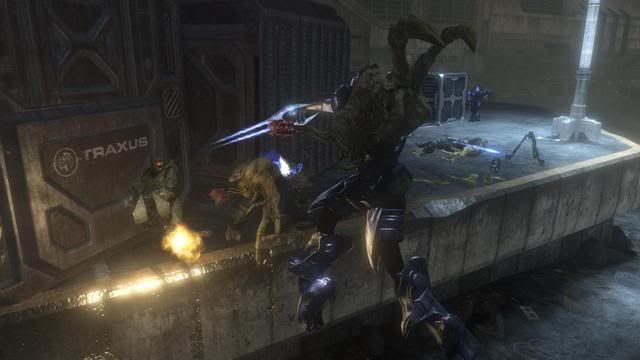
Now, let's kick things off with some of the best shots from the first thread:
Campaign:
(I really wish I could find this shot in digital form, perhaps someone could recreate it?)






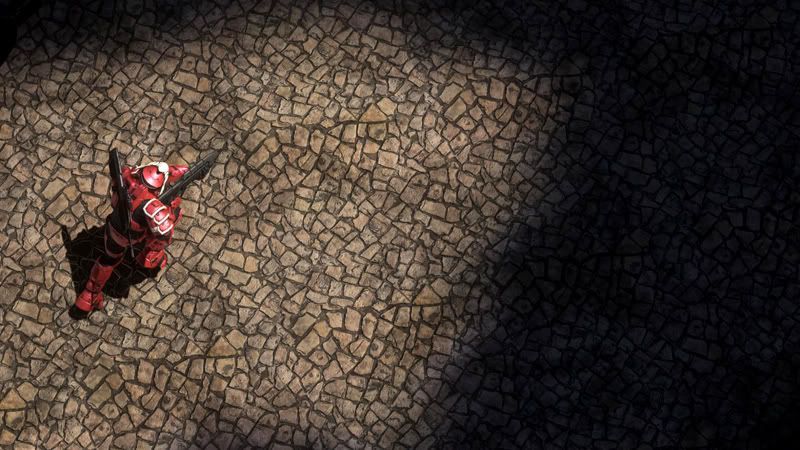
Multiplayer:


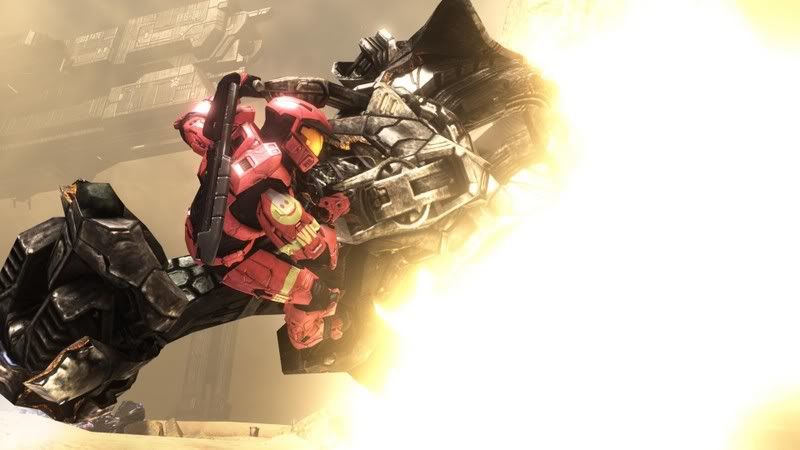


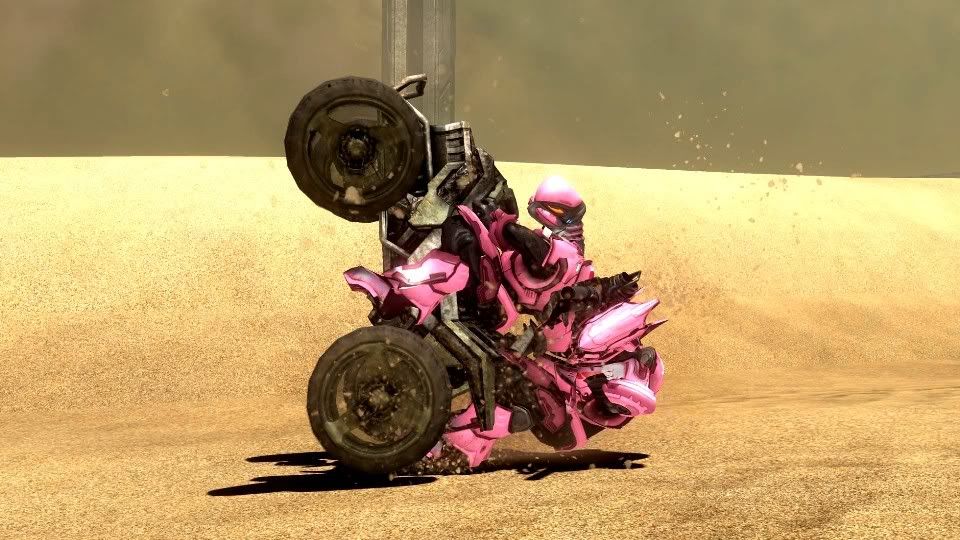




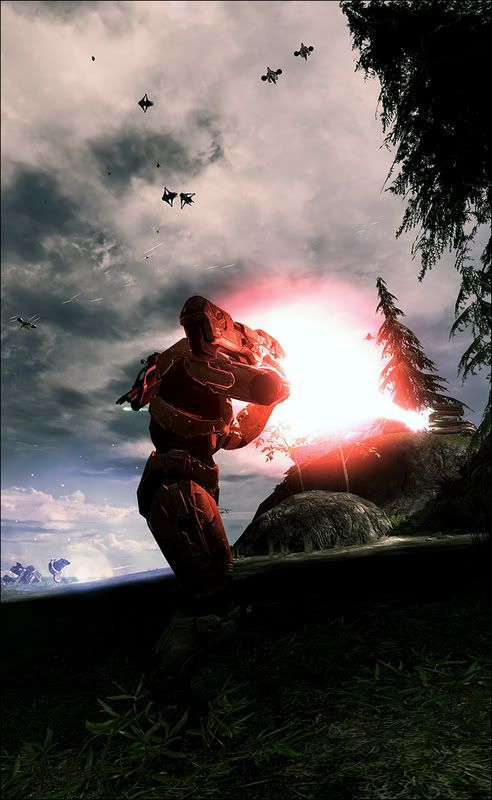
Panoramas:



(more to come!)
Some of you may be asking yourselves? How is this possible?! Halo 3 doesn't look that good!
Some explanatory material:
Also, I know a portion of the screens I posted above underwent contrast/saturation adjustments in Photoshop to match the 360's color output better and give a more "true to life" picture.
More effective than any image-enhancements however is the ability to frame images with the camera rather than being stuck with a first-person view (though I have seen some brilliant first-person shots) More often than not, it DOES look like that in THEATER MODE.
Though all post-processing (depth of field? motion blur?) is removed much to my dismay.
POSTING GUIDELINES - PLEASE READ
1. Please RESIZE your image to preferably 800p wide, though 1024p is acceptable. Alternatively, create a thumbnail linking a larger version of that size or smaller.
2. Any discussion that takes place must concern screenshots in the thread or the taking thereof. This is NOT a thread for discussing the graphical fidelity or lack thereof found within the game itself, nor is it a thread for discussing how much you like other games more.
-----------------------------------------------------------------------------------------------------
Since the original thread was getting difficult to navigate due to thread size and full-size pictures, we decided it was a good idea to start anew. This action has been mod sanctioned.
The 1st Halo 3 screenshot thread can be found here.
PLEASE do not be frightened by what may seem like a chasm in difference between your own photos and the ones in this post. Remember, these were culled from hundreds of shots. The best way to get better is to take more! So post your screenshots!
Now, let's kick things off with some of the best shots from the first thread:
Campaign:
(I really wish I could find this shot in digital form, perhaps someone could recreate it?)
Multiplayer:
Panoramas:

(more to come!)
Some of you may be asking yourselves? How is this possible?! Halo 3 doesn't look that good!
Some explanatory material:
The More You Know: Screenshots
Everyone knows our hi-res screenshots get a boost in size and quality when they are uploaded to the website. But if youve ever wondered how and what, then read on.
Bungie graphics engineer Chris Tchou talked me through some of that technique.
Halo 3 screenshots are just hi-resolution renderings, directly from the normal game engine.
The initially rendered resolution is 3840 x 2160, but as youll see, thats not what you end up with.
The 360 doesnt have the memory to render at this resolution (especially while the game is running), so we render the image in 16 tiles and then crop and stitch them together. The final image is converted to the standard PC color space (from our special 360 color space), downsampled to 1920 x 1080 (with a simple box filter), compressed to a jpeg on your xbox, and transmitted to bungie.net. That downsampling is where much of the anti-aliasing comes from.
The only tricks that are played during the rendering are to do with that jumbo magnification. The bloom filtering switches to a smooth bspline instead of bilinear this gets rid of a subtle blocky appearance of the bloom on super bright lights which becomes more apparent in a high resolution shot.
Some textures are bumped to use 8x or 16x anisotropic sampling this makes some ground and wall textures more detailed at farther distances, though it also has the side-effect of making tiling patterns more obvious. All of the post-processing is simply designed to make the big uploaded images function, and not be janky messes of obvious tiling.
Almost all of our LOD (Level of Detail) is based on the size of the pixels in an object. So when you are rendering at higher resolution, everything renders with more pixels, and will therefore use a higher LOD.
All of this will be old news to PC owners, whove been seeing roughly the same thing for about 12 years.
Also, I know a portion of the screens I posted above underwent contrast/saturation adjustments in Photoshop to match the 360's color output better and give a more "true to life" picture.
More effective than any image-enhancements however is the ability to frame images with the camera rather than being stuck with a first-person view (though I have seen some brilliant first-person shots) More often than not, it DOES look like that in THEATER MODE.
Though all post-processing (depth of field? motion blur?) is removed much to my dismay.


