• Hey Guest. Check out your NeoGAF Wrapped 2025 results here!

After 20 years, Nvidia retires the NVIDIA Control Panel

Celcius

°Temp. member
Today Nvidia released their 610.47 GeForce graphics driver and with it they are now switching everyone from the legacy Control Panel to the Nvidia App.


"After 20 years of dedicated service, the classic NVIDIA Control Panel is officially retiring for Game Ready and Studio Drivers. For NVIDIA RTX PRO users, the NVIDIA Control Panel will continue to be supported until we have migrated professional features to the NVIDIA app.

Existing installs of the NVIDIA Control Panel will remain on users' systems, unless they perform a clean installation, and users who still need the NVIDIA Control Panel can continue to download it from the Microsoft Store, but we won't be adding features, fixes, or other changes."

You can grab the new game ready driver here: https://us.download.nvidia.com/Wind...-win10-win11-64bit-international-dch-whql.exe

Hardware Unboxed released a video today showing the features of the nvidia app:


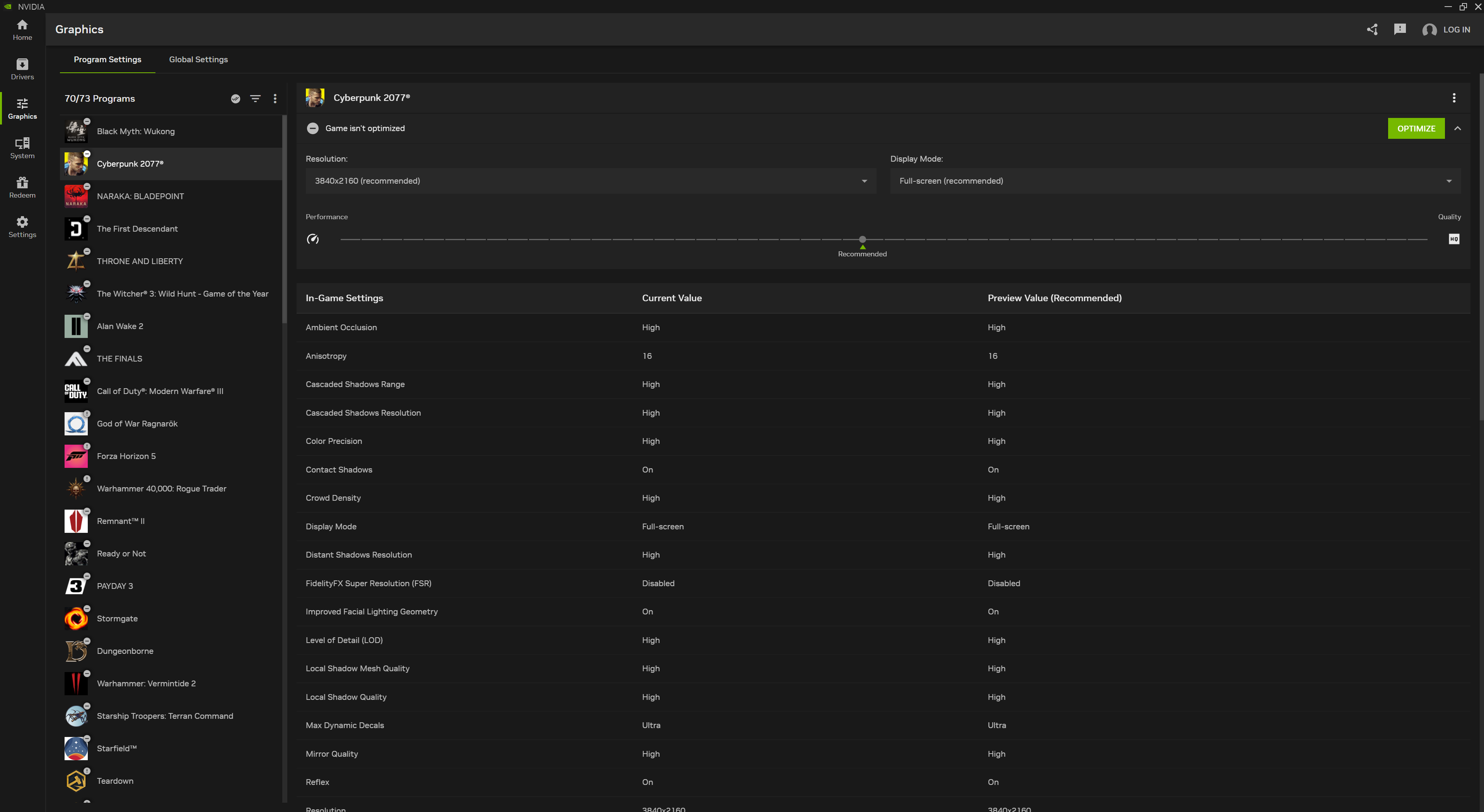
For me, I've always only used the Control Panel. This morning I just happened to see the HUB video and afterwards noticed that a new graphics driver came out today so I planned to make the switch before even knowing about the change. Now that I've installed it and started using the Nvidia App I have to admit that I like it. Dark mode at last and lots of great features that the old control panel never had. I'd encourage everyone to make the switch and give it a try.
 
Last edited:
Yeah... I used control panel yesterday to try (and fail) to fix FH6 vsync/framecap issues. And was thinking I was sure they announced this was being replaced.

TBH the control panel while familiar is kind of ass. You click the drop down menu to select an app inanage 3d settings and it takes 5 years and then lists all sorts of random crap you'd never want to manage.
 
It's been a long time since I've need to go into the Control panel. The Nvidia app does most everything now.
I'm sure I"ll need to google color modes or something in the future after reinstalling OS at some point. :(

Does removing the control panel make it easier for Nvidia to support multiple OS? Whats the main reason for getting rid of it anyway?
 
Last edited:
You click the drop down menu to select an app inanage 3d settings and it takes 5 years and then lists all sorts of random crap you'd never want to manage.
Yeah it's amazing they haven't fixed or at least improved that a little bit. An option of "pick the last 3d accelerated software I've ran" would help a lot.
 
There's no nvidia account required (I don't have one) and it seems pretty simply/lightweight from what I see so far...
I like to have a clean pc with nothing superfluos installed, and nvidia app is definitely superfluos when i can do the same with the far ligher and unintrusive control panel.

Also i have multimonitors and switching between them is probably faster with the cp.
 
Control panel has a proper PC interface and options. GeForce App seems made for dumbass Gen-Z kids who need a mobile interface and streamlined options because they're too tech illiterate to understand.
 
nerd observing GIF


Damn you Jensen
 
Control panel has a proper PC interface and options. GeForce App seems made for dumbass Gen-Z kids who need a mobile interface and streamlined options because they're too tech illiterate to understand.
I've been using the control panel exclusively until today and it's great, but it does definitely look like a Windows XP era app...
 
SO now you absolutely have to have the Nvidia app? No other option?
From Nvidia info and in the OP.

"Existing installs of the NVIDIA Control Panel will remain on users' systems, unless they perform a clean installation, and users who still need the NVIDIA Control Panel can continue to download it from the Microsoft Store, but we won't be adding features, fixes, or other changes."
 
The problem I had with the app is on my PC if I had the app installed my monitor would often not go to sleep. (The screen would be black but you could see the backlight was still on.) Not sure why that happened but getting rid of the app fixed it for me.
 
I've been using the control panel exclusively until today and it's great, but it does definitely look like a Windows XP era app...
And the NVIDIA App looks like a mobile app. Reminds me of when Microsoft tried the whole Metro UI with Windows 8.
 
Last edited:
I use control panel a lot to set up my games, and have zero interest in the app.

As long as you can still use or download the control panel, it will do for me.
 
Last edited:
Oh no no no no no

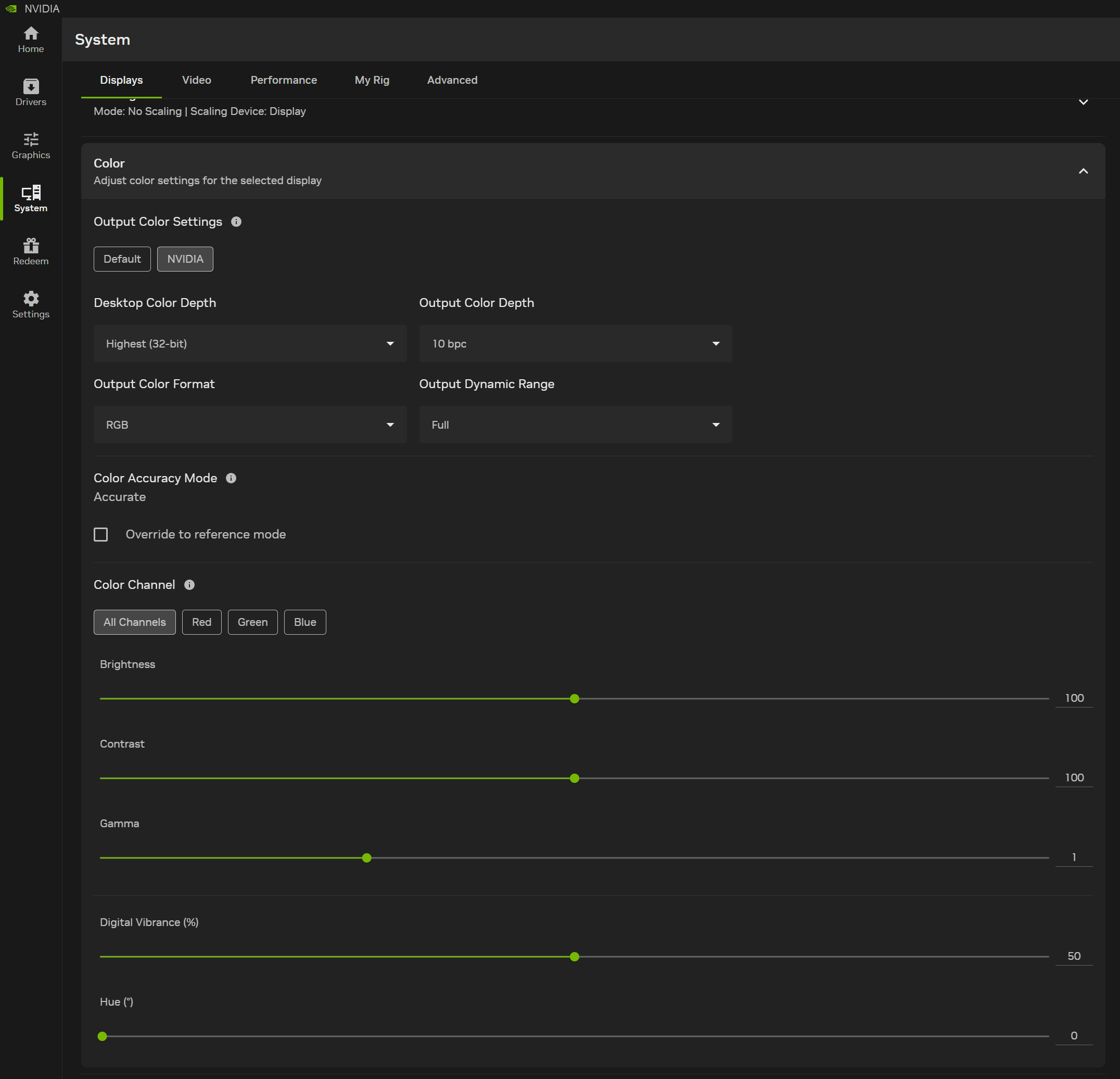
I need the old control panel for color calibration, what are they doing?
You can still use it/install a stand alone version. What color Calibration are you doing in it? I thought they moved over all color tools into the new app. Its under System/Display/Color
e6xhT2sZ0qb70J6o.png
 
Last edited:
I use control panel a lot to set up my games, and have zero interest in the app.

As long as you can still use or download the control panel, it will do for me.
There's a lot of stuff in the control panel that isn't in the app. Unless they've added it all since I last used it;
The options you used in the control panel should still be there in the App. Plus now you'll have new options like the ability to pick your DLSS model on a per game basis, being able to force DLAA, and more.
 
There's a lot of stuff in the control panel that isn't in the app. Unless they've added it all since I last used it;
Can you name one that you don't think is in the App? The dev team has been very responsive, I emailed them about a missing feature and they had the App updated in a week and added it and emailed me.
 
The options you used in the control panel should still be there in the App. Plus now you'll have new options like the ability to pick your DLSS model on a per game basis, being able to force DLAA, and more.
Can you name one that you don't think is in the App? The dev team has been very responsive, I emailed them about a missing feature and they had the App updated in a week and added it and emailed me.
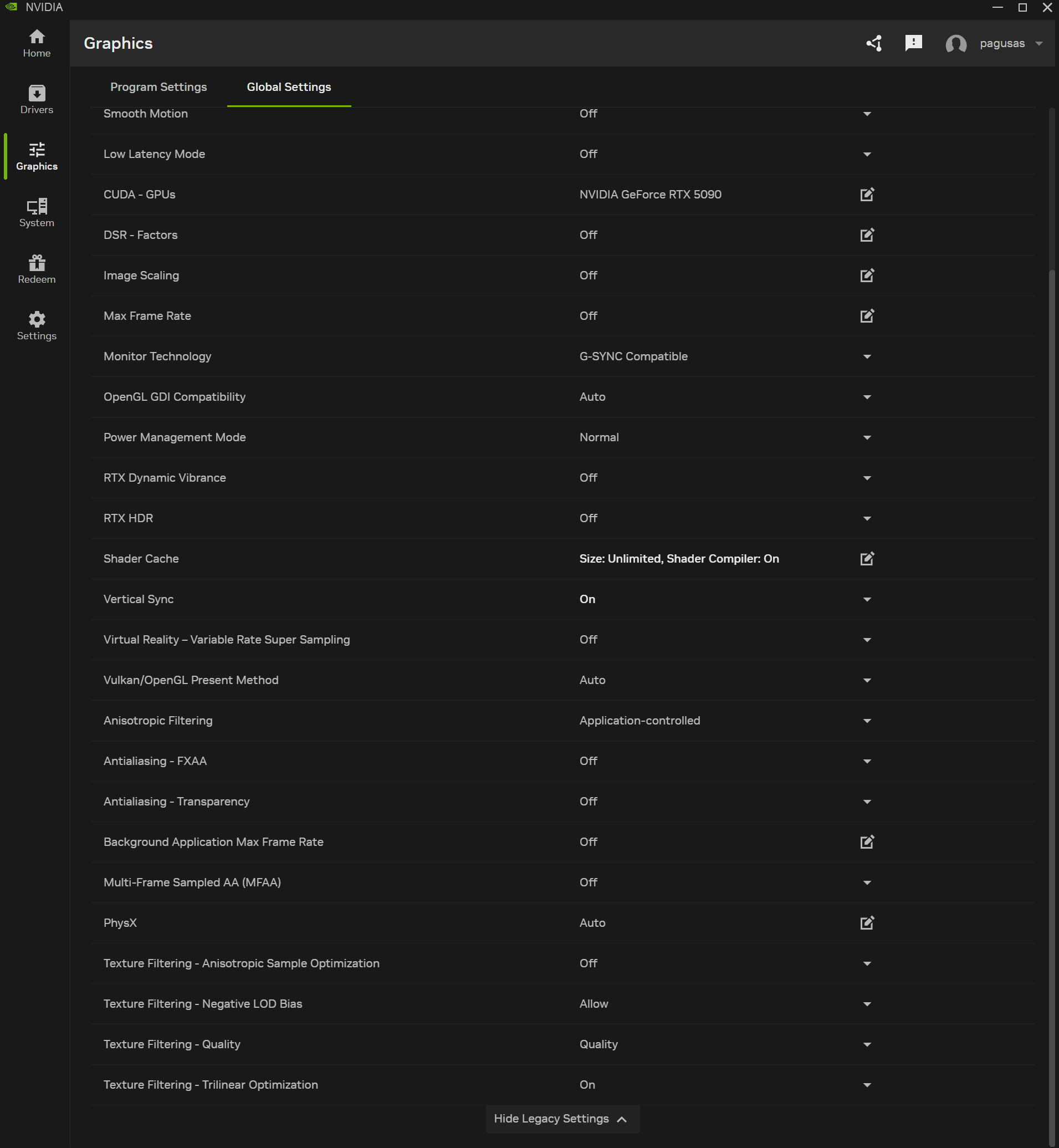
So as far as you know you can do most/all the settings that are in contrrol panel, like setting DSR options, 16 times AF, forcing Vsync, etc?
 
Sticking with the tried and true Nvidia Control Panel. As slow as certain menus are, the program itself is still a lot lighter than the shitty modern app and at least you know when you close the NCP it's actually closed and no longer consuming resources on your PC. That Nvidia app is always running, always hogging RAM and stealing some CPU cycles. All for what? Something that looks different? Pointless.
 
After upgrading to a 5070 I realized you pretty much need to use the Nvidia app if you care about being able to tweak DLSS / Framegen or use the Smooth Motion feature period but at least you can still use the control panel if you want, i doubt it'll 'break' anytime soon even with Nvidia abandoning it.
 
More ways for my 1080 to be obsolete I guess, no driver updates a while now, cp now also unsupported, neat.
 
Last edited:
Unless something changed today, NVCP had way more functionality than NVIDIA App.

Gonna have to check it out tonight.
It does. They even say they will keep NVCP for NVIDIA RTX PRO users only, due to these missing features. Should have waited until all features were made available in the APP.
 
Last edited:
Top Bottom