• Hey Guest. Check out your NeoGAF Wrapped 2025 results here!

Dishonored 2 PC performance thread

So...

No early reviews
Can't gift the Dishonored 1 included (I mean... srsly? Those who prepurchase it are those who have already played it most probably...)
The game doesn look like,,, good at all, and I liked the first one visually
Terrible performance problems on both PC and console

What's wrong with these people?
 
2 hour limit, oh. I've already played 6 hours. I thought it was 20. Whelp. I'm fucked if this never gets fixed. Most of the 6 too was just tinkering with the gfx settings. Fuck me sideways.

You can still try your luck. Be sure to thoroughly explain why you feel an exception should be made. In cases such as yours I previously recommended submitting a support ticket rather than using the refund system, but as of some weeks ago, you've no choice -- the ability to create a support ticket was recently replaced with a "Contact Steam Support" option on the Steam Help website that appears only in certain contexts (if I were to guess, I'd say Valve got sick of people requesting a refund for No Man's Sky via the ticket system).
 
Since only "some people" are having issues according to Arkane, I would love to know what their setups are.

I test on 4 different machines and 3 of them have severe issues 1 has moderate ones. Anecdotal but that seems...oddly large for my experience.
 
I test on 4 different machines and 3 of them have severe issues 1 has moderate ones. Anecdotal but that seems...oddly large for my experience.

Then take this thread with multiple people having different kinds issues with game from performance to just graphical fidelity. Starts to stack up.
 
You can still try your luck. Be sure to thoroughly explain why you feel an exception should be made. In cases such as yours I previously recommended submitting a support ticket rather than using the refund system, but as of some weeks ago, you've no choice -- the ability to create a support ticket was recently replaced with a "Contact Steam Support" option on the Steam Help website that appears only in certain contexts (if I were to guess, I'd say Valve got sick of people requesting a refund for No Man's Sky via the ticket system).


thanks I'll try my luck, but I wont be luanching the game in a few days so I don't up my playtime unless theres a patch and I can test it.

@nephix Giantbomb said they tested the game on just straight up 970(not SLI) and it ran fine, but they werent allowed to report on what the graphical settings on and it was confided inside the clockwork mansion(the one in all the previous) which looks like a pretty enclosed space
 
So...

No early reviews
Can't gift the Dishonored 1 included (I mean... srsly? Those who prepurchase it are those who have already played it most probably...)
The game doesn look like,,, good at all, and I liked the first one visually
Terrible performance problems on both PC and console

What's wrong with these people?

Got to hit the holiday deadline. They already spent too much marketing to release it at a later time.
 
Or are you saying that you have to write a completely different shaders for PC because your usage of console intrinsics are so deep that the shaders can't work without them?

Not necessarily completely different, but as the generation continues we (for some definition of we, I mostly mean AAA shops here) lean more and heavily on these techniques to continue to maximize performance on the console hardware, and the more esoteric the approach, the more difficult the transition to PC. Here's an example from IW7... we utilize a very clever/cute way of rasterizing light volumes into bitmasks as part of the forward-plus nature of the renderer. This rasterization doesn't "draw" anything per se, but instead uses buffer atomics. It's highly inefficient to have redundant threads in a tile writing the same atomics so we leverage special opcodes to drastically reduce the bandwidth here. On PC the naive approach (redundant atomics) is highly non-performant, so we both lobby for intrinsics access on PC, as well as implement alternate approaches (buffer writes to a volume texture and then a post-rasterization CS pass which coalesces the bits into the bitmask--we eat ~8M on PC here for the volume).
 
This is such a bummer. I played 90 minutes but had to stop because I need to be able to refund if they don't fix it in a week or so.

The actual game seems cool as hell.
 
Look how crazy the fps fluctuates. These two screenshots have less than one second between them:


This is on Ultra btw, game looks like hot garbage.

this right here lol im playing it right now and it looks like shit. im kind of wondering why my GPU temps are 71C playing this but running BF4 at 4K ultra hovers around 63C.
 
Specs:
OS: Windows 10 64-bit (Anniversary Update)
Nvidia Driver: 375.70
Display: Acer Predator XB271HU
Motherboard: ASRock Z87 Extreme4
Power Supply: EVGA SuperNOVA 750W G2
CPU: i7-4770k @4.2GHz (HT enabled)
Heatsink: Hyper 212 Evo w/2x Noctua NF-F12 Fans
GPU: GIGABYTE GTX 980 Ti G1 Gaming 6GB
RAM: 16GB G.SKILL Sniper DDR3 @1866MHz
SSD (OS): 256GB Samsung 850 Pro
HDD (Games): 5TB Western Digital Black 7200 RPM/128MB Cache

In-game settings Ultra, Adaptive Resolution 100%, 1440p, G-Sync, 90 FoV. I've only played through the brief tutorial, and am averaging in the 75-80 fps; I'm sure that will drop considerably once I hit the campaign.

Framerate and frametimes/frame pacing are adequate and as expected. Mouse input however, even with the fix in the OP, is unacceptable. It makes the game feel as if it's running at a lower framerate, and there is a lot of microstutter during pans that the frametime graph in Afterburner does not reflect. The only other problem I've run into is that Adaptive Resolution resets to 75% every single time I close and launch the game. And a note to G-Sync users; G-Sync only appears to work if you alt+tab out of and back into the game, at least in fullscreen mode.

Yet another game that I'll probably have to shelf for months before it's worth playing on a technical level. Why do we even bother purchasing @launch at this point?
 
Anyone else who is getting a black screen with the game audio continuing to play (and eventually back to the old resolution) when attempting DSR resolutions? Based on the horrible aliasing issues in the tutorial (that fence in view from the spawn location! horrible, some of the worst aliasing I have seen in a modern game), I really think some downsampling is needed here.

I had that problem - switched to Borderless Window and then I was able to use DSR resolutions, but the performance is bad at 1440p and now I am unable to go back to fullscreen mode.
 
I had that problem - switched to Borderless Window and then I was able to use DSR resolutions, but the performance is bad at 1440p and now I am unable to go back to fullscreen mode.

Yeah I did the same thing too now I am unable to change it back. What a clusterfuck this is.
 
I had that problem - switched to Borderless Window and then I was able to use DSR resolutions, but the performance is bad at 1440p and now I am unable to go back to fullscreen mode.

Wow, I hope this game gets raked over the coals for the state it is in.

I hope it is a great game that I will pick up in a few months for $20. By then they hopefully will have fixed most of the problems. Companies shouldn't be rewarded for forcing a game to be shipped when it isn't ready.
 
What;s the worst "AAA" game that released fucked and never got fixed? Does it tend to happen often? This and MGSV are literally the only game I've preordered and it bites me and ass 1/2 times.
 
This year I preordered Mankind Divided and Dishonored 2. After botched MD launch I told myself I will stop preordering AAA games if Dishonored 2 launched is botched.
No more preorders for me, thank you very much.

I would love to play the same version that Guru3D played - or get then number of their dealer
"Overall the game feels smooth in game-play, nothing negative to mention there." - say whaaat?
 
Currently on the first mission or so running on ps4 pro, not noticed issue yet.


Cw6VZTcW8AEuZQR.jpg:large
 
I would love to play the same version that Guru3D played - or get then number of their dealer
"Overall the game feels smooth in game-play, nothing negative to mention there." - say whaaat?


Rock Paper Shotgun said something similar:

There are loads of options for visual settings, including a wide range for FoV, and I’ve had to move down to ‘high’ settings across the board to keep a consistent framerate on my GTX 970 at 1920*1080. It looks great though, stylised and detailed in its design rather than top of the tech tree. The only real technical issue of note is a habit of quitting, invisibly and without leaving an error message behind, if I alt-tab away and don’t return quickly enough

And they've got 9 hours in the game. I've only played an hour and won't be continuing on PC until this gets fixed.
 
What;s the worst "AAA" game that released fucked and never got fixed? Does it tend to happen often? This and MGSV are literally the only game I've preordered and it bites me and ass 1/2 times.

GTA 4 is still complete garbage on modern systems. Would say Saints Row 2 but not sure that's considered AAA.
 
This year I preordered Mankind Divided and Dishonored 2. After botched MD launch I told myself I will stop preordering AAA games if Dishonored 2 launched is botched.
No more preorders for me, thank you very much.
Yeah..this year has been not great for me as I rarely preordered anything before and whiffed on Mankind Divided and No Man's Sky. Thank god for Steam refunds. I'm gonna go back to not preordering (luckily I waited this one out). Also fuck Bethesda for not allowing early reviews of this. Another good reason I didn't bite on it.
 
Currently on the first mission or so running on ps4 pro, not noticed issue yet.


Cw6VZTcW8AEuZQR.jpg:large

I don't think the problems are really cropping up much <=30fps. Most people here are trying to run it at 60fps, and it seems there are some major latency issues in the engine causing pauses that makes >30fps impractical...
 
Man, I hope they fix the performance issues soon. I loved what I played so far and it's a damn same that its in the current state as it is.
 
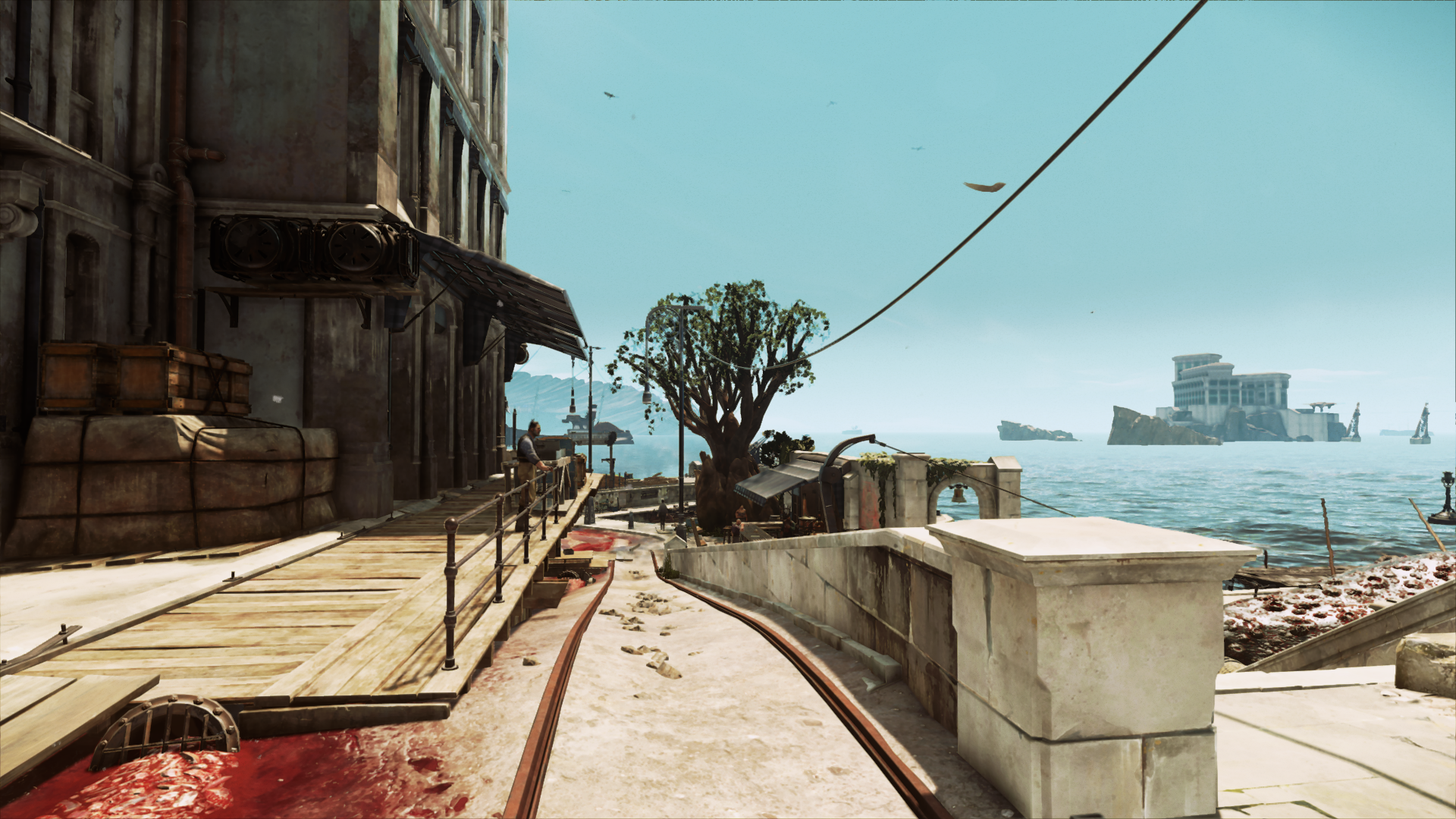
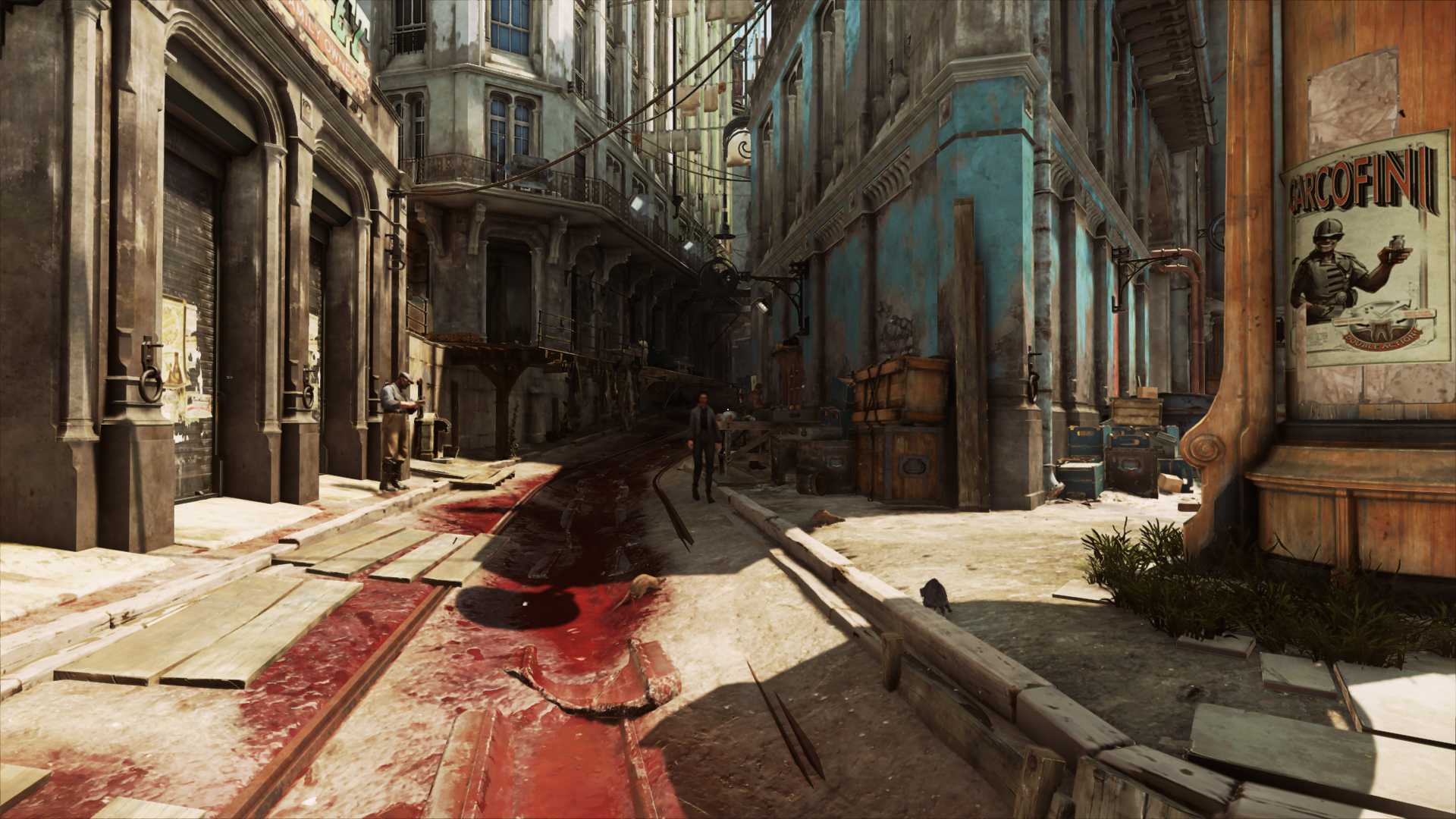
I'm seeing people say this game looks like "garbage." Every time I see a screenshot or video I have the exact opposite impression. What's going on here? Doesn't look that drastically different than the first, but with better lighting.

No I don't think so.

Thanks. What a bummer...was hoping that since Doom and BF1 allowed FOV changes on console that this would follow.
 
Thanks. What a bummer...was hoping that since Doom and BF1 allowed FOV changes on console that this would follow.

Doom and B1 both target 60fps and thus have some headroom to spare. A higher FoV value on either console version of Dishonored 2 would mean a framerate that is consistently if not perpetually lower than 30fps. The higher the value, the more the game is rendering at any given moment, which is precisely why FoV sliders in console games are exceedingly rare.
 
I'm seeing people say this game looks like "garbage." Every time I see a screenshot or video I have the exact opposite impression. What's going on here? Doesn't look that drastically different than the first, but with better lighting.

In doors and close up, stuff looks great, but fuck me the draw distance is tiny on medium , so everything looks blurred constantly.
 
I'm seeing people say this game looks like "garbage." Every time I see a screenshot or video I have the exact opposite impression. What's going on here? Doesn't look that drastically different than the first, but with better lighting.

I'd say the game looks great in some places and downright bad in some. Some of the texture work is just poor.


Now, I tried to change my priority to high but it just keeps resetting back to low as soon as I tab back in to the game, anyone else have that problem? Why is it set to low anyway? Also I got a 144hz gsync monitor but the game stutters like crazy..it says 70-110 fps but I got a very trained eye and what I'm experiencing is either mad microstutter or the game is lying about the fps. Any tips from another brother who has a 144hz gsync setup?

Edit: Saw the posts about the priority thing. All right so it's not just me.
 
How hot these look to you? Maxed out on 1080p btw.

I got here earlier.

Entering the city by boat dropped my frames to 30s... once i got off the boat it went back to 60s. This game tho.. has issues with its AA. Even in your screens, just like in mine there is a shimmer. Looks pretty ugly. Wish there was a better implementation of TXAA or at least let it go up to 2.

Do you have the distance draw to ultra?
 
The game looks not great, but if it at least ran well, I really wouldn't have a problem with it. This is pretty much inexcusable.

I've already tried most of the fixes described here and the FPS/mouse or stuttering or whatever it is is still super frustrating.
 
Also I got a 144hz gsync monitor but the game stutters like crazy..it says 70-110 fps but I got a very trained eye and what I'm experiencing is either mad microstutter or the game is lying about the fps. Any tips from another brother who has a 144hz gsync setup?

It's the mouse input in my experience, even with the fix, and everything off in the input menu:
http://www.neogaf.com/forum/showpost.php?p=223946817&postcount=567

Framerate/frametime seems to be fine so far from my Afterburner graphs.
 
This is the kind of shit that made me buy a Pro. Maybe I'm getting old but I'm tired of having to spend hours tweaking every new PC release to get it to run straight.

Same here. My PC gaming days aren't over but they're absolutely slowing down due to piss poor optimization.

My current system isn't exactly a slouch (4770k 980ti) but I think I'm done buying PC gaming hardware and will most likely just end up getting a Scorpio next year and play most stuff on that and pc exclusives on my current setup.

:/
 
Top Bottom