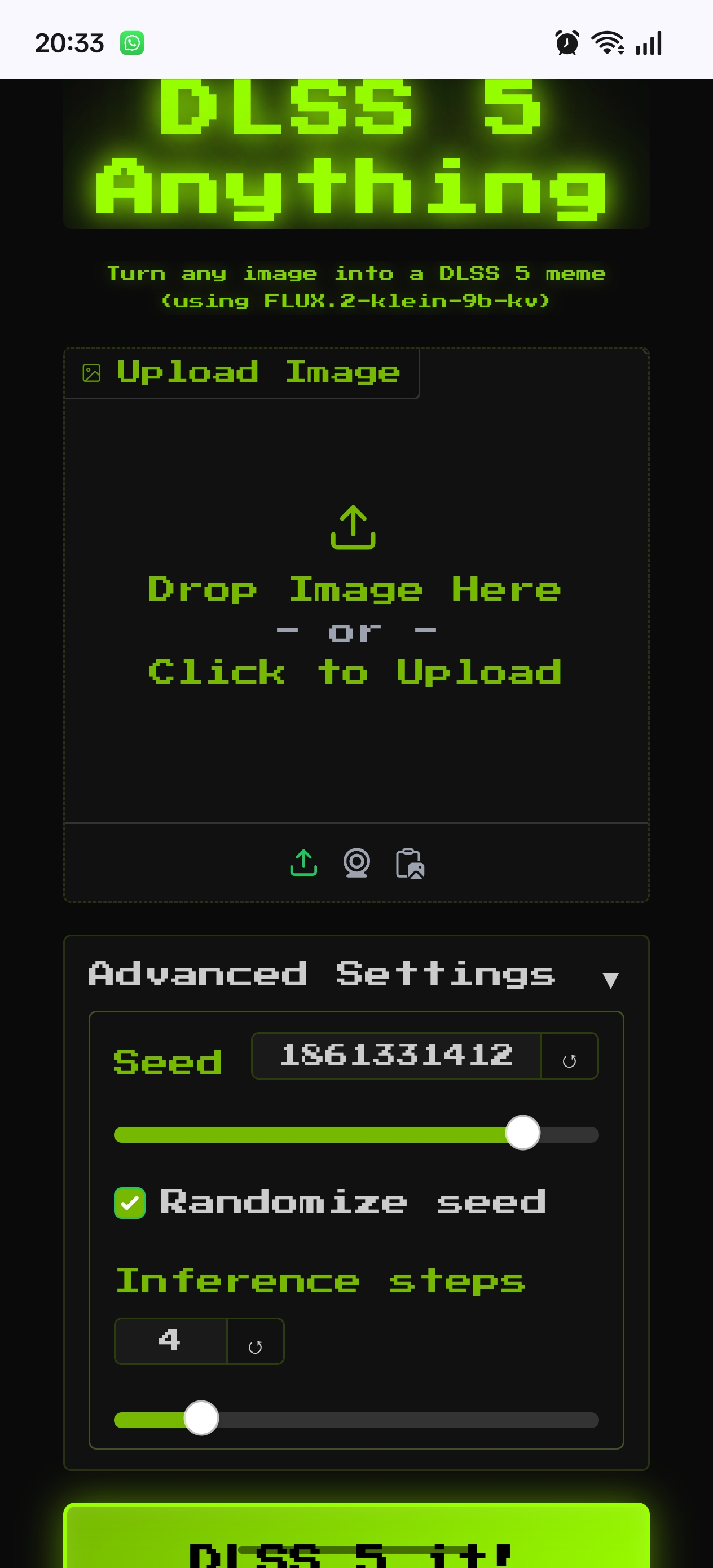
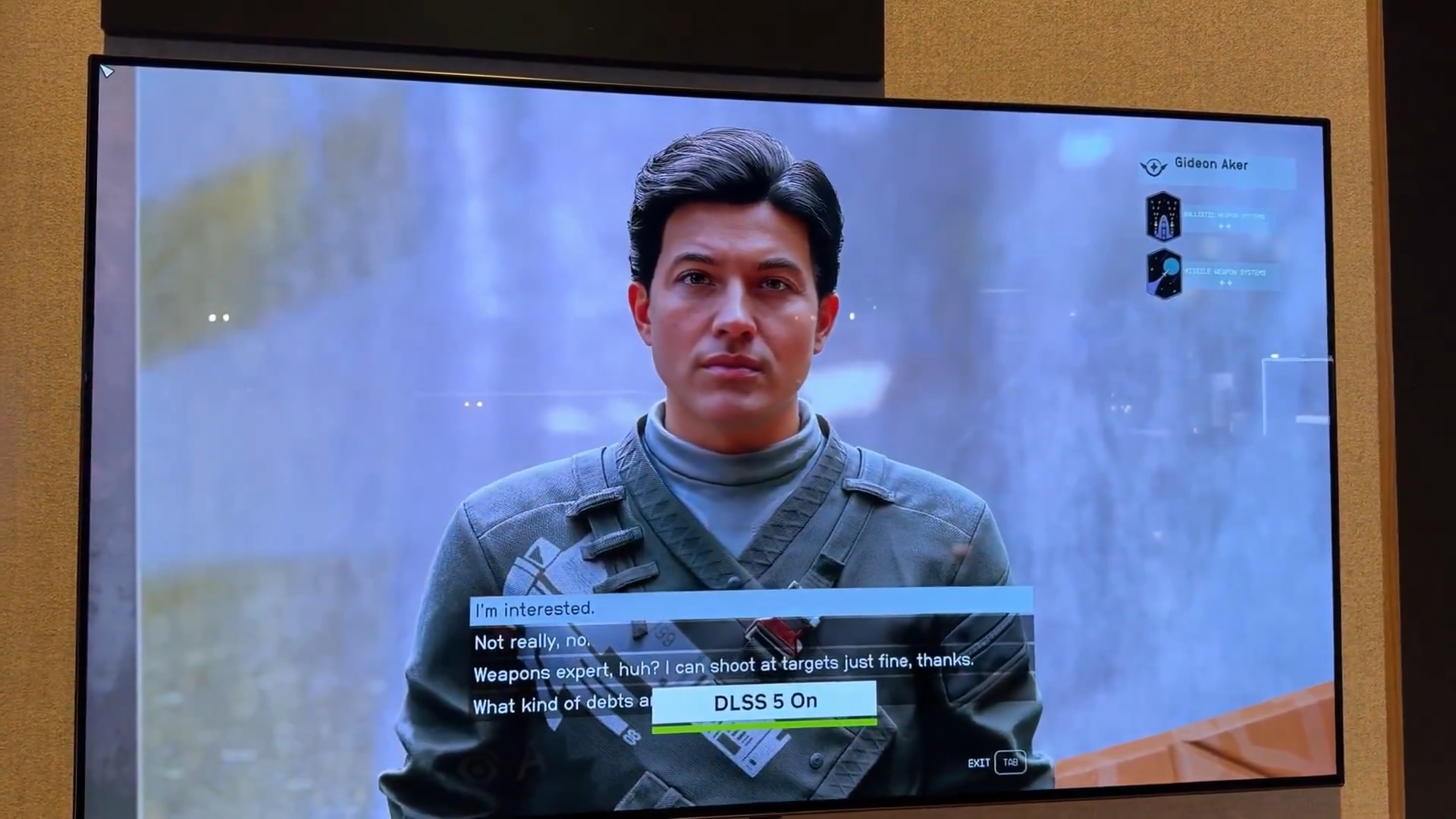
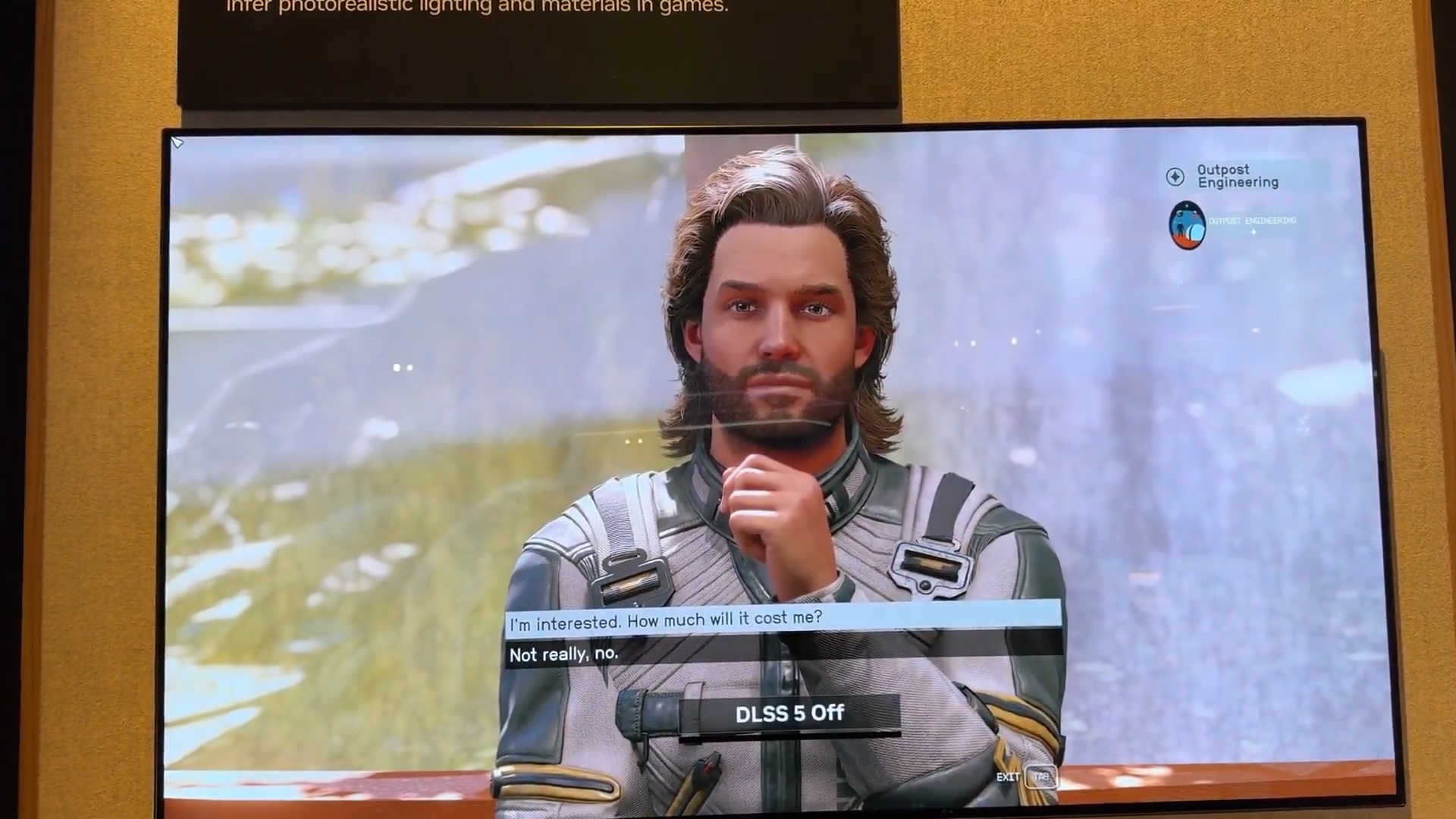
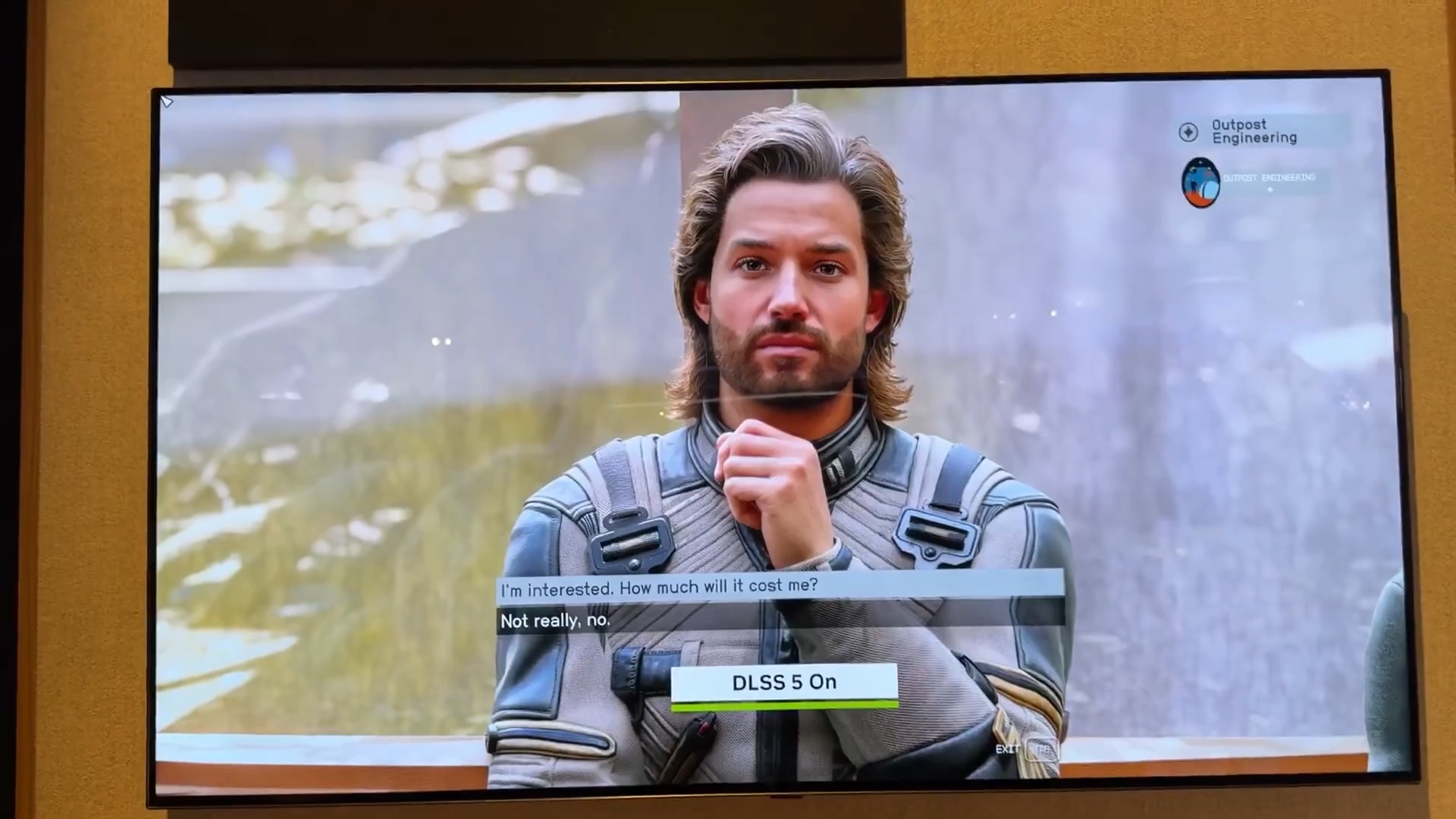
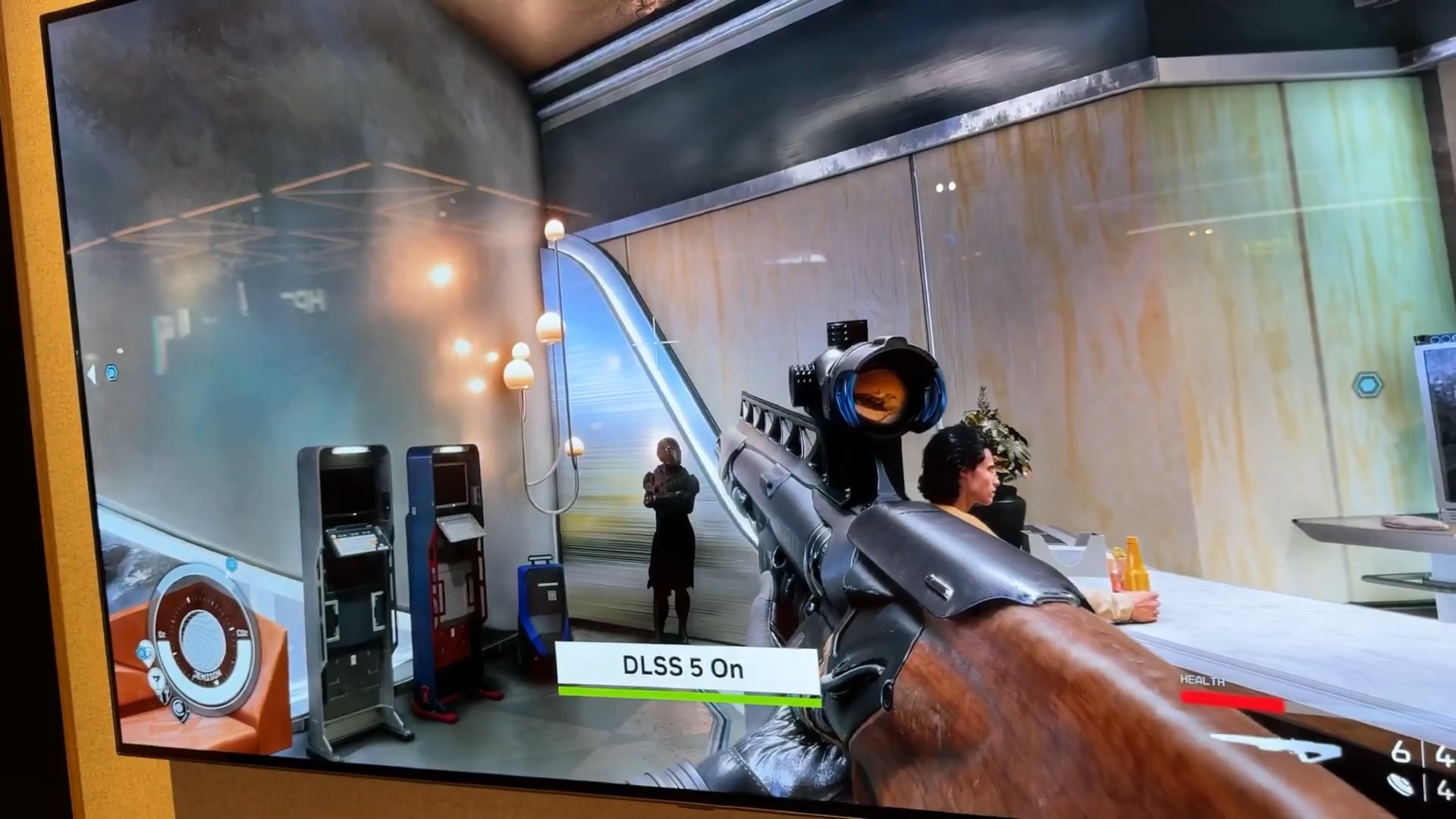
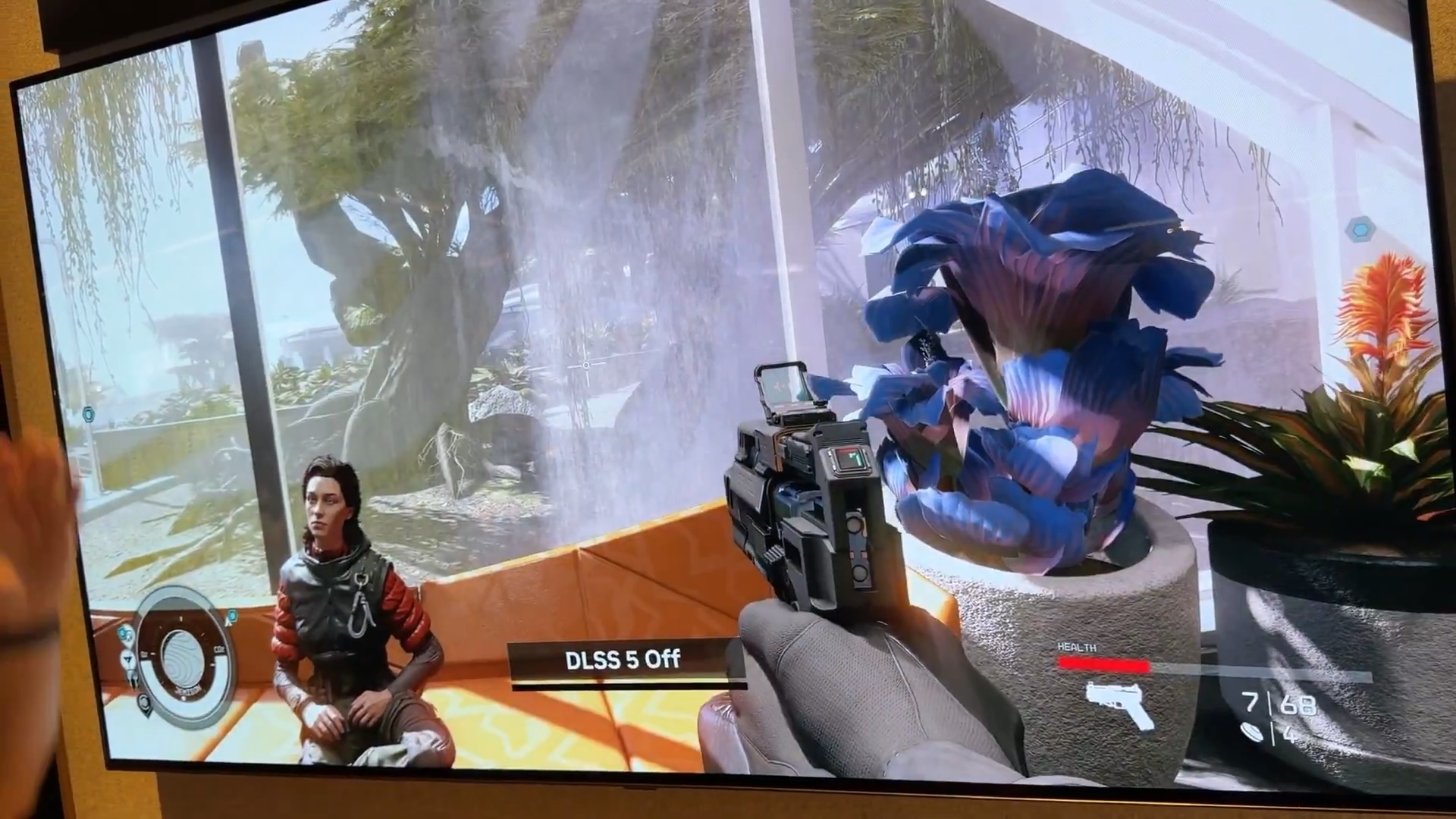
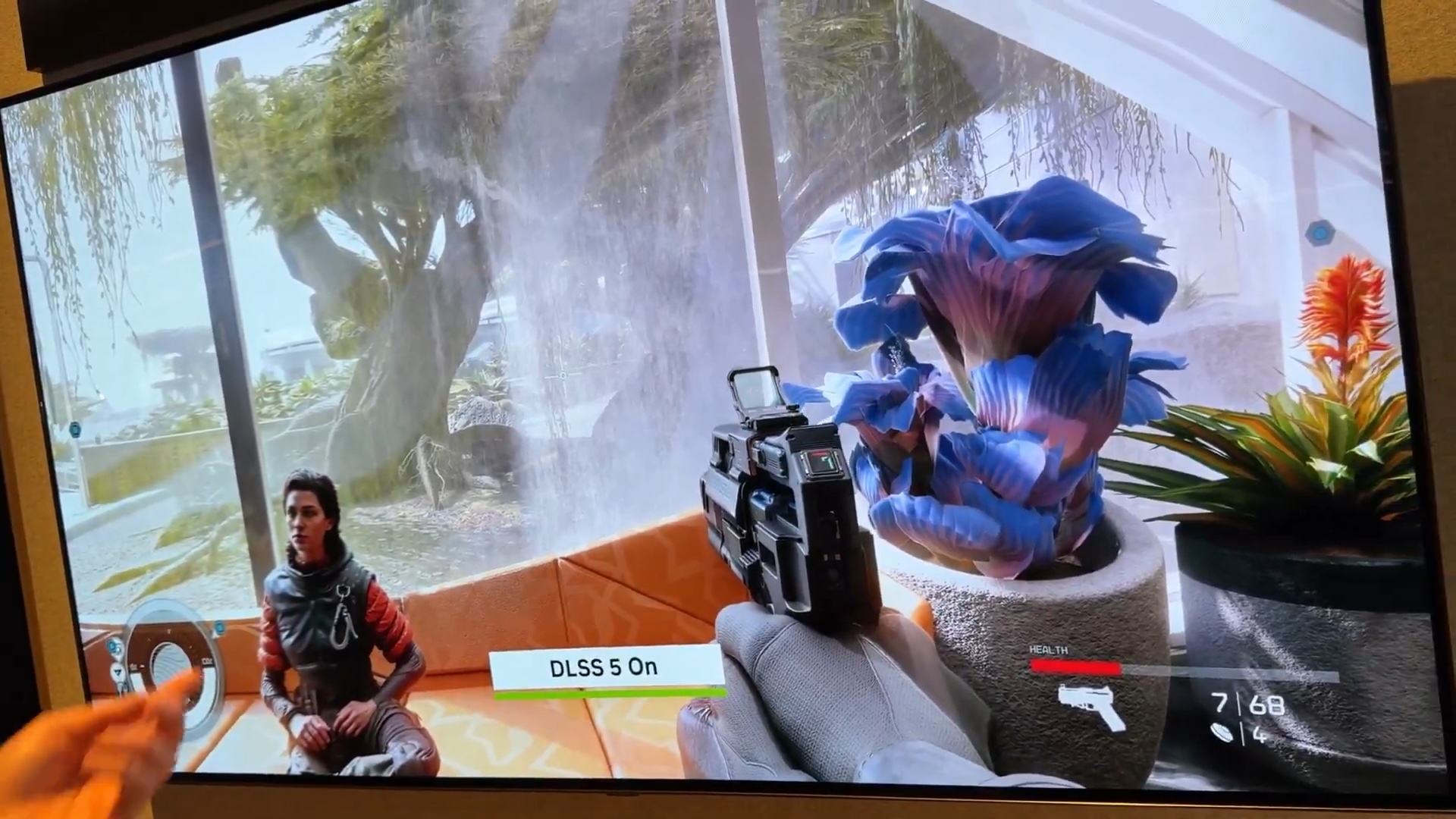
Anyone know what those two sliders do exactly?
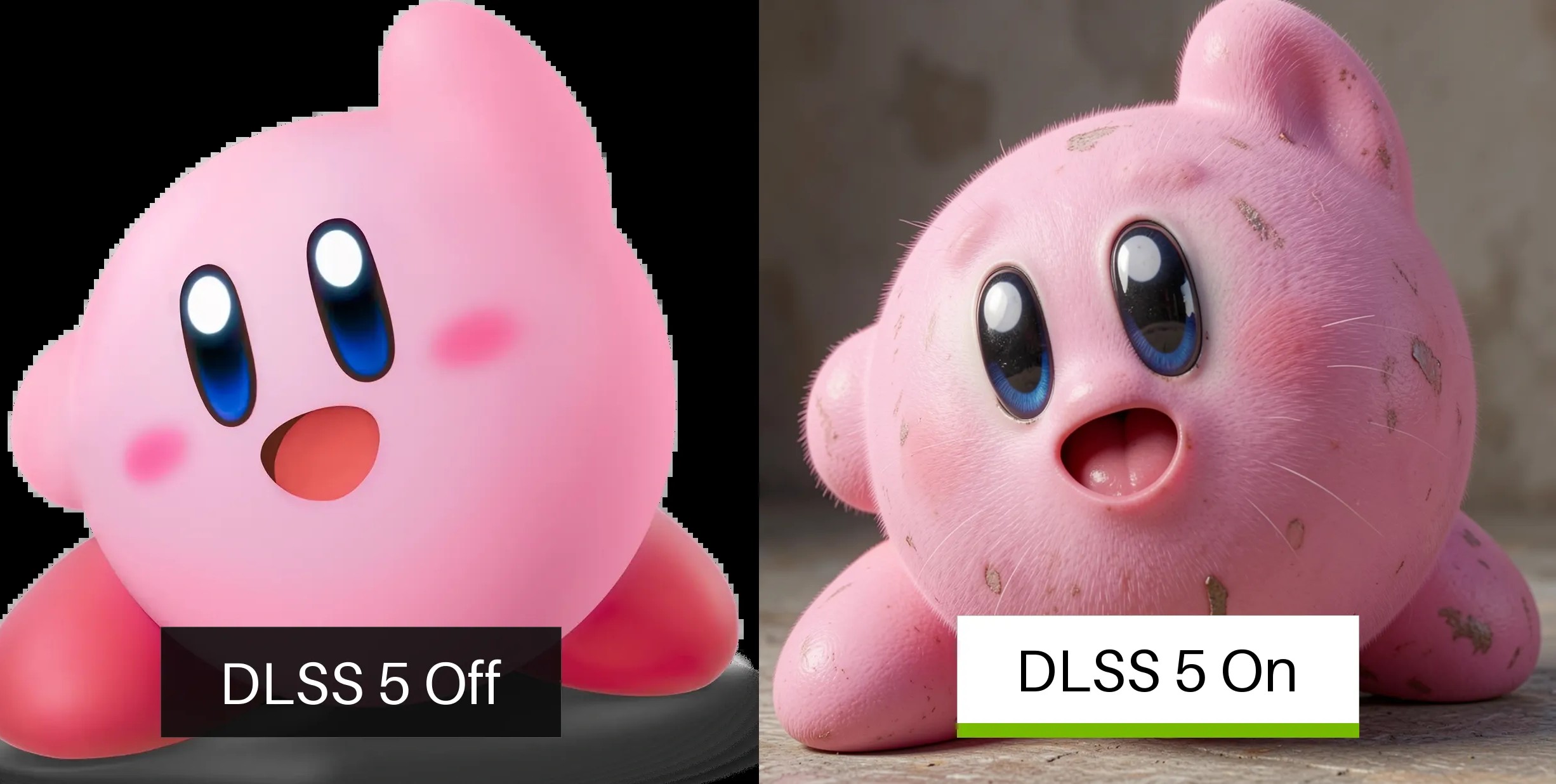
Yes, this site is simply applying the off-the-shelf open source FLUX.2 klein model to your input image.
FLUX.2 is a diffusion model (with transformer backbone, so a DiT) so to generate images, it takes random noise and denoises it iteratively in steps. The "seed" is just what generates the random data for the noise, an RNG seed basically (same seed -> same noise, if you want to rerun something and tweak it slightly with a different image or prompt).
Usually, the number of steps needed is much higher, but this is a quick model distilled from a larger model, so it only needs about 4 steps to get a decent image--more will help but it hits a ceiling since the model is small and not that capable.
As for your reference image, that is given to the model alongside the random noise that it is iterating over. It's like giving it a "before and after" shot where the after side is just tv static and it has to extract something from it in a few steps to match the input image on the left
and the task given in the prompt (the prompt for this site is literally just "make it more realistic").
FLUX.2 klein is a cool model for being very fast (you can run this entire demo on your own computer with a modest GPU or on a typical silicon Mac, easily, and quickly), but it isn't the greatest quality. Other models are much better, even the larger FLUX ones that are still free to use.