disappeared
Banned
The amount of talent in this thread is crazy. Good job.

SovanJedi said:Yay, an art thread!
I'll wait until I get to the graphics tablet at work.
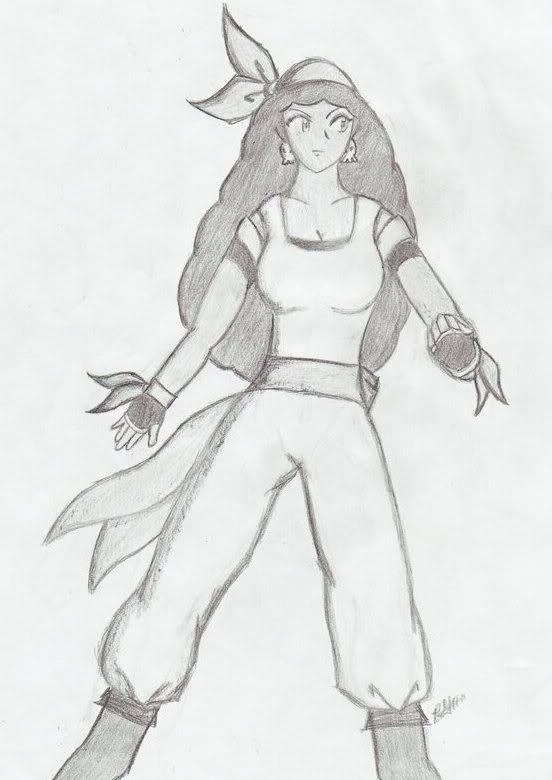
GamerSoul said:Sheik-like Ninja

I'm a basic pencil guy.

cool stuff~Devil Trigger~ said:Man I HATE Street Fighter 3 :lol


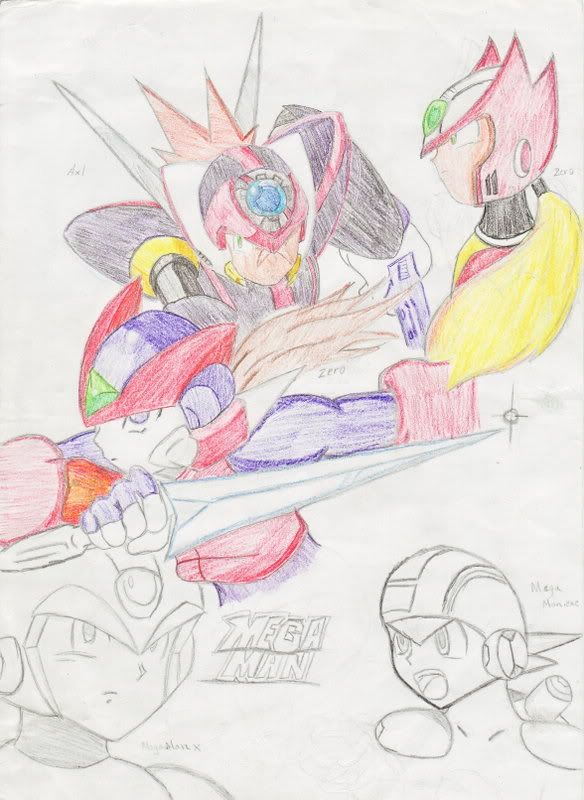
bigben85 said:reminds of the days when my notebooks were full of drawings
try using only pen and no pencil
 I usually do the face countless times till i get something i can live with. If i don't like the face, I just wasted a piece of paper.
GamerSoul said:One of these days I'll try it, but it won't be pretty.
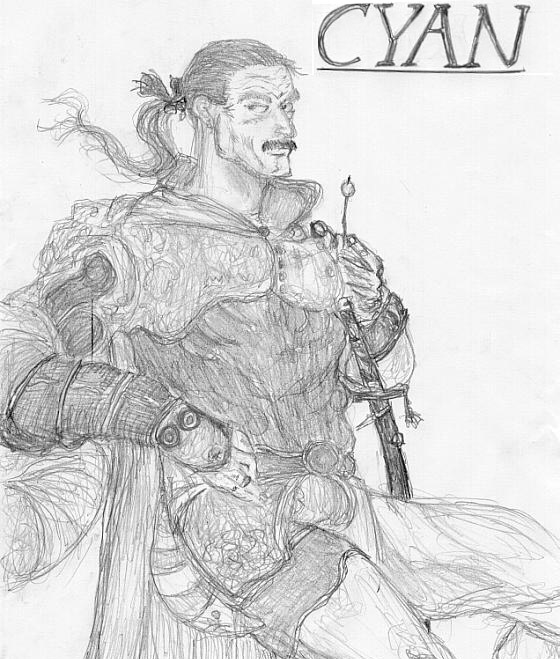
vagabondarts said:Little Nemo the Dreammaster (nes game of win)

Extollere said:
heh, a godot I did for the other art thread.
HAL_Laboratory said:If anyone is still interested in this (you know who you are), then get in touch with me ASAP!
bigben85 said:If you think deeper about it. It makes sense since then you would be more careful about making mistakes and that before you put down your mark, you already drew it in your mind..so to speak. Drawing with your mind before your hand is very beneficial
Just get used to seeing your mistakes instead of erasing and changing...
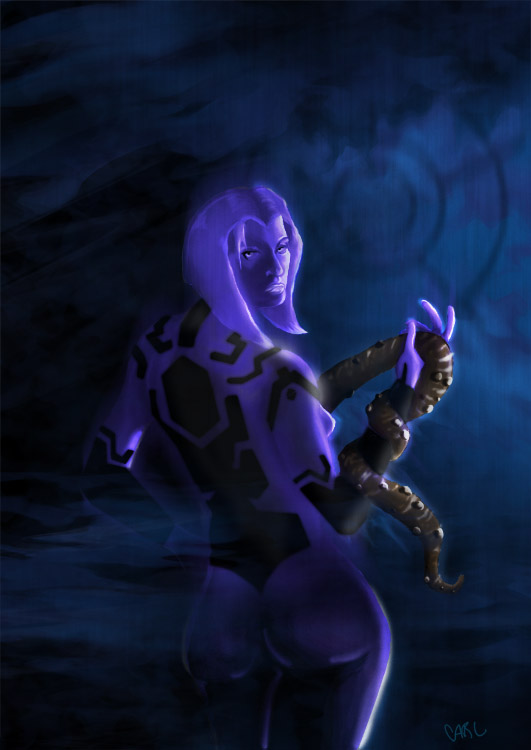
Tranny surprise?Littleberu said:Reposting sexy Cortana
Kind of awesome.bigben85 said:A Snake I did couple months ago. Kind of a failure.


Halycon said:Kind of awesome.
The new thread closed too quickly or else...
Prax said:
Halycon said:Kind of awesome.
The new thread closed too quickly or else...
guys what PC apps do you use to color in your fan art after scanning them?Photoshop or is there a special app used?
Wii too said:
RurouniZel said:
El Papa said:What settings are you guys using for your tablets when doing line art? I got a tablet as a gift, and I usually would scan my pencils in and paint in PS. I can paint with the tablet well, but doing line art is still kinda wonky. I've got a Graphire4, btw.
And now, his theme is stuck in my head. Again.Extollere said:
heh, a godot I did for the other art thread.
RurouniZel said:http://www.studio-zel.com/images/GigaGirl_FinishedComics/GigaGirl_037.jpg[/IMG]
http://www.studio-zel.com/images/wa5_kinky.jpg
http://www.studio-zel.com/images/Fanart/KH_beachcolor_final.jpg
http://www.studio-zel.com/images/Fanart/LeoMystere.jpg
http://www.studio-zel.com/images/Fanart/SakuraTaisen-small2.jpg
http://www.studio-zel.com/images/Fanart/phoenix_doujin.jpg

amazing.Jocchan said:I went back to DS Colors after a while, and this is the result:

Please don't mind the mistakes near the borders... it's because of my screen protector.
That is completely awesome.Jocchan said:I went back to DS Colors after a while, and this is the result:
Please don't mind the mistakes near the borders... it's because of my screen protector.