

• Hey Guest. Check out your NeoGAF Wrapped 2025 results here!

SFF build under the TV

I play quit a lot using Moonlight streaming (previously used official Steam Link, but this feels better now) over wired LAN from the PC in my home office to a Pi attached to bedroom TV, with big picture mode... and it's great, no complaints.

This sounds very interesting. Is there an up-to-date tutorial on getting something like this set up?
 
This is mine. The case is a Lian Li mini-ATX A3. Gives you an idea what the size would be for that type of case

B9P9rux2pYP9MMtJ.jpeg


"Mum, grandpa fell asleep playing his game again"
 
You're doing it wrong. You can have Steam auto-start in big screen mode


There was a way to even prioritize Steam boot over *almost* everything else in windows and I would basically not even see the desktop. Not sure nowadays how it is with windows 11 but it was a solution 10 or so years ago on windows 10
 
Last edited:
There was a way to even prioritize Steam boot over *almost* everything else in windows and I would basically not even see the desktop. Not sure nowadays how it is with windows 11 but it was a solution 10 or so years ago on windows 10

Windows is extremely modifiable if you really want to. you can prevent the entire desktop from loading for example if you want.
so you can probably create a setup where most Windows elements don't load at all and it just launches into steam.

just go into the registry and remove the explorer.exe from whatever the registry key is called that loads it on boot. should be somewhere in the winlogon folder.

edit: yeah, I think this could be how you load into steam before anything and don't even load the desktop.
HKEY_LOCAL_MACHINE\SOFTWARE\Microsoft\Windows NT\CurrentVersion\Winlogon
there's a key there that's called Shell... I wonder if you replace explorer.exe with a path to your steam exe, if it boots steam instead, or if you'd have to change a couple of more things to prevent explorer from loading and to make sure Steam is the first thing that loads up
 
Last edited:
This sounds very interesting. Is there an up-to-date tutorial on getting something like this set up?
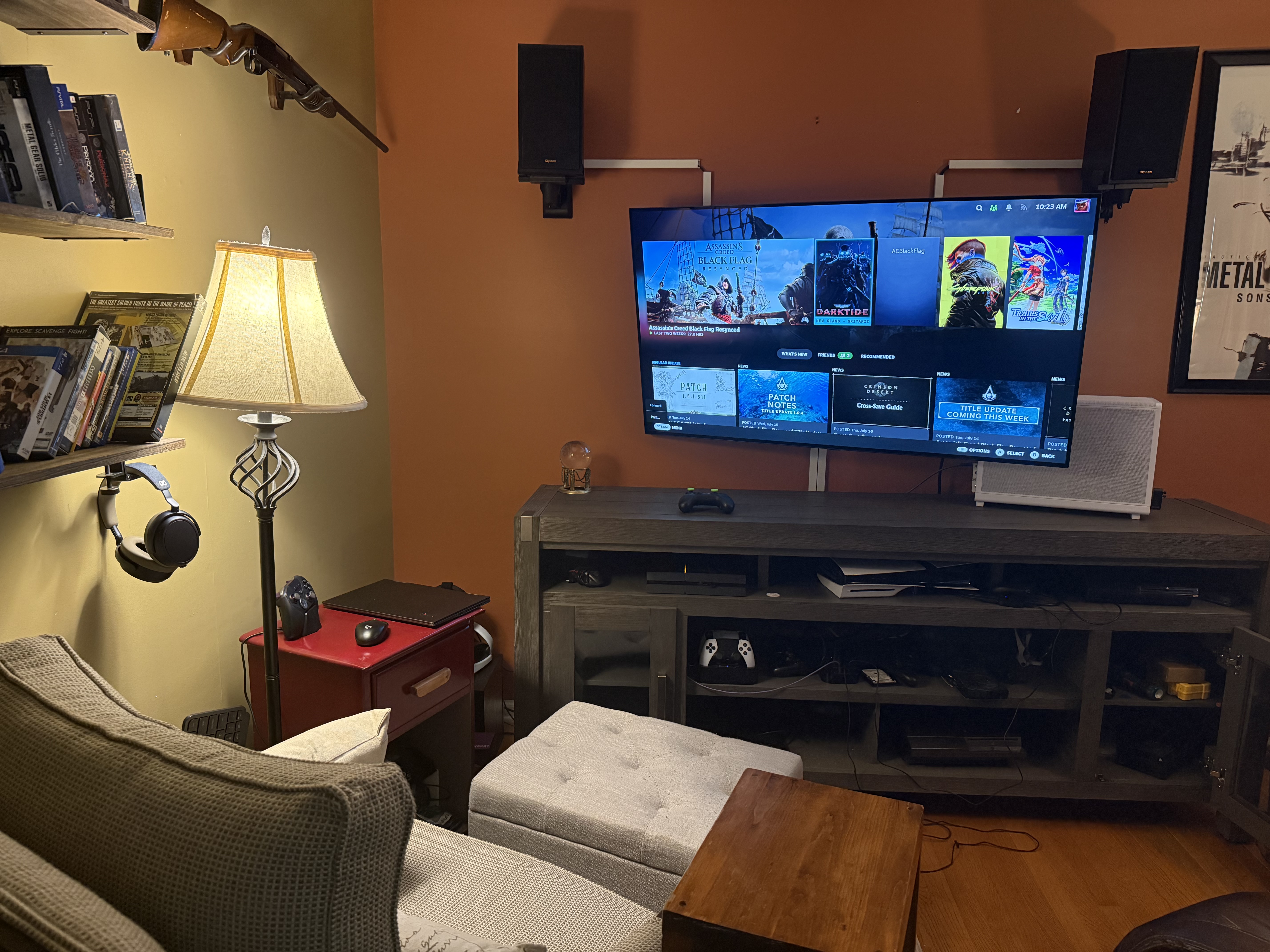
pretty standard setup I think, although it is still streaming (though very fast if you have wired conn on both sides) so some people wouldn't like it if you're playing high speed competitive games that rely on miliseconds etc. It doesn't really matter on the PC genres I play.

official guide for pi4 is here -> https://github.com/moonlight-stream/moonlight-docs/wiki/Installing-Moonlight-Qt-on-Raspberry-Pi-4

But you can surely find easier tutorials elsewhere if you want. In my case, I already had a pi model 4 (5 would be even better, but 4 is enough) sitting around so it was no risk to test it out, and I ended up keeping it this way since it works smoothly.
 
Logitech K400+ is good for living rooms. Has a trackpad instead of mouse. Not too big or too small. 2AA batteries last practically a whole year. Can use a USB extender if necessary but for most rooms the signal is great.

It's crazy how long this has been a relevant piece of hardware. I remember buying and using one of these more than a decade ago.
 
Top Bottom