winjer
Gold Member
Microsoft is rolling out its Windows 11 CPU-boosting update – here's how to enable it now
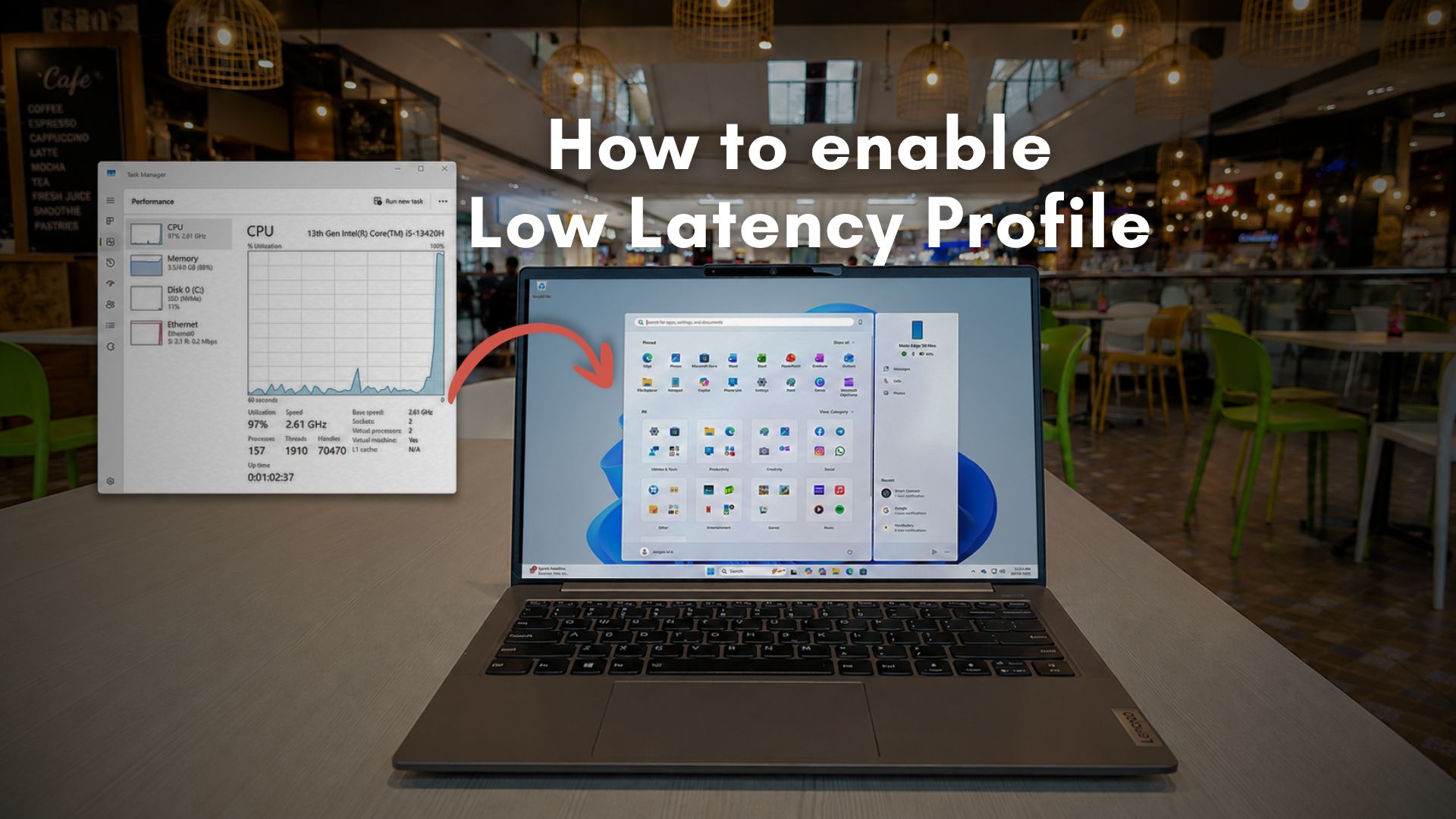
Remember the Low Latency Profile (LLP) feature that Microsoft has been working on? The frequency-boosting update is rolling out to eligible Windows 11 24H2 and 25H2 users, promising up to 70% faster flyouts and 40% quicker app launches. If you want to try it now, check out how to enable it below.
Microsoft lists the change in update KB5089573 as a "General Performance" improvement, saying it accelerates app launches and core shell experiences such as the Start menu, Search, and Action Center. This is the same LLP system we covered earlier this month, a feature that briefly pushes CPU clocks higher when Windows detects an interaction that would otherwise feel sluggish.
LLP is designed to cut those delays that make Windows 11 feel slower than it should, such as opening the Start menu, bringing up Search, launching apps, or triggering flyouts and context menus.
Instead of letting the processor ramp up gradually, Windows gives it a short burst of maximum frequency for one to three seconds, finishes the task sooner, then drops back down. Microsoft has defended the approach as normal modern OS behavior rather than a cheat, noting that phones, macOS, and Linux already use similar tricks.
Because this is Windows, the catch is that installing the update does not guarantee the feature will be enabled immediately. Microsoft is using a controlled rollout, so some users may get the code without the switch being flipped.
To get the update officially, open Settings > Windows Update > Advanced options > Optional updates, then install KB5089573. The same changes should arrive more broadly with the next Patch Tuesday security update.
Users can force-enable LLP right now using ViveTool, though that remains an unofficial method. After installing KB5089573, download ViveTool (you can do it safely right here), extract it to C:\ViveTool, open Command Prompt as administrator, run cd C:\ViveTool, then enter vivetool /enable /id:58989092 and restart the PC. There is no standard Settings toggle for LLP; once Microsoft enables it by default on your device, it should simply run in the background.
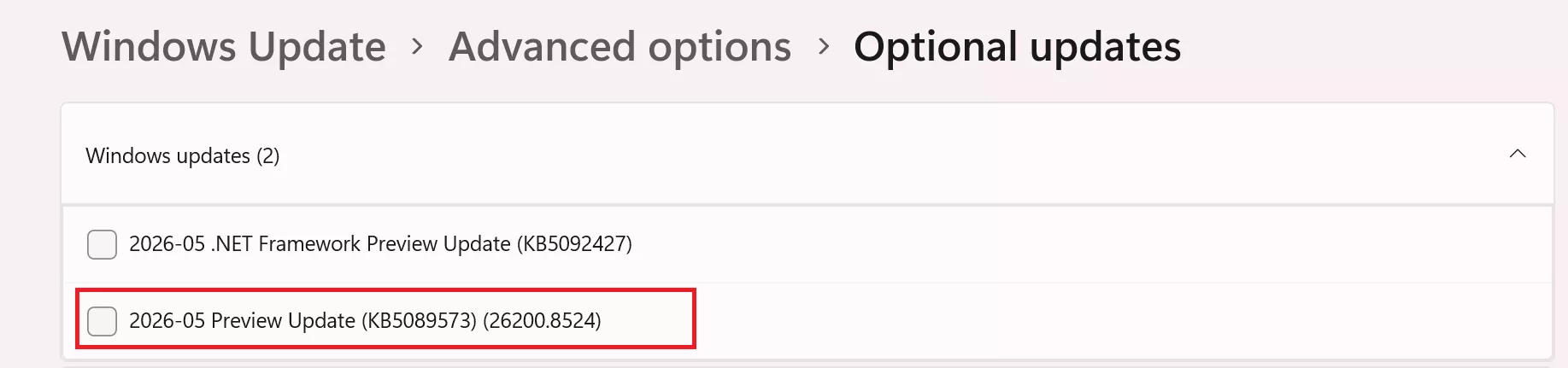
If you want to download the update directly:
Steps to Enable LLP
- Open the Windows Settings menu
- Press Windows + I
- Navigate to Windows Update
- Select Windows Update from the left sidebar
- Open Advanced Options
- Click Advanced options
- Locate Optional Updates
- Scroll down and select Optional updates
- Install KB5089573
- Find the update labeled:
KB5089573 (Build 26200.8524) - Tick the checkbox and press Download & install
- Find the update labeled:
- Restart the system
- Reboot your PC after installation completes
What LLP Does
Low Latency Profile temporarily increases CPU clock speeds for approximately one to three seconds when launching Windows-integrated applications or interacting with interface components such as:- Start Menu
- Context menus
- Microsoft Edge
- Outlook
Important Notes
- LLP is currently limited mainly to Microsoft "in-box" applications and Windows UI components.
- Games and third-party applications generally do not directly benefit from the feature.
- Rollout is gradual, meaning some users may not immediately notice changes after installing the update.
- The feature is currently tied to Windows 11 25H2 preview-style updates and may evolve in future releases.

Last edited: