

-
Hey Guest. Check out your NeoGAF Wrapped 2025 results here!
You are using an out of date browser. It may not display this or other websites correctly.
You should upgrade or use an alternative browser.
You should upgrade or use an alternative browser.
Dolphin 4.0 Released
- Thread starter PGamer
- Start date
For those who are interested the Dolphin team posted an article on their site about their experiences working with different graphics drivers, the state of drivers on Linux and mobile, and the recent announcements regarding NVIDIA Linux drivers and AMD's Mantle.
https://dolphin-emu.org/blog/2013/09/26/dolphin-emulator-and-opengl-drivers-hall-fameshame/
https://dolphin-emu.org/blog/2013/09/26/dolphin-emulator-and-opengl-drivers-hall-fameshame/
For those who are interested the Dolphin team posted an article on their site about their experiences working with different graphics drivers, the state of drivers on Linux and mobile, and the recent announcements regarding NVIDIA Linux drivers and AMD's Mantle.
https://dolphin-emu.org/blog/2013/09/26/dolphin-emulator-and-opengl-drivers-hall-fameshame/
Just throwing this out there, but I think it might be better to just include a link to the article and a small snippet instead of including the entire article in quotes. It's sort of a huge thing to just embed here.
Just throwing this out there, but I think it might be better to just include a link to the article and a small snippet instead of including the entire article in quotes. It's sort of a huge thing to just embed here.
Maybe I'm getting too used to browsing GAF fullscreen. I can edit it out if anyone has problems browsing the thread.
Shin Johnpv
Member
Anyone had any luck getting the toshiba stack to work with the built in M+ controllers? Trying to play SS with the adapter just ain't cutting it.
ccctrlaltdelete
Banned
Maybe you just need to get the right settings down or perhaps you need to overclock your cpu?
What are your using? Cpu and gpu-wise?
What are your using? Cpu and gpu-wise?
Maybe you just need to get the right settings down or perhaps you need to overclock your cpu?
What are your using? Cpu and gpu-wise?

My CPU is overclocked to 4.0 mhz. I have a great fan and can probably push it higher, but from what I've read, dolphin is simply not written for AMD CPUs.
Ingueferroque
Banned
I was so damn excited to play some Monster Hunter Tri online in some HD goodness, only to find out they shut down the damn servers. Son of a bitch, capcom. Dammit.
Same here bro.
ccctrlaltdelete
Banned
I'm also using amd, an fx-6100 and I'm having no real issues so far, frame rate-wise anyway. At least not with the games I have, unfortunately I don't have f-zero so I can't confirm if it's an amd thing.
Mine's running at 4.3ghz so maybe that's making a difference, I'm not too sure though.
Maybe there are still some issues with how dolphin runs f-zero.
Edit: Just looked it up, apparently the game-ini for f-zero forces efb to ram which is much slower than efb to texture.
Try going to:
Options - Hotkey Settings
Set a key for Toggle EFB Copies (e.g [5])
Now load up the game and press the key you set (e.g [5]). You should see a message say that it's been set to texture at the top left of your screen.
Try some races and see if it helped at all.
Mine's running at 4.3ghz so maybe that's making a difference, I'm not too sure though.
Maybe there are still some issues with how dolphin runs f-zero.
Edit: Just looked it up, apparently the game-ini for f-zero forces efb to ram which is much slower than efb to texture.
Try going to:
Options - Hotkey Settings
Set a key for Toggle EFB Copies (e.g [5])
Now load up the game and press the key you set (e.g [5]). You should see a message say that it's been set to texture at the top left of your screen.
Try some races and see if it helped at all.
GravityMan
Member
I ended up going back to Dolphin 3.5 for Xenoblade. The game runs pretty well for me with 4.0 in terms of framerate but I was getting this weird quarter-to-half second delay in audio SFX feedback, for example when making Shulk jump or navigating the menu. Even when using my same config settings as 3.5. I was also getting that faint popping sound every 3-4 seconds that Munin mentioned.
While not perfect, Xenoblade runs better overall for me in 3.5 than it does in 4.0 with my settings. Also, a couple of days ago I moved the game, its HD custom textures and Dolphin itself to my SSD and that seemed to eliminate nearly all stuttering.
This is on an i7-860 that I overclocked to 3.5 GHz and a factory OCed GTX 670.
I haven't tried any other games (The Last Story, etc.) yet with 4.0.
While not perfect, Xenoblade runs better overall for me in 3.5 than it does in 4.0 with my settings. Also, a couple of days ago I moved the game, its HD custom textures and Dolphin itself to my SSD and that seemed to eliminate nearly all stuttering.
This is on an i7-860 that I overclocked to 3.5 GHz and a factory OCed GTX 670.
I haven't tried any other games (The Last Story, etc.) yet with 4.0.
I'm also using amd, an fx-6100 and I'm having no real issues so far, frame rate-wise anyway. At least not with the games I have, unfortunately I don't have f-zero so I can't confirm if it's an amd thing.
Mine's running at 4.3ghz so maybe that's making a difference, I'm not too sure though.
Maybe there are still some issues with how dolphin runs f-zero.
Edit: Just looked it up, apparently the game-ini for f-zero forces efb to ram which is much slower than efb to texture.
Try going to:
Options - Hotkey Settings
Set a key for Toggle EFB Copies (e.g [5])
Now load up the game and press the key you set (e.g [5]). You should see a message say that it's been set to texture at the top left of your screen.
Try some races and see if it helped at all.
No difference other than glitched out shadows. I tried WW and it seemed playable but that was only the starting area.
No difference other than glitched out shadows. I tried WW and it seemed playable but that was only the starting area.
For what its worth, perhaps your GPU is the issue? The GTX 460 is a really old card at this point.
What are your graphics settings in Dolphin?
For what its worth, perhaps your GPU is the issue? The GTX 460 is a really old card at this point.
What are your graphics settings in Dolphin?
Default. Only clicked use fullscreen. Left it was lowest rez.
Cannon Goose
Member
Is there any way to unstretch the HUD and turn off the depth of field/distance blur in Wind Waker?
Continued.
Just throwing this out there, but I think it might be better to just include a link to the article and a small snippet instead of including the entire article in quotes. It's sort of a huge thing to just embed here.
The article didn't mention that Nvidia is also sending out a Shield to some of the developers, too.
Xenoblade works great, but I have got some very faint crackling on the audio. It's not stuttering, the audio's completely fine otherwise, just a barely audible pop every 3 or 4 seconds, just loud enough to be annoying. What should I try changing to fix this?
Xenoblade's audio is one of the hardest things to get to work well in Dolphin, IME. Honestly, I think the best solution is just to get the 3.0-something version of Dolphin that's specifically set up for the game. Other than the picture next to the save file being messed up, it runs flawlessly and is a lot easier on your computer than using LLE with a different version of Dolphin. I recently played through it again and tried for a while to get a very recent 3.5-something build to work for it and had not much luck. Depending on settings, it would slow to 20-24 fps in fights, the audio would play too quickly, or it would start crackling after about an hour.
TheCongressman1
Member
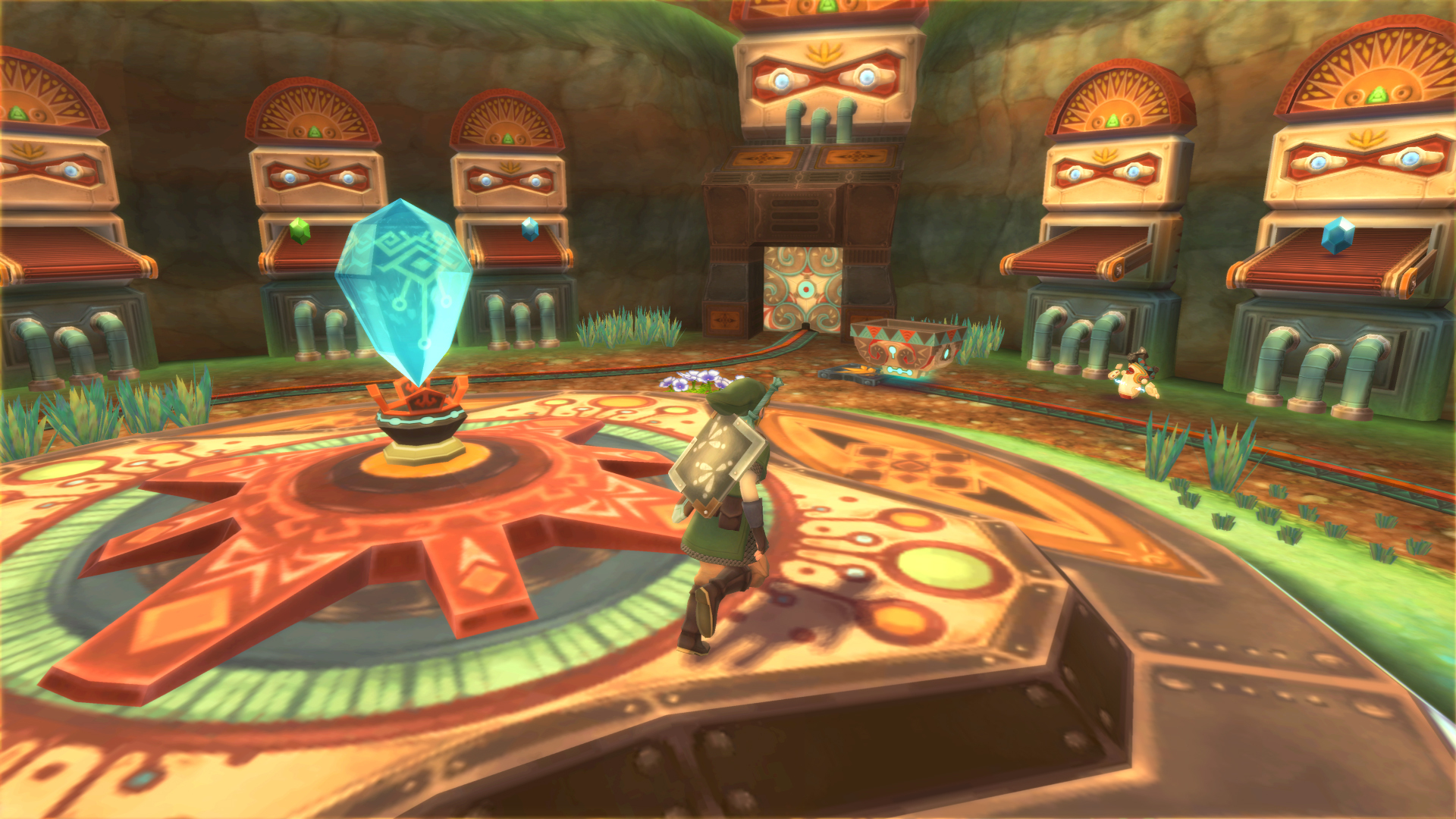
Skyward Sword runs super smooth in DX11, but when I got to the Mining Facility I ran into the half-link issue...

I read that the only real way to fix it is to use OpenGL or DX9. It does take care of it when I run it in DX9, but not in GL. My problem is that the game lags so much when I use DX9 it's not even worth using it.
Anybody have any ideas on how to get DX9 running more smoothly on my machine?
I read that the only real way to fix it is to use OpenGL or DX9. It does take care of it when I run it in DX9, but not in GL. My problem is that the game lags so much when I use DX9 it's not even worth using it.


Anybody have any ideas on how to get DX9 running more smoothly on my machine?
lensoftruth
Member
2500k at stock paired with a 7970.You're welcome.
If you read the post I linked you to, you'd see that it's basically needed to avoid hanging (black screens). If you get black screens, use LLE to pass them unless they happen too frequently, then you'll have to deal with the lag and use LLE.
What are your specs by the way?
I agree with Alo. Posting a link is much better because the article might get updated and you'll be giving people wrong and outdated information by copy pasting the content here. Not a big deal with this article in particular, but just a thing to keep in mind for future articles.Maybe I'm getting too used to browsing GAF fullscreen. I can edit it out if anyone has problems browsing the thread.
Are you using anti-aliasing with Direct3D9? If so, disable it since it's using SSAA instead of MSAA (Direct3D11).Skyward Sword runs super smooth in DX11, but when I got to the Mining Facility I ran into the half-link issue...
I read that the only real way to fix it is to use OpenGL or DX9. It does take care of it when I run it in DX9, but not in GL. My problem is that the game lags so much when I use DX9 it's not even worth using it.
Anybody have any ideas on how to get DX9 running more smoothly on my machine?

NoSkillz187
Member
Sonic Colors is running at 25 fps for me. Need some help, GTX 480, i7 930 2.8ghz.
Sonic Colors is running at 25 fps for me. Need some help, GTX 480, i7 930 2.8ghz.
Did you try this method?
If the problem still happens then it might be your CPU, if not, check the other settings, something might be causing the slowdown.
I agree with Alo. Posting a link is much better because the article might get updated and you'll be giving people wrong and outdated information by copy pasting the content here. Not a big deal with this article in particular, but just a thing to keep in mind for future articles.
Alright, makes sense. I've edited out the body and just left the link.
EatChildren
Currently polling second in Australia's federal election (first in the Gold Coast), this feral may one day be your Bogan King.
Backfoggen
Banned
Does Killer 7 run good
Ingueferroque
Banned
Lost 2 hours in Chibi Robo due to my save file not updating, will tread carefully now.
It's worth checking other settings as well. I still had EFB copies to ram selected from messing around with The Last Story, and that caused Sonic Colours to run at 20FPS. Swapped it back to Texture and it worked mostly alright. Only problem for me is the game occasionally drops to sub-10FPS and then goes back up to 30FPS again.Did you try this method?
If the problem still happens then it might be your CPU, if not, check the other settings, something might be causing the slowdown.
F-Zero GX runs better. But still not good enough. Wish Dolphin ran good on AMD CPUs. Such a bummer.
F-zero went from being completely unplayable to pretty great with only a minor stutter now and then for me, So i'm happy with Dolphin 4.0.
I'm using a Sandy bridge i5 and GTX 680 though.
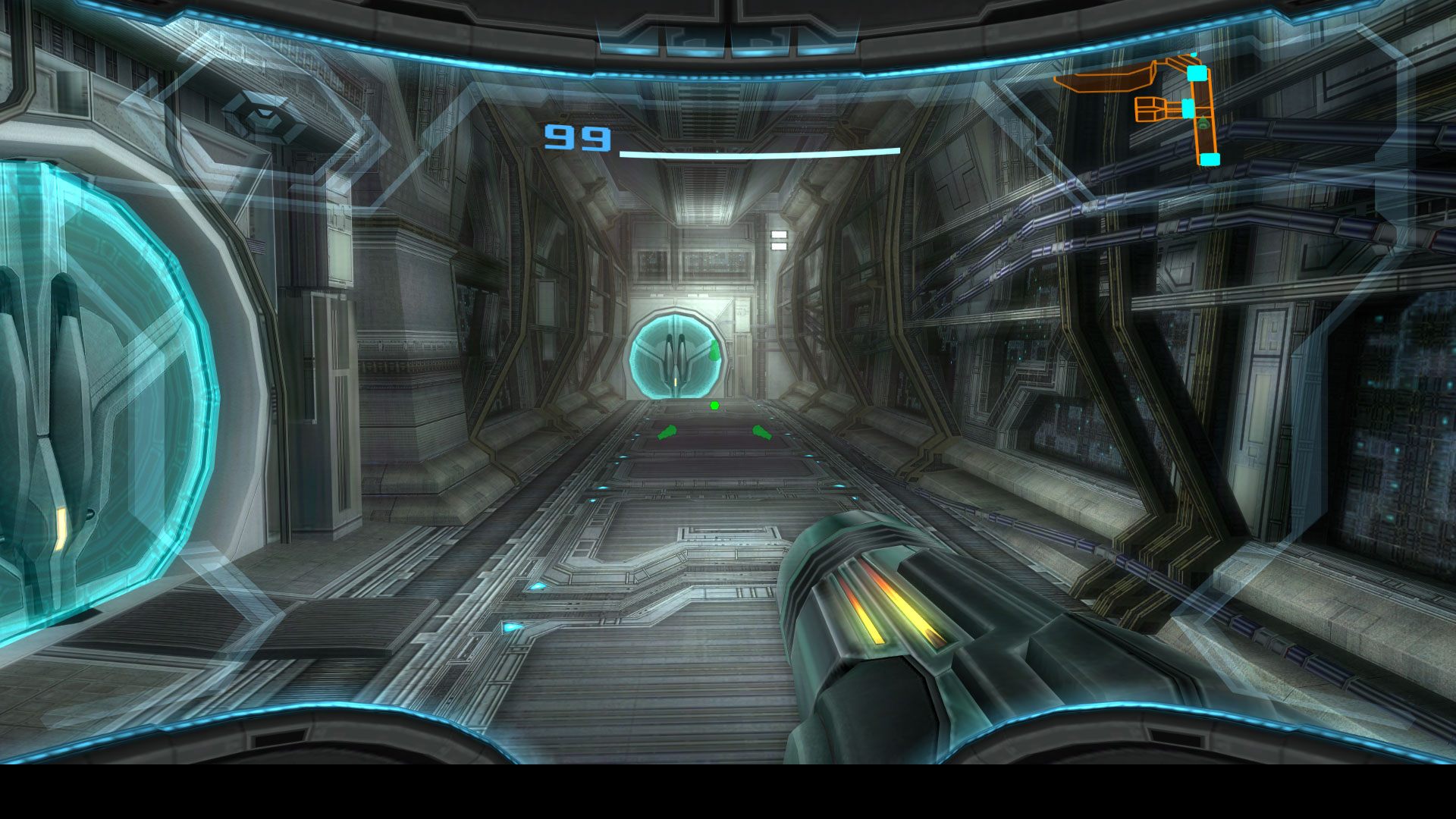
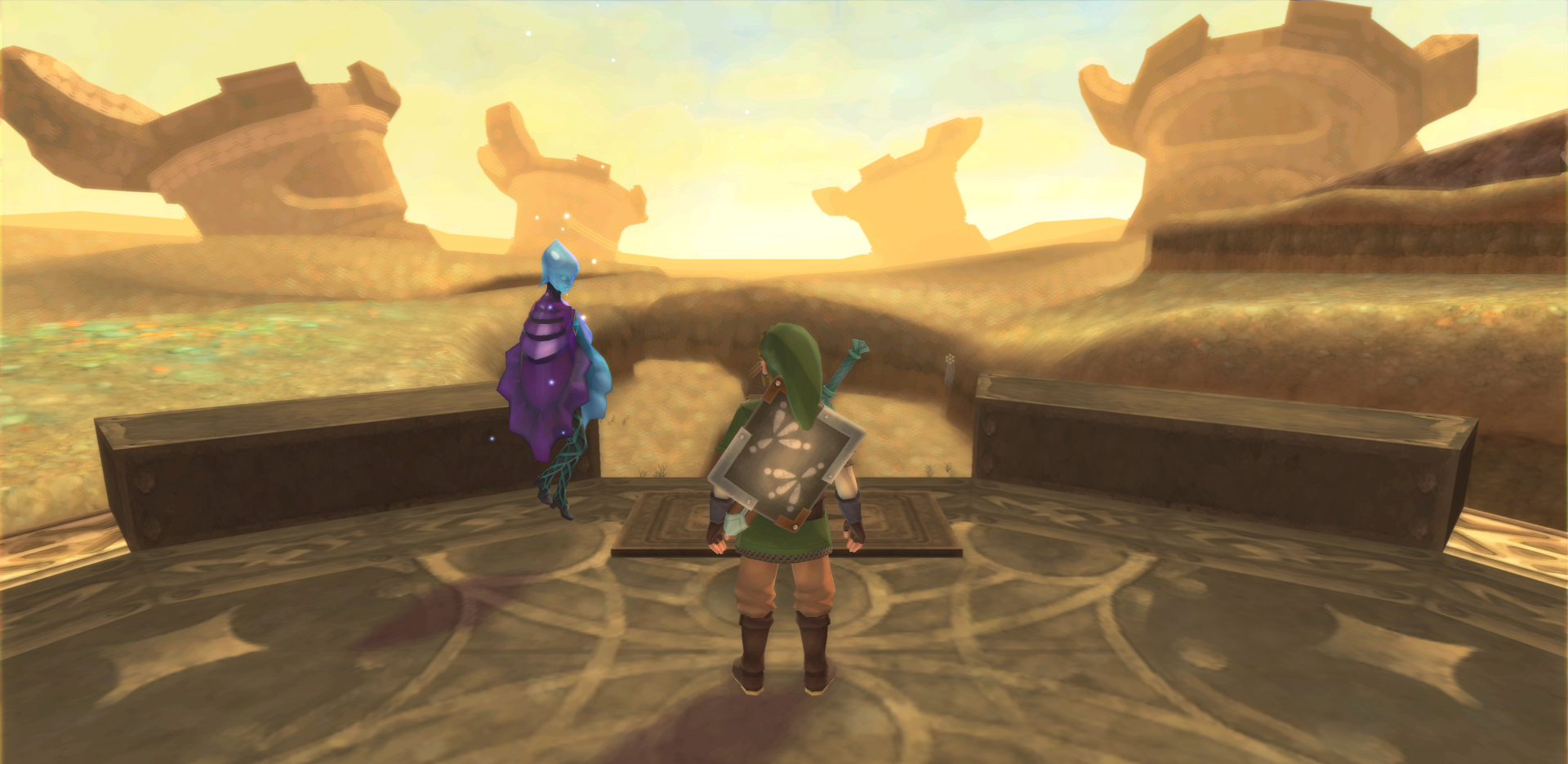
been messing about with SweetFX with Wind Waker, trying to match WiiU bloom madness.
Trying find a sweet spot between because it looks beautiful just little too much in my current settings.


Wanna share your SweetFx? for some reason the Gaussian doesn't work in mine.
Cow Mengde
Banned
Guys, how does HD textures work? I looked up some guides na dit seems simple enough, but I can't get it to work.
The game is Twilight Princess GC version. I have the right texture pack. I have it in the right folder. I have load textures checked. I have the right version of the game/textures. The name of the folder is also correct. Yet no matter what, I can't get the textures to load.
The game is Twilight Princess GC version. I have the right texture pack. I have it in the right folder. I have load textures checked. I have the right version of the game/textures. The name of the folder is also correct. Yet no matter what, I can't get the textures to load.
ViewtifulJC
Banned
My old bluetooth dongle for SS broke, any recs? Wins 7, x64bit

Portugeezer
Member
been messing about with SweetFX with Wind Waker, trying to match WiiU bloom madness.
Trying find a sweet spot between because it looks beautiful just little too much in my current settings.
Before reading I thought the first screen was WW HD.

ViewtifulJC
Banned
Where do you guys download your ROMs?
Reggie is giving them away on Twitter
KojiKnight
Member
My beast of a machine could barely run twilight princess and skyward sword didn't work because dolphin didn't support Wii remote plus. I wonder if this version fixes all that.
Dolphin has supported Wiimote+ for years now... I've been playing SS on dolphin since the day it came out on my limited edition gold wiimote that came with the collector's edition of the game

Portugeezer
Member
Where do you guys download your ROMs?
You have to extract the ROM's from your butthole.
Where do you guys download your ROMs?
You buy a retail copy.
Spaaaaaaaaace
Member
I don't have bluetooth or a wireless sensor bar, but I want to replay Skyward Sword. I read you could use a 360 controller, but I can't figure out how to set it up and bypass motion plus. Can anyone help?
Wanna share your SweetFx? for some reason the Gaussian doesn't work in mine.
http://ge.tt/421lZJt/v/0?c
SweetFX folder
and here's my current config, Ive reduced the amount of bloom from the shots in this one, perfect balance for me.
http://ge.tt/3c1BaJt/v/0?c
