• Hey Guest. Check out your NeoGAF Wrapped 2025 results here!

I dislike the Xbox One UI.

If you have to watch tutorial videos to navigate a UI then it's not a very intuitive UI.

yup. A home console should not require a tutorial. It is not a game itself. It is not a home PC. The xbone UI is confusing and complex. Really important set ions like “my games and apps” are not front and center. There snapping and focus switch between items can be confusing too. Then there’s the breadcrumb trail B button issues and the ridiculous party making UI.

It’s not obvious or easily discoverable.
 
UI that needs a tutorial. Why bother?

Honestly MS is so committed to metro that they have sacrificed usability to get parity.

Great, your UI is the same on multiple devices and it only really works correctly on 2. Phones and tablets.
 
Sounds like the response to every change/something different. Whether that's windows 8 or a facebook layout change.

If something has a GUI, then a GUI is a GUI is a GUI. It will take some time to learn its nuances but there you go. The intuitiveness comments are fair enough at this early stage.

I don't have an Xbox One but I thought you could flick through the menus using Kinect gestures anyway? So far it seems either voice or controller - are gestures not a feature?
 
For the inception issue, you just have to remember that everything is an app on the Xbox One. There is no navigating "into" the main Dashboard UI. There is no hierarchy. Everything you select there is an app.

The big tile is your most recently run app. And the smaller tiles underneath the big tile are your next most recently run apps.

Which in my opinion is a really terrible decision.
 
Sounds like the response to every change/something different. Whether that's windows 8 or a facebook layout change.

If something has a GUI, then a GUI is a GUI is a GUI. It will take some time to learn its nuances but there you go. The intuitiveness comments are fair enough at this early stage.

I don't have an Xbox One but I thought you could flick through the menus using Kinect gestures anyway? So far it seems either voice or controller - are gestures not a feature?

My point is not that it is different, but there is no sense of place. I don't think you will get used to not knowing where B is going to take you.
 
im loving the UI but I thinks thats because I'm loving voice control. Without that I think I'd find it time consuming. With voice commands its very shiny.
 
I honestly don't know where Metro started going wrong. It was all so simple and easy to use. Now it is just completely clustered and difficult to use.
 
I don't like the Windows 8 "everything is a matching box" and has super bright neon colors. Seems very visually cluttered even if it is minimalist to an extent.
 
I also find the UI to be very inconsistent. Some parts of it don't have voice commands that others have. I can't (or haven't figured out) how to control the Blu-Ray app with my voice, for instance. Voice commands are ok in general, but especially the "dynamic" ones like names of music titles don't work at all.

Gestures are the worst. Very awkward and almost non-functional. I haven't expected that lack of precision and responsiveness from the new Kinect. It's awful. The should not have included them.
 
I think its really cool, really awesome and that Kinect works really well with it. The PS4 is much more simple/quick, whereas the X1 just has a lot more going on. I have both, and personally adore the X1's UI and where it will eventually be in the future. But I also enjoy the quickness/simplicity of the PS4. A lot comes down to personal preference
 
Yeah, the main thing that's bugged me is when you go into the store or achievements from another program, you can't hit B to go back. Example: you're playing KI or something and get an achievement. You hold the X guide button to view the achievement. You can only see that one, and can't hit B to go back. The same thing happens while in the store.
 
I already disliked the Xbox 360 UI ever since it became that Metro shit. The Xbone UI seems to be an even worse version of that.

My TV is not a touchscreen, MS. And I don't give a shit about Kinect controls.
 
1.) Using B to go back is treated like a browser history rather than taking you up levels in a hierarchy in some places (but seemingly not others?). If I am in the store page for Killer Instinct I expect B to take me back to the store, then B again to take me out of the store. Instead it seems to take me to previous pages I have looked at. This is very unintuitive.

Yeah, this is driving me crazy as well.
 
For people telling the OP to just "watch the tutorials", that's the entire point. He says it is unintuitive. To me, the mark of a good UI is how intuitive it is to use. A system which clearly constructs and follows its own logic, no manual or tutorial required. Sure, it's not much work to watch a tutorial, but that doesn't make it magically intuitive and any less in need of improvement.

edit: Beaten many times over. I am slow.
Yeah, I never had to watch a tutorial for the PS4. I like it, its simple and slick. I never liked the 360 UI after the blades went away.
 
Honestly I feel the XB1 UI has been the only truly "next-gen" moment for me so far on either system. It's not perfect though, they definitely have some things they need to make a little easier and yeah the home screen in a home screen is pretty bad. Nothing that can't be easily tweaked in an update though.
 
Honestly I feel the XB1 UI has been the only truly "next-gen" moment for me so far on either system.

Can you elaborate on some benefits that you see in it? I am honestly struggling to recognize them. Switching between different apps/games is not bad, but it get's cumbersome to repeat the same robotic commands all the time. I figure that I'd be faster with the controller if I pin all relevant apps/games.

In general, I find all those minor bugs and missing features more inconvenient than anything else. For instance, if I leave the Blu-Ray app to play a game and return to the movie later, the player hasn't remembered where I left and starts the disk all over again. In some apps I can use voice commands to navigate (My games & apps) but in others I can't (Settings); why? I have to explicitly say "Xbox, select" before I can issue the actual command like "Back"; again, why? It just all so cumbersome.
 
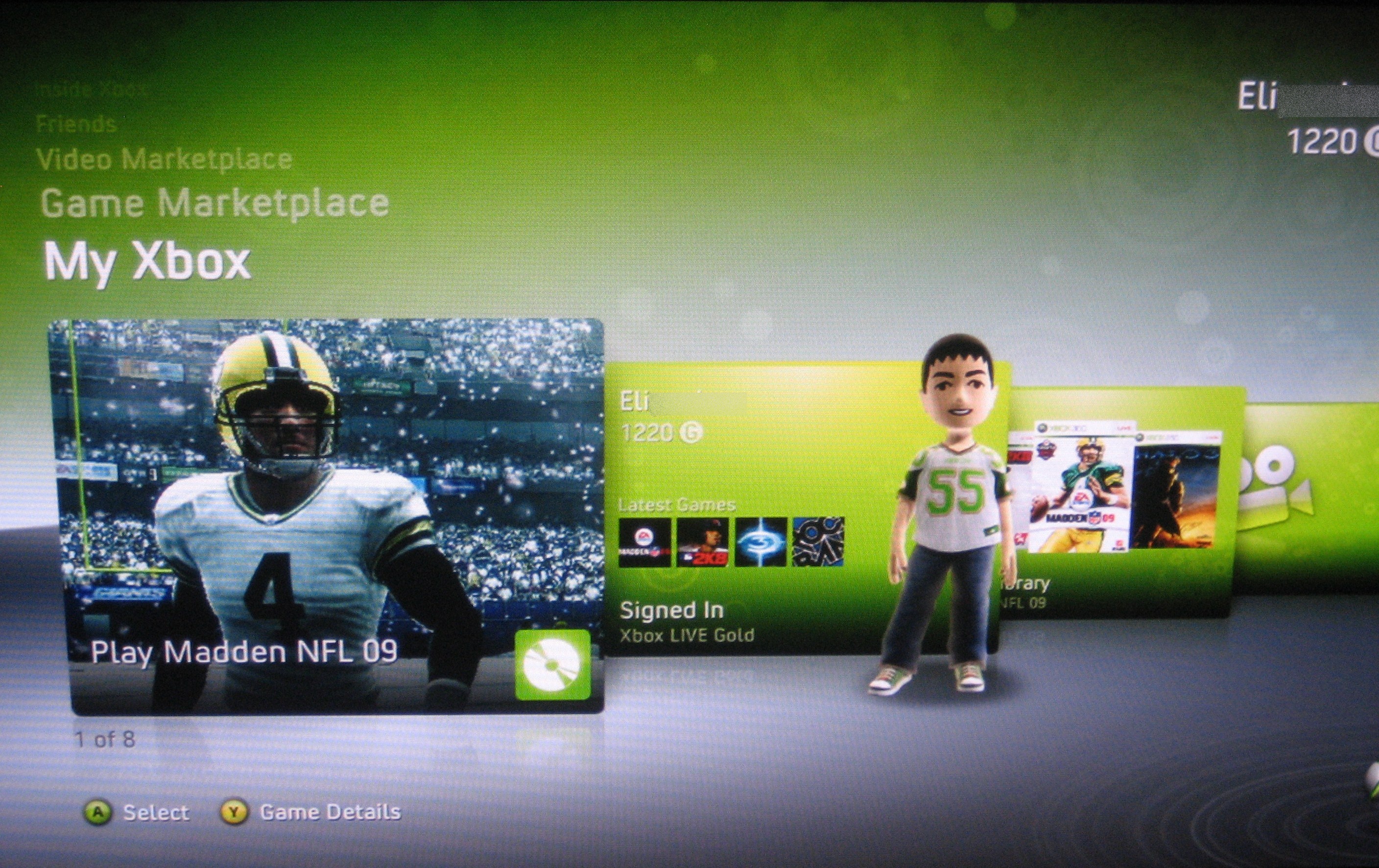
dash2.jpg


I really liked this UI. Then they changed it to a metro hybrid and it got more confusing and full of stupid ads.

Still rocking that one, haven't gone online since :D
 
Honestly I feel the XB1 UI has been the only truly "next-gen" moment for me so far on either system. It's not perfect though, they definitely have some things they need to make a little easier and yeah the home screen in a home screen is pretty bad. Nothing that can't be easily tweaked in an update though.

I think you mix up UI and function.
 
The UI absolutely boggles my mind with how convoluted it is. It's a complete mess. I understand how people can get swooned by the nice little animations and the voice commands, but this is anything but intuitive. The fact that the GUI needs a tutorial is so telling.
 
Are we really reaching the point were one needs a tutorial to learn how to use the interface on a fucking gaming console?

What the fuck?
 
I really wish they created a next gen 'Xbox guide' for parties, friends, etc like the 360. I thought that was the best part of the 360's UI, how fast I could get to my messages & friends list.
 
The UI absolutely boggles my mind with how convoluted it is. It's a complete mess. I understand how people can get swooned by the nice little animations and the voice commands, but this is anything but intuitive. The fact that the GUI needs a tutorial is so telling.

It just needs some things to get ironed out. love it otherwise,much better than the bland,boring bare bones PS4 UI.
 
I agree with OP. It's somewhat confusing at first.


Also, why can't I snap the message application? or how abut the friends application? Or am I doing something wrong? seems like the most obvious feature for it (like when you're watching tv for example)
 
It operates differently to what people are used to so as well as doing things that a console has never even done before so obviously there is going to be a learning curve in both development and usage.
 
Put me in both the "dislike" camp and the "you shouldn't need a tutorial for a good UI" camp.

I think the Xbox Guide Button Menu was a huge loss... no matter where you were in the 360, no matter what you were doing, hit one button and you go straight to one place that has almost every option you need.
 
It operates differently to what people are used to so as well as doing things that a console has never even done before so obviously there is going to be a learning curve in both development and usage.

It shouldn't need a learning curve, why didn't they copy apple or Sony and just iterate on what they had? Would have been a much easier and less confusing UI.
 
When you need a tutorial for your UI, then you know it's not intuitive. The first time I picked up an iPad, I didn't need a tutorial.
 
Put me in both the "dislike" camp and the "you shouldn't need a tutorial for a good UI" camp.

I think the Xbox Guide Button Menu was a huge loss... no matter where you were in the 360, no matter what you were doing, hit one button and you go straight to one place that has almost every option you need.

wat

there's no guide button menu?

wat

wat
 
It just needs some things to get ironed out. love it otherwise,much better than the bland,boring bare bones PS4 UI.

How is it much better ? That's a serious question. I havn't tried the PS4 GUI yet. But i'm a GUI/interaction designer by profession and i would love to hear why you prefer the xbox one GUI.
 
It shouldn't need a learning curve, why didn't they copy apple or Sony and just iterate on what they had? Would have been a much easier and less confusing UI.

because having the ability to do 2 things at once is a big plus. They just need to refine it for controller only people.
 
I too am not sure what to make of this UI. For starters, the friends list and achievements are so much less convenient to use. To see what friends are currently online involves loading the friends app, changing to friends, and then choosing friends online now. Who the fuck thought this was a good idea? Seriously.

Likewise achievements are now these huge horizontal lists with big pictures for each one, as if anyone wants to stare at big pics for each achievement they've ever earned. Just like the friends list this us just pure WTF madness.

The two most common things I looked at not the 360 are how so out of my way or poorly laid out I don't even want to bother with them now.
 
Top Bottom