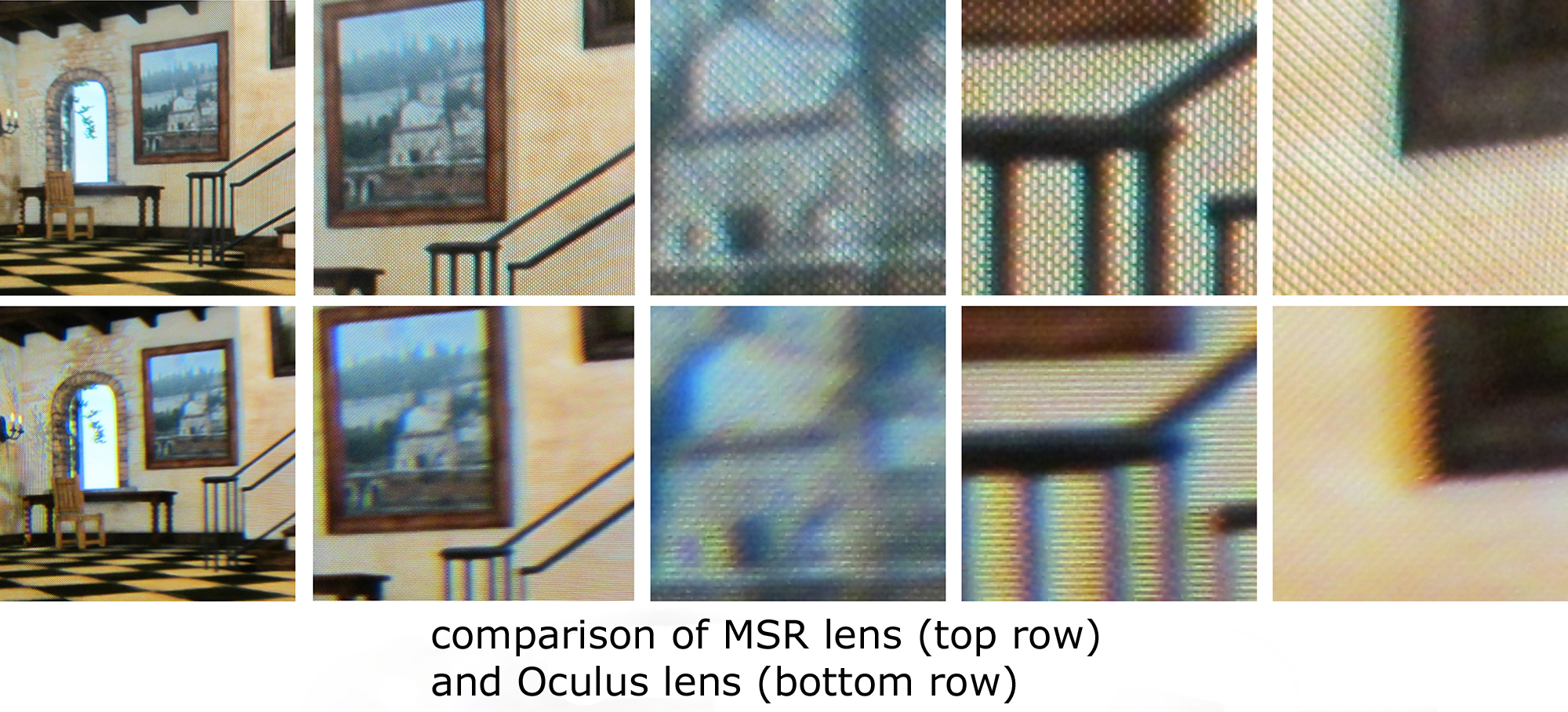
Yes, the PPI of a screen is a hard mathematical truth, but the fact of the matter is that PPI by itself means nothing as far as the visual fidelity goes. It's like comparing horsepower on vehicles and somehow deriving that because X vehicle has more horsepower, it'll be faster when in reality horsepower is just one of many factors. Ultimately the only thing that matters for perceived resolution of a display device is how many pixels show up in a given degree/arc second of a person's vision. Everything else is just a means by which to come up with that figure. Distance doesn't matter either insofar as distance itself goes. Rather, the distance simply provides a means by which to calculate the above. As the distance of a screen increases, the number of pixels that occupy a given degree in the FOV also increases due to geometry and the way lenses in the eye work. Basically for a given static sized image, the further it is away, the less horizontal FOV it takes up and thus the more any given swath of it is condensed onto fewer photo receptors in the eye. The same effect can be obtained by increasing the resolution at the same size (IE the PPI). Taken in a vacuum, however, the distance, PPI, and resolution are meaningless and only become directly comparable when dealing with situations where everything else is the same.
This is what I've been trying to get at the whole time. Comparing the PPI of the rift to the monitor is pointless because it's apples and oranges when you're trying to ascertain how clear the image is to the user. While the monitor has lower PPI, it'll have a vastly superior image quality due to how many pixels are being perceived per degree of vision.
Also not sure how you're arriving at 22+ with the calculator. You can't just add both screen's horizontal resolution together if that's what you're doing. The resolution per eye is still limited to any one screen. It's similar to the 3DS in that the screen's horizontal resolution in 3D mode has to be cut in half because each eye is only seeing half of it. While there might be some benefit from having two similar sized pixels rendering in a given area for our final visual perception, it's certainly not going to be perceived as twice as clear.