• Hey Guest. Check out your NeoGAF Wrapped 2025 results here!

Tekken 7 PC performance thread

Any idea why the Steam overlay does not work for me in this game? It's frustrating because to see invitations or chat windows when I play with friends I have to use alt-tab and the game has frozen or crashed a few times after doing this.


Maybe you have Rivatuner/Afterburner on.
 
I'm gonna hazard a guess you're not using GPU scaling? Because that's the broken feature. If you use monitor scaling, then some resolutions will be available (at least in some games), but not all will work. Your milage may vary.

Anyway, it's likely the driver. And I believe you may have to jump back a couple months.

Not GPU scaling since I don't know what this option does.
 
Not GPU scaling since I don't know what this option does.

It lets the GPU handle the image scaling before it's output to the screen. Basically enabling more custom resolutions, but with a potentially poorer algorithm.

Or to make it even clearer; downsampling occurs before the image is output to the screen, instead of after.
 
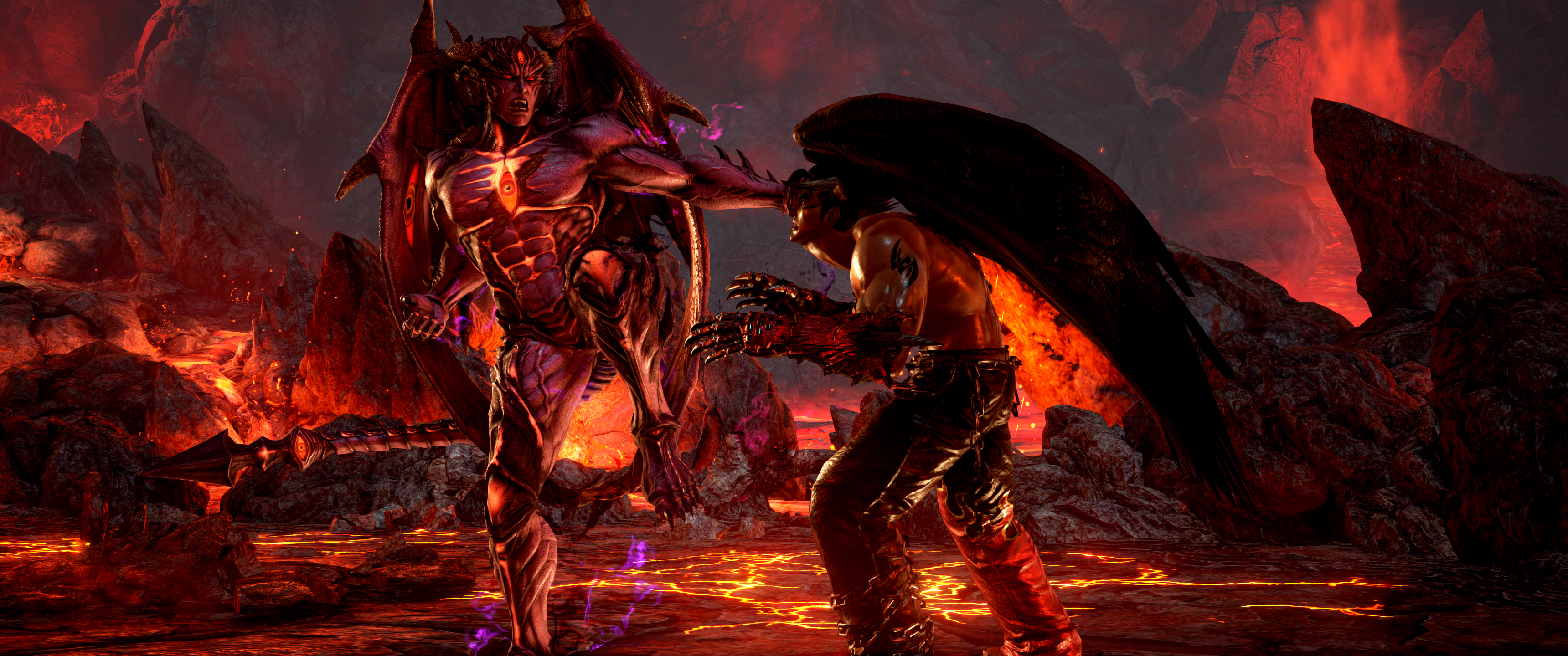
It's extremely frustrating that the issue with HDR on W10 has yet to be fixed. I mean I'd like the new drivers for Tekken 7 because performance isn't great on the April driver. Some stages (mainly Devil's Pit) has the fps drop to as low as 30 fps when in cut scenes or close ups. During the fight itself it's fine, luckily but there are certainly issues.
However because of the HDR issue and the fact when I tried the Tekken 7 driver from Nvidia I got issues not just with Tekken 7 but any game and even the OS when displayed at 1080p I just can't use that driver even though Tekken 7 will perform better. Fucking arseholes.
 
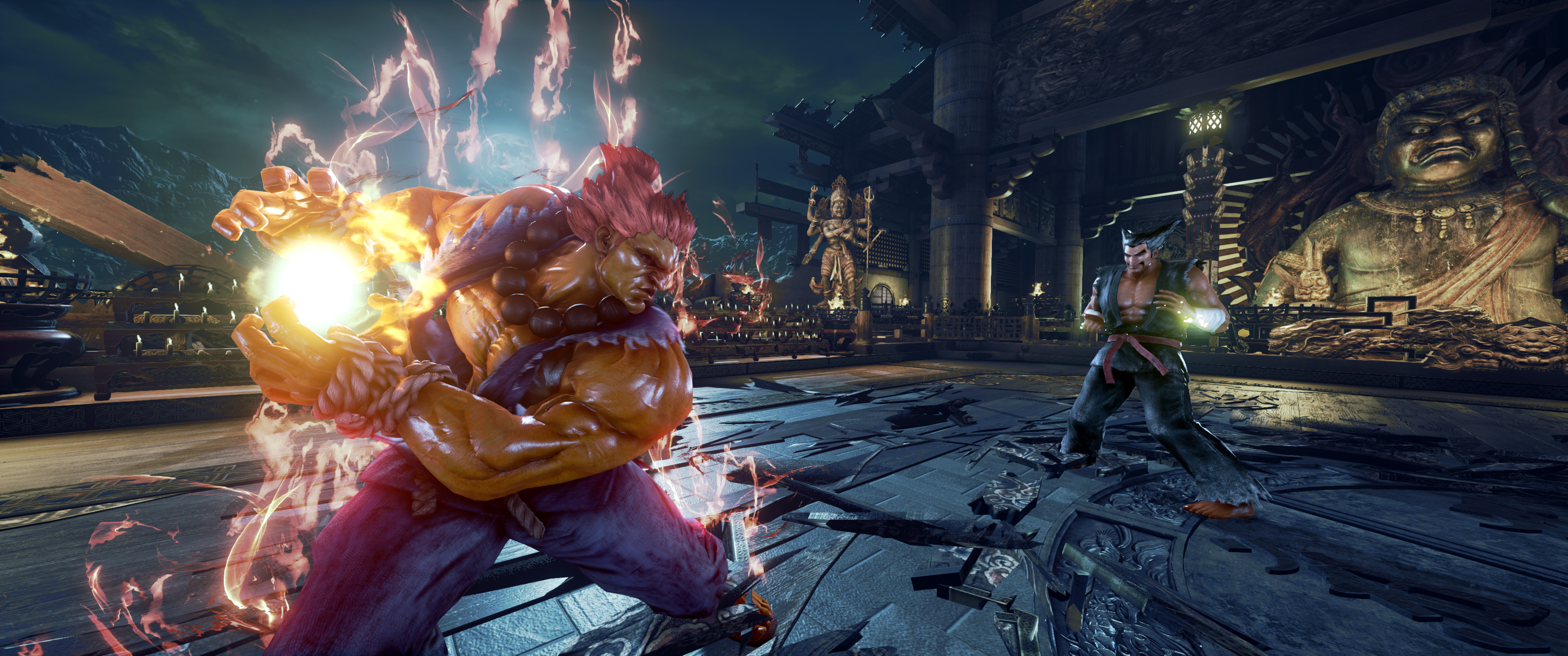
So far I've had a full system crash during story mode
Akuma / Heihachi fight
that I had to hard reset the PC for, and a crash while on the loading screen just now for training mode which gave me the following message:

Unreal Engine is exiting due to D3D device being lost

Any ideas? I'm using 382.33 (latest nvidia driver)
 
Bit of a cross post from the OT, RX 480 8gb user here

Every time I use a Super/Rage art in treasure battle the colors stay permanently washed out and gray until I quit and restart the mode. Anyone else experiencing this?
 
So far I've had a full system crash during story mode
Akuma / Heihachi fight
that I had to hard reset the PC for, and a crash while on the loading screen just now for training mode which gave me the following message:


Any ideas?

That sounds like a driver crash or something, have you OC'd your GPU or CPU?
 
Nope. They are manufacturer overclocked, but that's it. They've been that way since I got them. I don't have issues with any other games at the moment.

Hmm that's weird, perhaps try and reinstall DirectX, there should be a redistributes folder in most of your Steam games.

EDIT: Actually, it may just be an issue with the game. Searching for crashes in this thread turns up a couple of results, hopefully a patch can fix it soon.
 
Hmm that's weird, perhaps try and reinstall DirectX, there should be a redistributes folder in most of your Steam games.

EDIT: Actually, it may just be an issue with the game. Searching for crashes in this thread turns up a couple of results, hopefully a patch can fix it soon.

Aah many thanks. I'll keep an eye on it. Hopefully it'll get fixed.
 
It lets the GPU handle the image scaling before it's output to the screen. Basically enabling more custom resolutions, but with a potentially poorer algorithm.

Or to make it even clearer; downsampling occurs before the image is output to the screen, instead of after.

Oh ok, thanks for the infos, I hope some patch from AMD, I used to moderately downsample with my GTX 760. It's a shame it doesn't work properly on the RX 480.
 
Any work on removing intro logos and videos? I heard you can just remove the opening intro video but I'm also looking for a way to get rid of the dang logos at the beginning.
 
Any work on removing intro logos and videos? I heard you can just remove the opening intro video but I'm also looking for a way to get rid of the dang logos at the beginning.

Can't find a way to skip the ue4 logo and the other logos. but you can skip the bandai namco, nvidia and the opening movie.

Go to TEKKEN 7\TekkenGame\Content\Movies\Ui and rename or delete BNE_LOGO_MOVIE.usm, Opening.usm and TWIMTBP_1920x1080.usm
 
Hmm that's weird, perhaps try and reinstall DirectX, there should be a redistributes folder in most of your Steam games.

EDIT: Actually, it may just be an issue with the game. Searching for crashes in this thread turns up a couple of results, hopefully a patch can fix it soon.

I just had a crash yesterday when I started the game.
 
Wow this PC version is insane, I'm playing on a 5 year old Lenovo Y580 laptop w/ i7-3630QM and GTX660m and it runs 1080p 60fps with medium settings and resolution scaler at 60%.

I can't believe it. Why did I even fork out the money for the PS4 version? Should I sell it? Hmm... Only concern is whether the Asia player base would remain on PC for more than 6 months or not.
 
Any work on removing intro logos and videos? I heard you can just remove the opening intro video but I'm also looking for a way to get rid of the dang logos at the beginning.

They're skippable, surprisingly.

Can't find a way to skip the ue4 logo and the other logos. but you can skip the bandai namco, nvidia and the opening movie.

They're all skippable. It's just a matter of hitting escape/enter or the controller equivalent.
 
Right. Tekken 7 is now fucked on my PC...maybe.

When I was having trouble launching the game before and getting overscan and a green display I tried adding width and height parameters to the launch exe via Steam. It didn't help. But reverting to older drivers did and the game played.

Now, for unknown reasons the game refuses to start. It shows the launch options but never starts. I deleted these options but it still comes up with - - (the - before the width and height options) and refuses to launch. Why this suddenly changed I have no idea.
So right now the game's dead.
 
Tried deleting the game .exe and re-downloading. No good. It's the - - in the Launch options. But when I look there's nothing there. I deleted it. Re-install game? Would that help? I'll do it if needs be.

Uninstalled and re-installed and no good. I guess I need to uninstall Steam now. Why the fuck did this happen?

Edit: Deleted Steam config.vdf and it's fixed. Phew. Won't be doing THAT again anytime soon. Would love to know why it went tits up after playing fine for the last 3 days.
 
Anyone else tried Tekken 7 with HDR on Window 10? Why does it look like this on my television?

YwGxStX.jpg

I am not even going to ask why the window HDR mode make my desktop all dimmed.
 
Grabbed this today and very pleased with performance. Solid 60FPS on ultra in 1080p on my rig (970, 4790k, 16GB). Thank you JaseC for the nice OP. Game looks even better with the tweaks to turn off CA, Film Grain and enhance shadows.
 
Anyone else tried Tekken 7 with HDR on Window 10? Why does it look like this on my television?


I am not even going to ask why the window HDR mode make my desktop all dimmed.

HDR isn't officially supported. Game sets off as HDR but that's apparently a bug.
 
tekkengame-win64-shipfor1c.jpg

tekkengame-win64-shipj3p9r.jpg


Using some of the settings in this thread along with the cheatengine 21:9 and camera tools table and some mods for character costume replacements

In game scale is 200%

Pretty game.

Plays great too
 
i5-4690k
R9 Fury
8GB DDR3 1600

1080p Ultra with render scale set to 200 runs near perfect. 1-2fps drops during some cinematic sequences.
1440p with render scale 200 only got ~48fps on Kinder Gym with two Kumas, so I lowered settings to High to get 60. Haven't done much testing or playing further than that, however.

Also tested on the GPD WIN, by setting the Scalability ini to make low settings look ridiculously low. Still only got 14 - 25 fps. Oh well.
 
New AMD driver fixes Super Resolution.

Panda and Kuma together slays my GPU though. But I think one should "calibrate" settings for the worst-case scenario in a game like this.

1080p Max Settings + Dynamic adjustment and Motion Blur High (no CA), seems to run well with these two furry bastards. Without them I can easily increase the resolution.

Anyone know how PS4 run with these two?
 
I think the game looks better default DS with high motion blur than with the fix, what graphic effects do you lose with the fix. I wish CA and grain can be removed solo.
 
Seems to be a common problem but does anyone have a solution to the random frame drops? running on ultra, solid 60 fps for 99% of the time, but every couple of minutes or so frames will drop into the 20s for 2 seconds or so and then go back to 60.

On a 1070 by the way.

Edit: I think it has something to do with my controller, when the fps drop hits random inputs happen at the same time, tested on a ds4 and hori fighting commander.

Edit 2: unplugged controllers and tried playing with keyboard, after a few minutes the fps drop occurs and then my keyboard stops working in game, only fix is to restart the game. So I guess its related to some type of bug that namco will have to patch.
 
If I disable CA and Film Grain via ini edit, then what other post-processing is left enabled?


Also, I disabled motion blur from the start but those that use it, which setting do you prefer?


Edit: just went through the last few pages so I have my answer. Is AO still enabled using Medium PP however??
 
Is there a good way to downsample games these days on AMD GPUs? I know there's GeDoSaTo for most dx9 games. VSR isn't that great since it only goes up to 3200x1800.
 
Phenom II x4 965BL 3.4GHz
Radeon R9 380 4GB
6GB

So quite an old rig here! I've been fearing that my CPU wouldn't be able to run Tekken 7 but I've been so pleasantly surprised that it runs just fine! And I'm playing at 1080p/60fps Medium settings 100% scaling and high blur, sooooo good!!

But on the other hand I'm getting the D3D crash every time evil Kazumi loads, daaaaaamn so sad!! Hope we can get a fix :(

I'm really sad that Ps4/Pro don't have Blur, it was one of the best additions to the series in T6/TTT2 and while it seems reasonable to think that blur is too much for UE4 + basic Ps4 I'm Puzzled why Pro doesn't have it as it should have more than enough power to do it.
 
Is there a good way to downsample games these days on AMD GPUs? I know there's GeDoSaTo for most dx9 games. VSR isn't that great since it only goes up to 3200x1800.

VSR goes up to 3840x2160 on my 1080p display.

would it be better to use dsr at 4k or to use in game render scaling at 200%?

Does the in-game scaler even work above 100%? Doesn't seem that way on my end.

I know I can turn it up, but I see no difference in visuals or performance. It works when reducing the resolution though.
 
VSR goes up to 3840x2160 on my 1080p display.


Does the in-game scaler even work above 100%? Doesn't seem that way on my end.

I know I can turn it up, but I see no difference in visuals or performance. It works when reducing the resolution though.

Scaler doesn't work for me as well above 100%. If they do patch it so that 200% works a lot of people that set it that high are going to see framerates drop into the single digits.
 
Top Bottom