I don't think I've ever seen JPEG artifacts in 3D. That looks weird.

I just see tons and tons of layers of acid.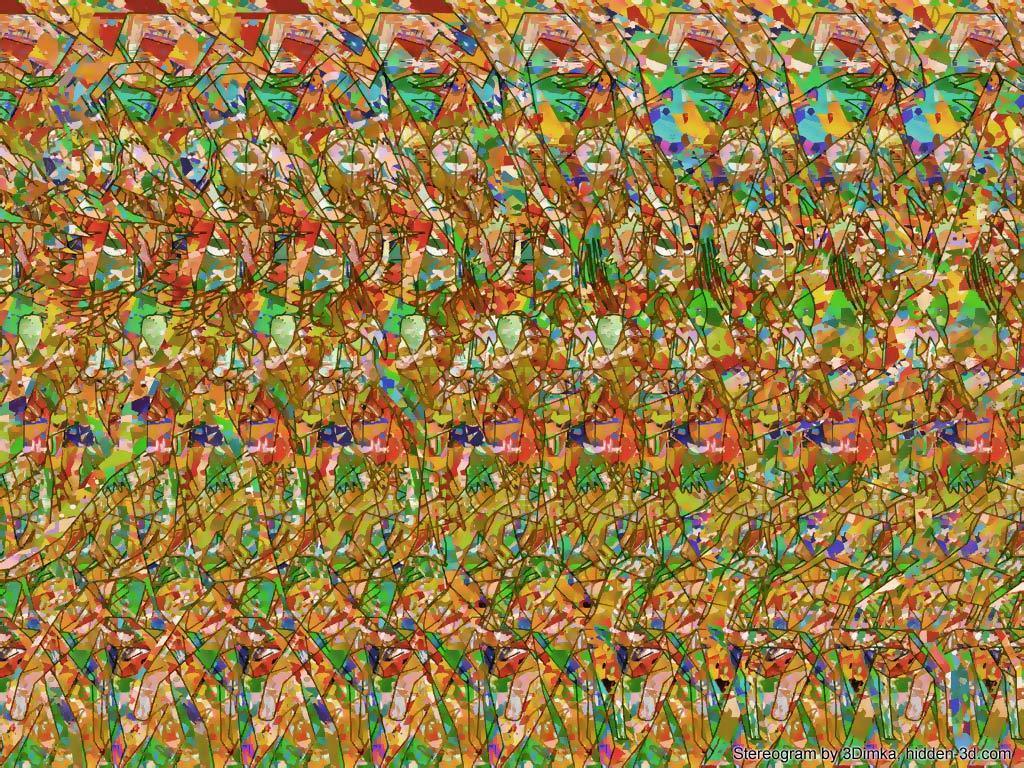
This one is super dope.
Butterflies?

I don't think I've ever seen JPEG artifacts in 3D. That looks weird.
I just see tons and tons of layers of acid.
This one is super dope.
That's a very boring one.
I call bullshit on this one.

Holy shit, browsing this on the WiiU gamepad was amazing.

I've been staring at these magic eye pictures for a while now, and finally I think I've kinda cracked it. After a while the picture looks like a diorama, kinda like 3DS 3D, except depth only. But is it supposed to go inwards or outward? Because although I see shapes and warying depth, I can't make out as detailed images as some seem to claim seeing...
It's still really cool, I've never seen this stuff before.
We had this printed and laminated when I was a child. Jesus could be on any wall at any time, given about 30-60 seconds of focusing prep time.
I swear I will see one of these before I die. It's in the bucket list
Once it clicks the images are pin-sharp, and you can look around the images at will and keep it all in perfect focus. I can normally get these images immediately now, but I struggled for years. Just casually focus behind the image and your brain will decode it. When it starts happening, just let it happen. Don't try to force it.
Loved Magic Eye as a kid!

taken from this article today:
http://www.theguardian.com/children...ns-ever-clive-gifford-eye-benders?CMP=ema_632
The "orange" and "brown" squares in the middle of the the top and side cube faces are in fact identical in colour
they are both brown... (use a colour inspector to prove it)

Debug your brain
What orange? I see brown, by then I see yellow and red, no orange. I put this in photoshop and color dropped the colors, they are the same colors I see and I can't find the "orange" square
It's referring to these two squares.
Those who see the image, can you atleast draw an outline of the image and where it's supposed to be?

You can't really do that.... but here is my shitty photoshop attempt anyway. I outlined the two sharks in the picture. Your goal is to let your eyes diverge so that the gray outline of the shark overlaps with the white outline of the shark. If you are successful, you should see the depth in the picture including more objects like the coral reef on the bottom. However, the outlines themselves will create a lot of visual distraction that may make it hard to see. Once you understand the concept, it may be easier to attempt it on the original picture without the outlines. If the sharks and coral are "cutouts" in the image, then you are crossing your eyes instead of diverging your eyes.
 .
.
For the people who can't see the magic eye illusions, I made a gif that sort of illustrates how it looks. Obviously, it doesn't rotate for us, but it's essentially just a layering effect where you see the silhouette of the object carved out:


^That isn't animated. Its a jpg.
For the people who can't see the magic eye illusions, I made a gif that sort of illustrates how it looks. Obviously, it doesn't rotate for us, but it's essentially just a layering effect where you see the silhouette of the object carved out:
[i mg]http://i.imgur.com/jyyJ71w.gif[/img]
great album
^That isn't animated. Its a jpg.
^That isn't animated. Its a jpg.
Loved Magic Eye as a kid!
Can someone make this into an avatar for me?


Enjoy ;P
http://i.imgur.com/60VAJV5.gif[/QUOTE]
That's not an optical illusion, it's just an annoying animated gif.

For the people who can't see the magic eye illusions, I made a gif that sort of illustrates how it looks. Obviously, it doesn't rotate for us, but it's essentially just a layering effect where you see the silhouette of the object carved out:
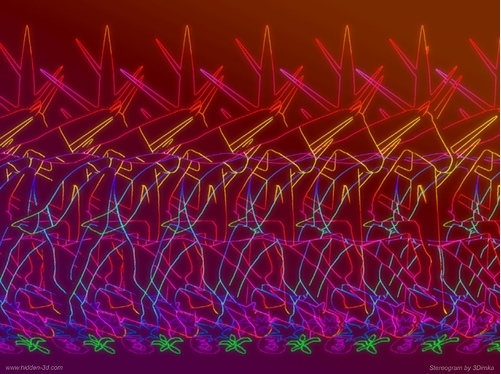
I don't think it would work with such a small resolution.
Or, it might just work... I'm curious enough now that I'll give it a go.
Here, it works a lot better when it's larger, but the effect is still in place:
I can "see" the magic eye pictures almost instantly but I can rarely make out what they actually are.

Sàmban;194422956 said:This isn't how it looks if you're doing it right. This is how it looks if you're doing it "cross-eyed" and it isn't nearly as impressive as you're only getting a silhouette effect.
When done right, the picture becomes a 3D "window" on your monitor and it really looks like you can reach inside it. The object then sits inside this window, and the depth shifts with your eyes as you move around. It's pretty much like putting on an oculus VR device. I've been doing these wrong for 20 years; shit blew my mind when I did it right for the first time in my life like 30 minutes ago.