

-
Hey Guest. Check out your NeoGAF Wrapped 2025 results here!
You are using an out of date browser. It may not display this or other websites correctly.
You should upgrade or use an alternative browser.
You should upgrade or use an alternative browser.
the best optical illusion
- Thread starter jellies_two
- Start date
- Status
- Not open for further replies.
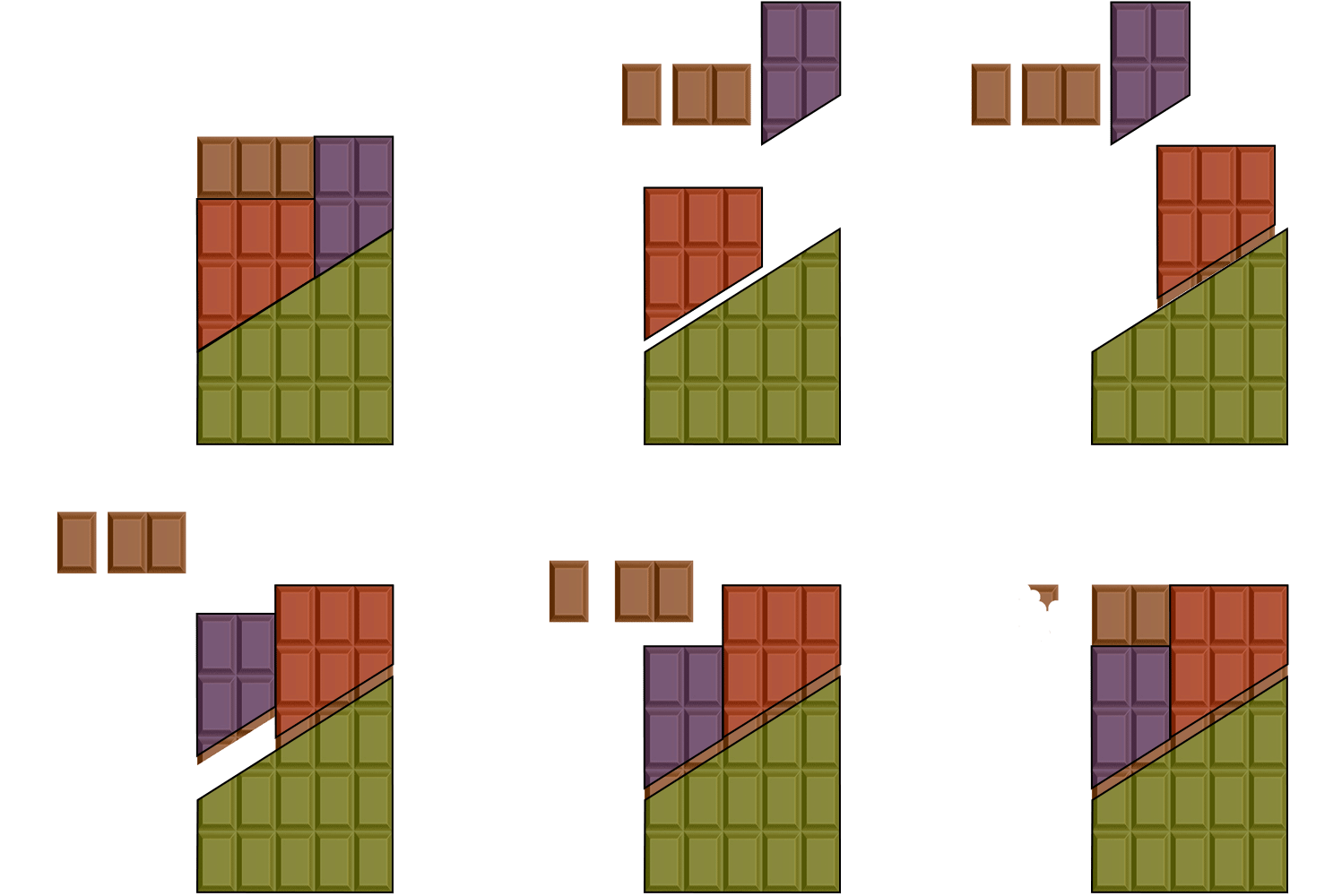

Oh wow that one was easy. Only the second one I have been able to do in my life.
Graphics Horse
Member
This image is not a spiral.

I was staring at this waiting for my vision to start going funny, and then I read the description

Apparently there's a stereogram music video:
https://www.youtube.com/watch?v=2AKtp3XHn38
I feel like I'm reading the matrix, watching that video.
Santerestil
Banned
I still don't see shit.
I've come to terms with the fact that I'm never going to see them. I guess my lazy eye has something to do with it.
Try making a photo and then on the photo app slide the two images until you see something pop out, even if is difficult to get a good image with enough detail.

Coreda
Member
Would like to read an explanation of this one. It's interesting how our brain begins to see them as caricatures while in the eye's periphery. Reminds me of a page that demonstrated the blind spots in our eyes and how it affects visuals seen in and passing through them.
In order to find the blind spot of the right eye, it is necessary to close the left eye, focus the right eye on a single point, and see if anything vanishes from vision some 20 degrees right of this point. The following diagram has a set of characters on the left hand side, and black circle on the right. Keeping your head motionless, with the right eye about 3 or 4 times as far from the page as the length of the red line, look at each character in turn, until the black circle vanishes.

Then the animated version where the line appears to remain static while moving through the dot within the blind spot.

Here's a good training one:

Top left and bottom right are holes, the bottom right one is a bullseye style hole.
Bottom left and top right are hills.
If the holes are hills and the hills are holes you are crosseyed and focussing in front of the image rather than behind.
When you get a bullseye hole in the bottom right you've got it
YYYYYYYYYYYYYYYYYYYYYYYYYYYYYEEEEEEEEEEEEEEEEEEEEEEEEEEEEEEEEESSSSSSSSSSSSSSSSSSSSSSSSSS
FINALLY
FUCKING FINALLY
I'VE BEEN DOING CROSSEYE MY ENTIRE LIFE AND ONLY SORTA SAW THE IMAGES BEFORE
HOLY FKJASHFKAJFSDKAUSFHDKAJSDBHKAJSDFKAJF
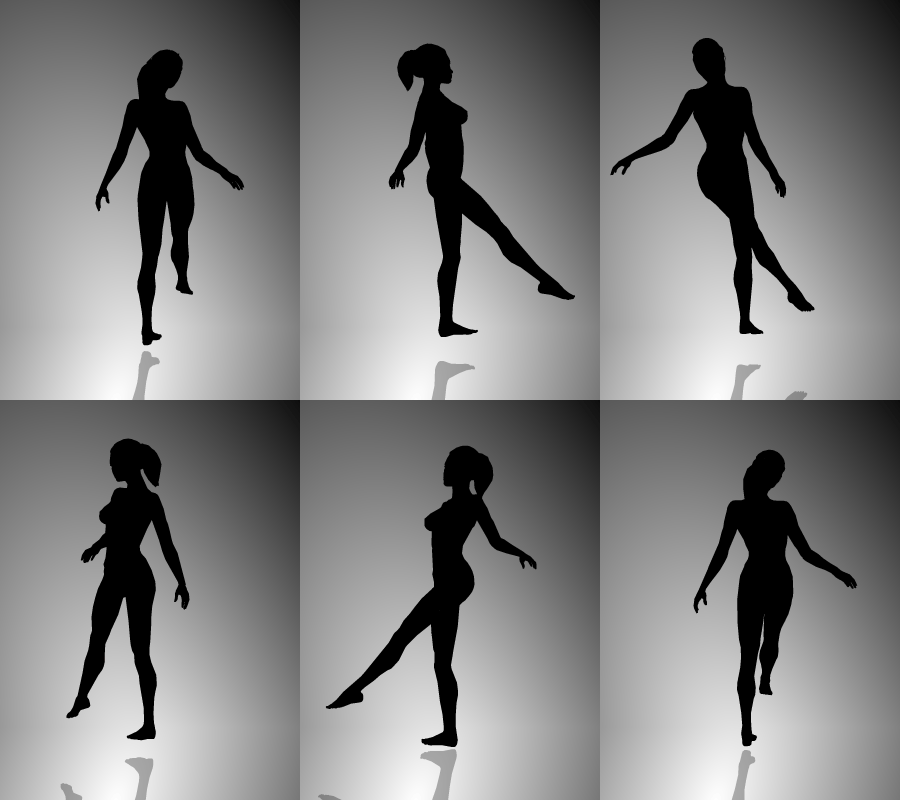
As always, mind blowing.
This one annoys me
Like you can see it spin both ways, yes? But in reality it obviously can't do that. So does it actually spin one way or another, or is it just complete mind fuckery
Megalosaro
Banned
My roommate is a human factors engineer and deals with this sort of stuff all the time. He shows me all sorts of cool stuff
That feel when being colorblind...
Glad I'm not alone in this.
I never got to see this magic eye bullshuit. Don't know if it's because of the high degree of myopia. Tried everything, couldn'u see shit. But...
HOLY SHIT THIS WORKS. It hurt my eyes, but I CAN SEE.
EDIT: It works with some of them and the 3DS camera goes crazy :lol.
For everyone having a problem with the (divergent) magic-eyes: use the 3DS external camera! The thing let see you the figures almost immediately, and you can shift the overlapping images if you make a photo of them. It's a great tool to "focus" seeing them directly.
Too bad the image quality is shit, however...
HOLY SHIT THIS WORKS. It hurt my eyes, but I CAN SEE.
EDIT: It works with some of them and the 3DS camera goes crazy :lol.
MikeHattsu
Member
Here's a good training one:
Top left and bottom right are holes, the bottom right one is a bullseye style hole.
Bottom left and top right are hills.
If the holes are hills and the hills are holes you are crosseyed and focussing in front of the image rather than behind.
When you get a bullseye hole in the bottom right you've got it
Heh. I finally got it! Thanks!

eot
Banned
I tried looking through the thread, but I couldn't see anywhere that anyone explained exactly how to see the hidden "3d" outlines/shapes (I've seen versions with and without a varying depth to them) in any "magic eye" picture.
All you have to do is pick part of the image that repeats (literally any part) and then unfocus your eyes so that it overlaps with the nearest repetition of itself. I personally find crossing my eyes the easiest way to do this.
edit:
I forgot until reading this that moving your eyes the "wrong way" (not the way the image was designed for) will invert the depths of the image. So I guess you need to be able to do both cross-eyed and "wall-eyed". I suck at wall-eyed, so the best I can explain it is to blur your vision without crossing your eyes - for me I have to stare at the picture and then try to look passed it, as if I was looking at something farther away.
Here are some examples of points you could choose to focus on while crossing your eyes (NOTE: I don't recommend practicing on this example because the outlines will probably mess you up):
Basically, if the outlines I drew weren't there, you would cross/unfocus your eyes so that patterns in the same colored boxes overlapped.
If you haven't ever practiced unfocusing your eyes and overlapping identical shapes/patterns/etc. you might have a hard time doing this, so practice on this image or other "stereoscopic cross-eyed 3d" images:
Once you have successfully overlapped any two horizontally nearest repeating points of the pattern in a "magic eye" picture, you should be able to notice an outline/difference in depth in the image. This outline/shape can sometimes be hard to see, depending on the quality of the image. I recommend zooming in on and fullscreening an image if you're having a hard time with it, or giving up if it seems too low res/quality. Make sure you are holding your head so that it's tilted perfectly straight/parallel with your screen, and move your eyes/head so the image is in the middle of your view and you are looking straight ahead at it.
Overall "magic eye" patterns get pretty boring when you figure out how to do them, but "stereoscopic cross-eyed 3d" is an easy/free way to view images/movies in 3d. I've even played games in 3D this way using a dual monitor setup, but I have to sit pretty far from the screens to do it comfortably.
Google for "stereoscopic cross-eyed 3d" and practice on the images that come up. Then you will be able to get it.
Holy crap, the house one worked. I didn't realize it was supposed to come into focus, I thought it'd stay blurry.
This one annoys me
Like you can see it spin both ways, yes? But in reality it obviously can't do that. So does it actually spin one way or another, or is it just complete mind fuckery
It's a 2D projection of 3D motion, so there's loss of information. You can't determine which way it's spinning.
This one is awesome. :lol
eot
Banned
Low res/blurry/compressed/etc. pictures can be really hard to see properly, because they don't exactly match the original image.
Try this one (still a little blurry looking to me):
I can only get it by going crosseyed and then it looks cut out rather than protruding

David Incorporated Esq.
Member
Would like to read an explanation of this one. It's interesting how our brain begins to see them as caricatures while in the eye's periphery. Reminds me of a page that demonstrated the blind spots in our eyes and how it affects visuals seen in and passing through them.
Then the animated version where the line appears to remain static while moving through the dot within the blind spot.
The brain is incredible. You have these gaps in your vision yet never notice because the brain just fills in with whatever it thinks fits best. I've heard that, as these blind spots increase in size with age, your brain starts creating more and more complex images until you start seeing faces from nowhere in your blind spots.


MrCunningham
Member
Loved Magic Eye as a kid!


I must have an eye problem, because I always fail so hard at seeing anything in Magic Eye paintings.
Graphics Horse
Member
What's that thing below the big shark meant to be? I don't mean the other shark in the bottom left.
Parmadillo Marshmallow
Member
Movement without movement
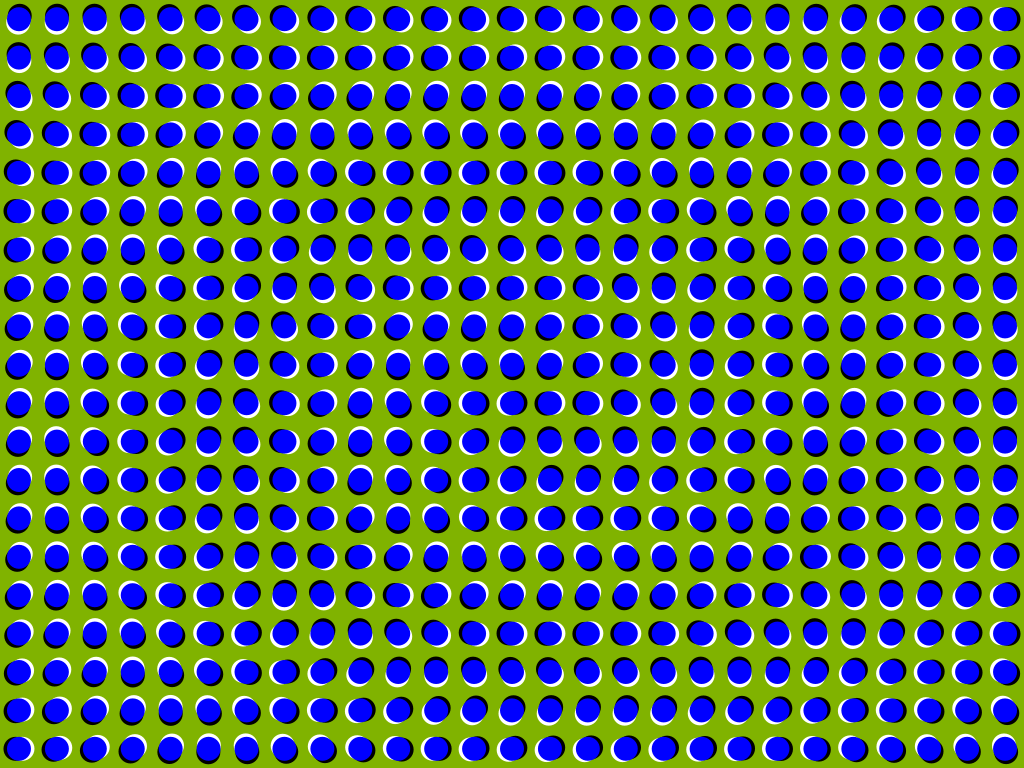
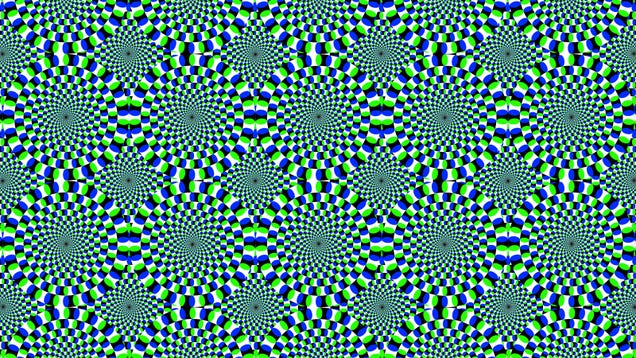
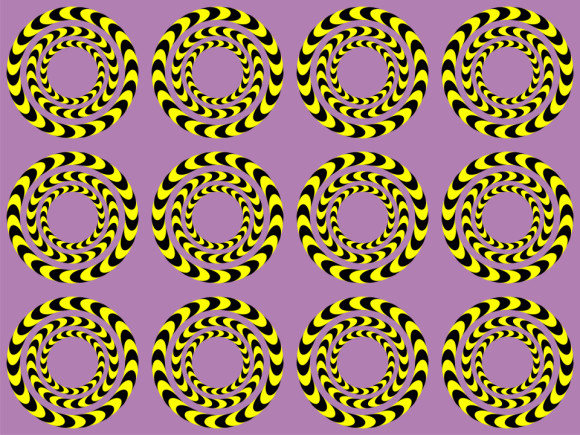
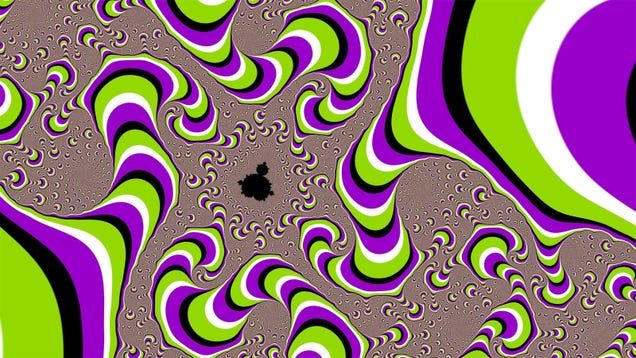
Is it weird that the first think I thought of looking at theses is "whoah look at that FPS!"
DragonGirl
Banned
Yeah. The one in OP doesn't work well. Check the color code, it looks clearly different.
It works fine. I took the image into photoshop. Isolated the two squares and deleted the rest of the picture. Boom, same color.
TheRagnCajun
Member
I can't wrap my head around this...
The row of squares through which the diagonal cut was made is now a shorter row. If you look at the end you can see the person is carefull not to push the pieces back together completely flush, so as not to make it too obvious.

ThankeeSai
Member
I must have an eye problem, because I always fail so hard at seeing anything in Magic Eye paintings.
I never had a problem seeing these, but to those that have, easiest way to do it is this -
Don't look directly at the picture; look past it.
There was a local shop near me that used to sell these, they had them displayed in the window. Instead of staring at the picture, if you looked past the picture and focused on your reflection in the window, the picture would gradually pop into view.
Takes a bit of practice, but if you're looking at these on a reflective screen, stare at your reflection and not directly at the picture.

MisterNoisy
Member
This is literally the first one of these things I could get to work for me.
What's that thing below the big shark meant to be? I don't mean the other shark in the bottom left.
A cave with another shark in it. It's smaller which is why its harder to detail.
Morrigan Stark
Arrogant Smirk
Whoa, that's great.

I like the way you think.The magic eyes pics don't work for me all. Just a mess.
I guess my mind has evolved beyond being tricked by optical illusions. Get on my level, living fossil-GAF.
I tried. The third square doesn't "stay" there; it flickers in and immediately fades. It just doesn't work.For those still having trouble, this should help. Try to cross your eyes so a third square appears in the middle of the two at the top. Then keep your eyes relaxed in that position. If done correctly, you should see the 3D outline of something in the stars.

Tried this also: it doesn't work. I can't keep the third square to remain. I can sorta see the double squares sometimes, but they never fully converge, they start converging and immediately fade.I've always been able to see these Magic Eye images very easily. I just relax my eyes, the two images start drifting apart, and as the repeating patterns in the ME image line up again (offset from their original, focused positions) I focus again. And bam, there's the 3D image. I can do it on command, basically instantly (although some images take slightly longer to get focused in the offset 3D position).
I have a hard time imagining that some people just cannot do this at all, unless you have problems with 3D vision overall. I think it's just a matter of "getting" it.
Already been said, but no, you DON'T want to cross your eyes. You want to relax them, as if looking at something off in the distance (meaning your "lines of vision" become more parallel, not more crossed) The two squares should start drifting apart, becoming four squares (since your eyes are no longer focused on the same spot). As they keep moving apart, two of them will meet in the middle, so that you now see three squares. This is where you want to refocus (but carefully, so that you don't go back to just seeing two). Once you can do this, seeing any ME image is just a matter of doing exactly the same thing with the repeating patterns in such an image. Relax, drift apart, refocus when the patterns meet again offset by one "step", done.
I sincerely think some eyes just don't work for this.
This is amazing.
This is horrifying.
Lovely Salsa
Banned
I never had a problem seeing these, but to those that have, easiest way to do it is this -
Don't look directly at the picture; look past it.
There was a local shop near me that used to sell these, they had them displayed in the window. Instead of staring at the picture, if you looked past the picture and focused on your reflection in the window, the picture would gradually pop into view.
Takes a bit of practice, but if you're looking at these on a reflective screen, stare at your reflection and not directly at the picture.
I see a blurry mess if I concentrate on my reflection and try to see the pic at the same time, doesnt work

Muffdraul
Member
This one annoys me
Like you can see it spin both ways, yes? But in reality it obviously can't do that. So does it actually spin one way or another, or is it just complete mind fuckery
Since the object is absolute black there is literally no way to determine which way it's spinning. But your visual cortex can't process a spinning object going in both directions at once, so it basically just picks one to avoid a meltdown.

stufte
Member
Like you can see it spin both ways, yes? But in reality it obviously can't do that. So does it actually spin one way or another, or is it just complete mind fuckery
Yes.
I tried. The third square doesn't "stay" there; it flickers in and immediately fades. It just doesn't work.
Tried this also: it doesn't work. I can't keep the third square to remain. I can sorta see the double squares sometimes, but they never fully converge, they start converging and immediately fade.
Maybe "relax" isn't the right word, because when your eyes relax they just focus on the horizon. An easier trick is to approach the screen until you see three squares, and then slowly pull back trying to keep them inline, if they flicker or fade try approaching the screen again, and then pull back again slowly. I think is a matter of your eye muscles getting used to be in an odd position for some time, but once it clicks the eyes actually focus on the 3D image and the illusion is more stable.
Edit: and the bigger the screen the better, I can do it on my cellphone but after years of practice.
jetpacks was yes
Member
I can see those magic eye things instantly if I just cross my eyes. Works every time for me.
You don't cross your eyes, that brings your focal point closer, which is the wrong way to view the image (you will see it as an indented image rather than having it pop out at you). You focus your eyes on a point behind the image.
Hold your thumb up. Look at your thumb, then look at something slightly behind your thumb. Notice how your thumb appears to split into two. Apply the same thing to the picture. Focus on something further and further into the distance until the split images 'tesselate' and match up - this will reveal the image.
Hold your thumb up. Look at your thumb, then look at something slightly behind your thumb. Notice how your thumb appears to split into two. Apply the same thing to the picture. Focus on something further and further into the distance until the split images 'tesselate' and match up - this will reveal the image.
finally can see the magic eyes. I thought I was doing it right but was crossing my eyes instead. To get it right started looking at the pictures really close to the monitor and it just got into place. Its easier to relax your eyes when you're up close to the monitor. After I get it I slowly back out and it focusses even more.
jetpacks was yes
Member
You don't cross your eyes, that brings your focal point closer, which is the wrong way to view the image (you will see it as an indented image rather than having it pop out at you). You focus your eyes on a point behind the image.
Hold your thumb up. Look at your thumb, then look at something slightly behind your thumb. Notice how your thumb appears to split into two. Apply the same thing to the picture. Focus on something further and further into the distance until the split images 'tesselate' and match up - this will reveal the image.
Wait wait wait... you're telling me that the images are not supposed to be concave? W t f
Wait wait wait... you're telling me that the images are not supposed to be concave? W t f
They can be designed either way. But most of them are designed to be seen when focusing behind the image.
There's the donut example in this thread that works correctly by crossing your eyes.
Lufiaddict
Member


Lufiaddict
Member
As always, mind blowing.
I's easier for me to make her spin the other way if I do hand gestures (as if I was physically acting on her). It can still take a few tries though.
i literally said 'holy shit' out loud. the way the image wasnt immediately available but over 5-10 seconds the circle got brighter and the face came through... omg
even typing this i can still see it behind the text field. crazy stuff.
also i've been doing magic eyes cross-eyed for years and never knew i was doing it wrong. cant do it the 'right' way QQ
SolidSnakesMyStepDad
Member
I really like it.That's a very boring one.
This image is not a spiral.
AHHHHH
I see a blurry mess if I concentrate on my reflection and try to see the pic at the same time, doesnt work
Yeah it took me 15 years to see these. Its not like you look at the picture and something pops up, something *clicks* in your brain and its fooled into seeing something else. As opposed to say, the "moving" still pics posted here. I mean, you just look at these and voila. Not so with the magic eye. Your brain has to say, fuck it I'm interpreting this information as 3D.
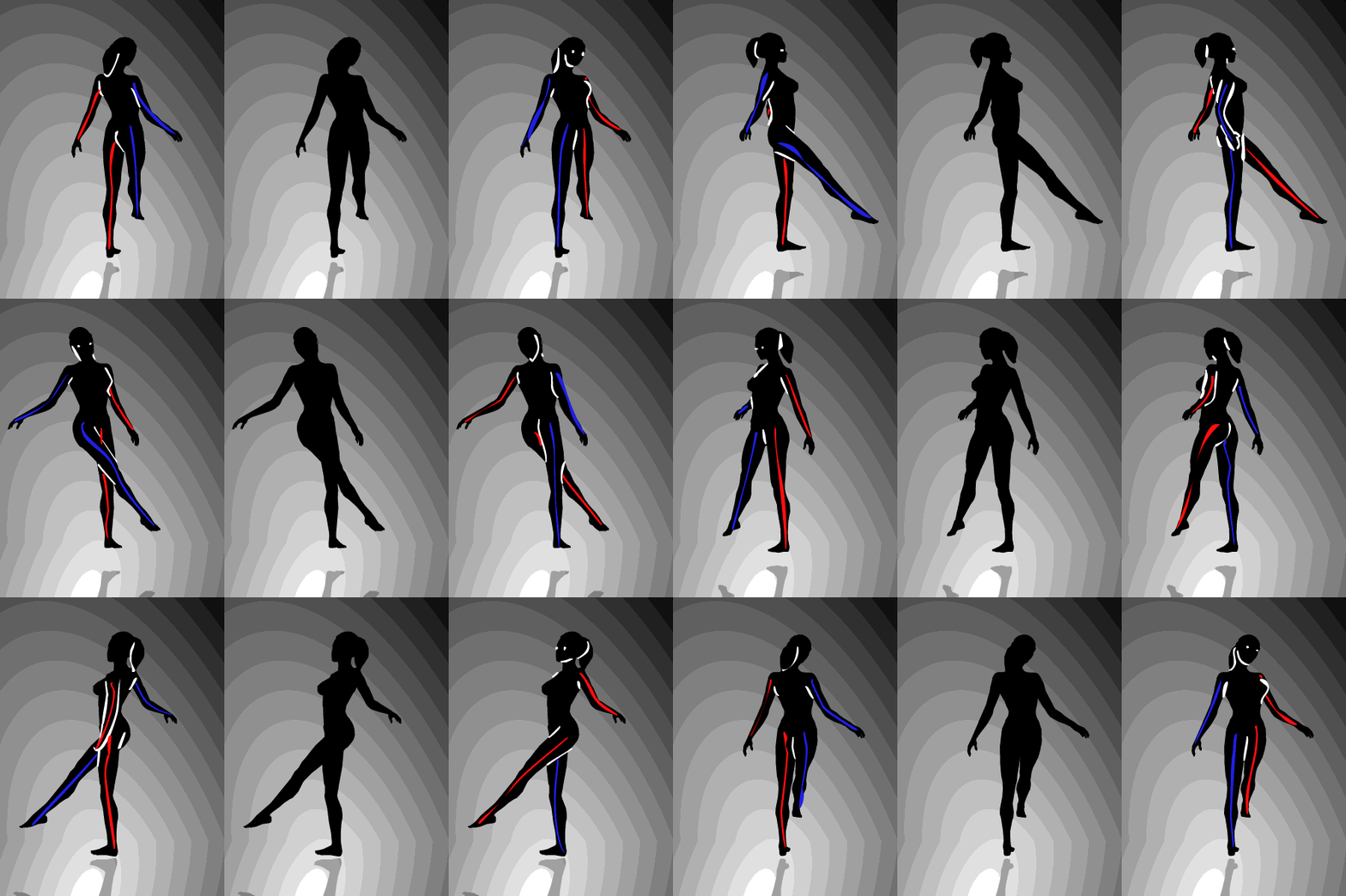
I simply cannot flip it "on demand". *sniff*
jellies_two
Member
I've spent an hour going through these magic eye things and all I got was a headache.

This one is truly horrifying no wonder dreams can become nightmares so easily.
Weird, I feel like I'm seeing Pebble Beach's Lone Cypress.. (cropped)Loved Magic Eye as a kid!

Inquisitive_Ghost
Member
I sincerely think some eyes just don't work for this.
The thing is, you have to be able to choose where your eyes are pointing separate from what your lenses are focusing on. I have to wonder if some people simply can't do that.
Also, before I got a good handle on these, I found them dramatically easier to do when I was tired. If I was looking at something relatively close to my face (say, a phone), fatigue would make my eyes automatically try to 'zone out' and focus behind the screen. From there you can learn to read with only one eye, and from there it isn't that hard to learn to see these images.
And you need to be close enough to see them, too. If you're more than maybe a foot away it's basically impossible.
You don't cross your eyes, that brings your focal point closer, which is the wrong way to view the image (you will see it as an indented image rather than having it pop out at you). You focus your eyes on a point behind the image.
Hold your thumb up. Look at your thumb, then look at something slightly behind your thumb. Notice how your thumb appears to split into two. Apply the same thing to the picture. Focus on something further and further into the distance until the split images 'tesselate' and match up - this will reveal the image.
I just realized I've been looking at these things wrong my whole life.
I just cannot do it right.
- Status
- Not open for further replies.