• Hey Guest. Check out your NeoGAF Wrapped 2025 results here!

Firewatch PC performance thread

Can anyone get this to work with an Xbox One controller or DS4? The camera just keeps spinning for me, nothing I can do.

If you're using DS4Windows, make sure you have 'Hide DS4 Controller" checked in settings.

I have a DS4. If you are using DS4Windows, schwimpy suggested to check the "Hide DS4 Controller" checkbox in the settings section. Do that and then start the game, and it was working for me without the spinning. I didn't actually get to play though because my USB cable got messed up, but I did have the controller working for a bit. Also for me it worked if I had a little bluetooth dongle and paired it with the PC that way, but the delay was pretty bad for me. Not sure if that's just my dongle or what.
 
Playing it on my Core i3 Alienware Alpha.

I just went "fuck it" and maxed out the settings on my TV (1080p). Runs around 30fps but it's worth it for this style of game.

It's just so unbelievably gorgeous.
 
Games running at a rock solid 60 fps on ultra at 1080p with my 980, really enjoying the game so far and actually wish it was longer than what is actually is cause i'm hooked.
 
My graphics card is a few years old at this point - what could I expect from an i7-3930k/16GB/GTX 670 at 1080p?

I was going to grab it on PS4, but after hearing about the rough performance over there I'm gonna grab it on PC instead - just want to know what I'm in for.
 
Pretty solid on my r9 295x2 (only using one GPU) I put everything on Ultra and am at 1440p and i occasionally get a dip to 45-50fps but it's pretty solid at 60fps..err 62fps I should say.
 
I reinstalled the Xbox One controller driver now it works, however I have a different issue now:

The game keeps switching back to 720p, I can select 1080p, but when I go back it is always set to 720p. Anyone else get this?
 
Works well (as expected) on my i7-6700K skylake and 980ti. Running 1080P on a 144hz gaming monitor and no vsync, all settings ultra, I get dips into the low 150fps. Usually sits around 180fps.
 
I was concerned going into this that it would run like crap on my OC i7 860 GTX 680 but I have everything on ultra except motion blur & bloom (middle because I don't usually like those features) 1080 and running at a steady 60 with a few dips here and there.

over 2 hours in and I'm really into it. Wish I didn't need to get up so early.
 
My graphics card is a few years old at this point - what could I expect from an i7-3930k/16GB/GTX 670 at 1080p?

I was going to grab it on PS4, but after hearing about the rough performance over there I'm gonna grab it on PC instead - just want to know what I'm in for.

I have practically the exact same set up, running perfectly fine on Ultra. I capped frames to 45 with RTSS so I didn't have dips. 1080p too. It's not silky smooth 100% of the time but it is running just fine.

This is what I have set up, not 100% on how much this affects things but it felt smoother after doing these tweaks, worth mentioning.

In-game V-Sync off.

In Nvidia Control Panel:

Power Management Mode: Prefer maximum performance
Triple Buffering: On
Vertical Sync: Adaptive
Virtual pre-rendered frames: 2

YMMV
 
Well, the game won't even start, lol. Stuck at the "launching Firewatch..." pop up from Steam. Anyone else run into this? Guess I won't be playing tonight after all :(
 
Well, the game won't even start, lol. Stuck at the "launching Firewatch..." pop up from Steam. Anyone else run into this? Guess I won't be playing tonight after all :(

They've pushed a few patches throughout the day, have you double checked they aren't in Progress/waiting to happen? If not, only other suggestion is verify game files :(
 
I have practically the exact same set up, running perfectly fine on Ultra. I capped frames to 45 with RTSS so I didn't have dips. 1080p too. It's not silky smooth 100% of the time but it is running just fine.

This is what I have set up, not 100% on how much this affects things but it felt smoother after doing these tweaks, worth mentioning.
You should probably leave shader cache on IMO for all games. It speeds up load times and can prevent hitching.
 
You should probably leave shader cache on IMO for all games. It speeds up load times and can prevent hitching.

Hmm, honestly I'm not 100% sure what it does, but in a ge recently that had stuttering issues, that was part of the solution to fix stutters. I'll switch it back on :3
 
Played for two hours and apart from the occasional hitch and the odd bush that drops the frame rate down into the 30s it runs totally fine, I'm really enjoying it.

i5, 970, 1440p G-sync.
 
Titan X SLI and 5820K@4.3. Couldn't hold 60fps at 4K. Yet at 1440p I easily hit close to 200. Smooth on my monitor but not my TV. What gives with Unity?!
 
See my other posts in this thread (though bear in mind that my card is overclocked).

thanks, i have my 290 overclocked too at 1086 core / 1500 memory. It can go a little higher than that depending on the game. highest I've got is 1140/1525.

you're getting a solid 60fps at 1440p with ultra settings? what CPU do you have?
 
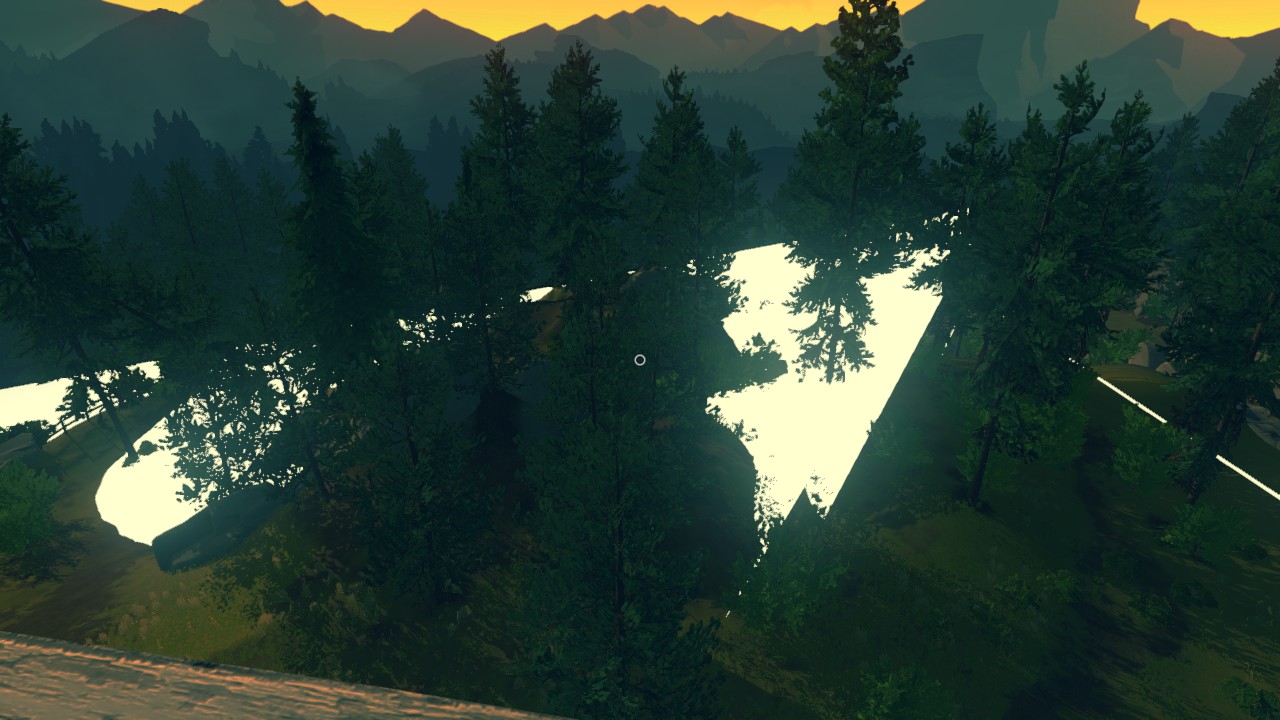
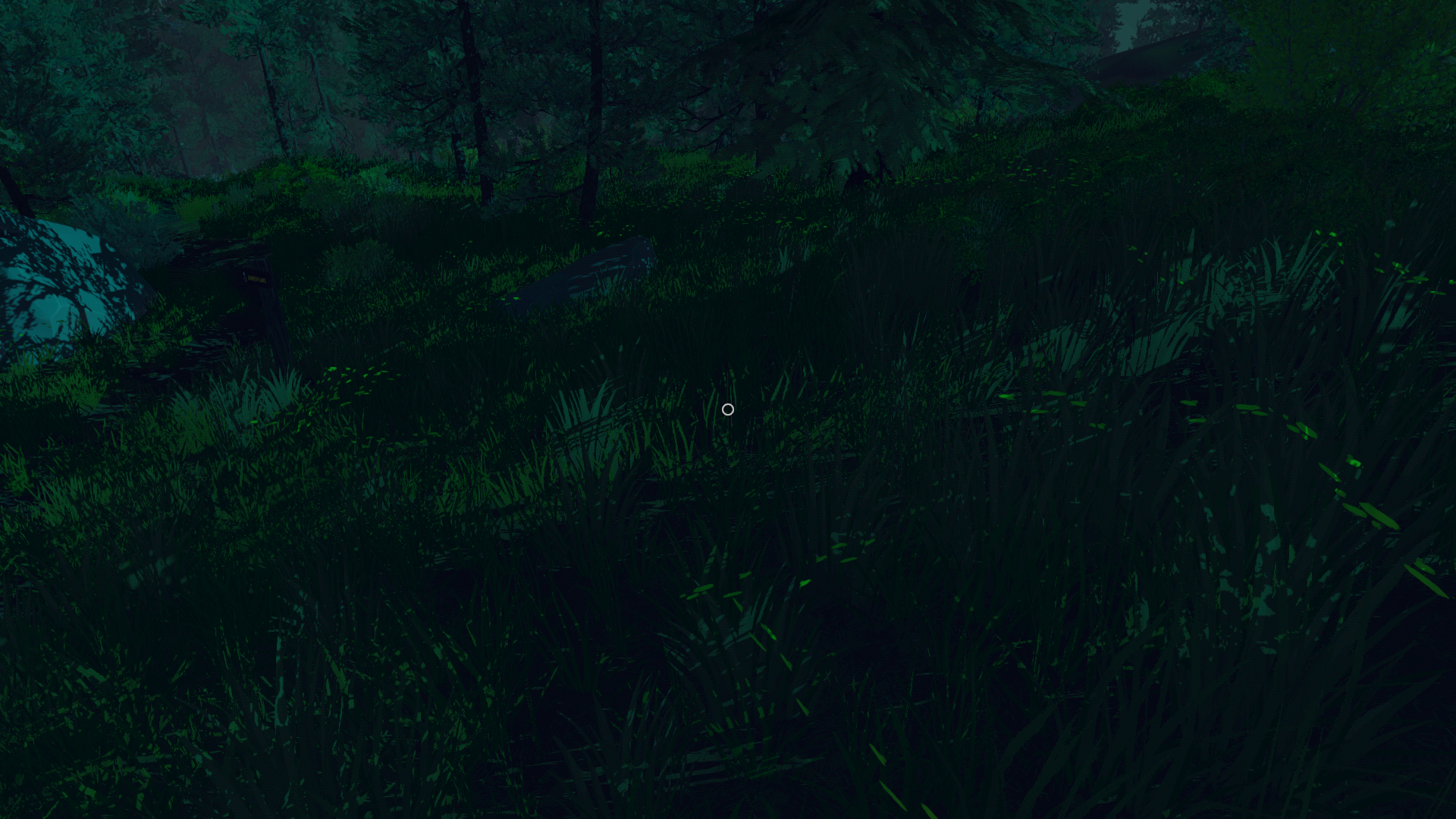
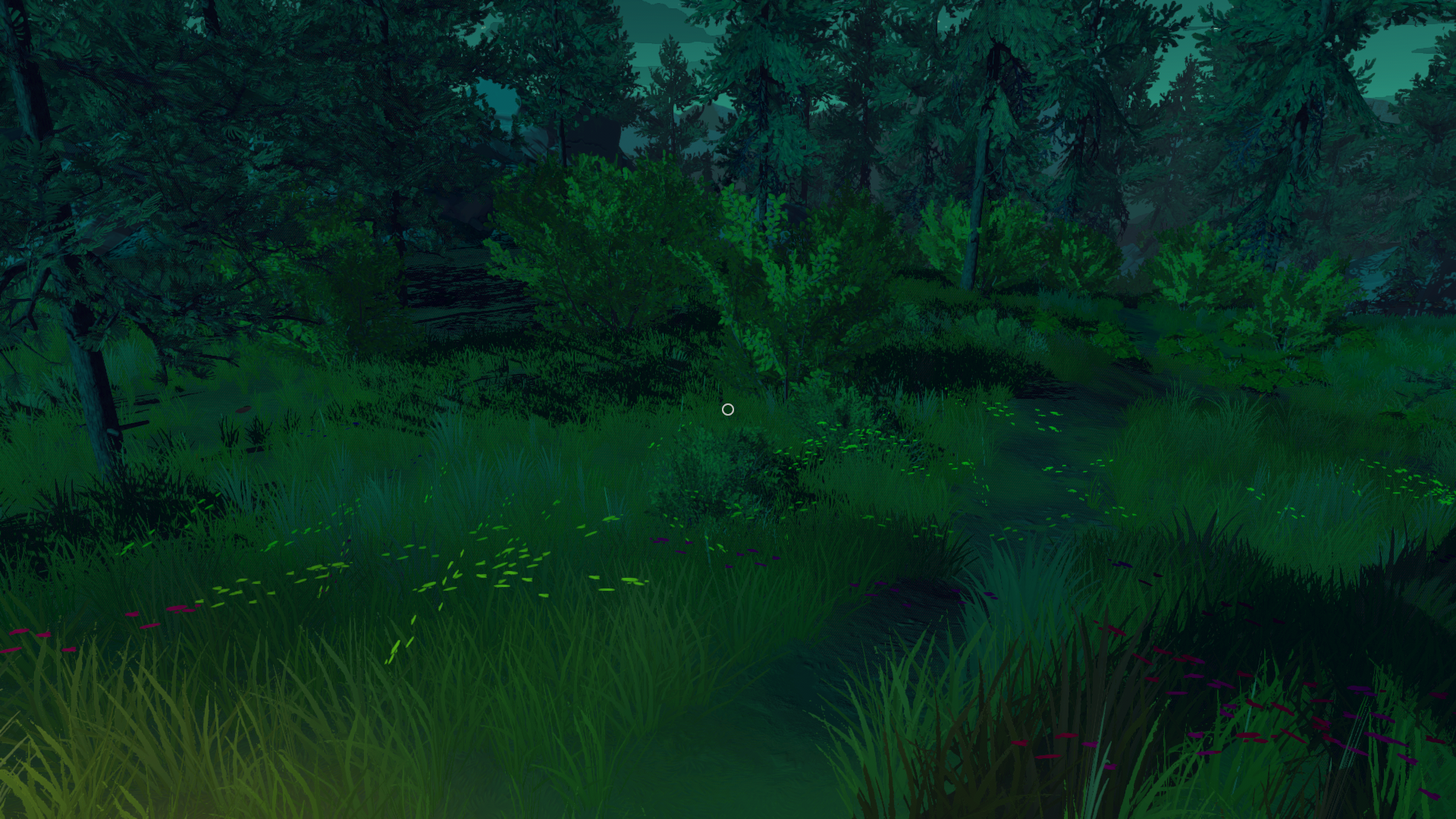
I've been walking around in the first area for about 10 minutes to fiddle with graphics settings, but is the game supposed to look like this?

It looks overly... contrast-y? It's not very pleasing to the eyes. I tried watching some gameplay on YouTube but compression makes it hard to compare.

Edit: Settings are set to high/ultra

firewatch2016-02-1012riuwr.png

 
Just played up until Day 2 starts.

My specs: i5-4590, 16GB, 290.

Game settings: 1080p with everything on/max.

Seems be really GPU heavy. CPU was about at 90% load across 3 cores and one about 80%. Temp wise it sat about 60C (stock cooler). games like GTA V/Fallout 4/Witcher 3 will push it to 70C. RAM usage sits about 4.5GB. For CPU/RAM usage it isn't anything crazy.

My 290 is overclocked to 1086/1500 and usually never breaks 80C (default fan profile). If it does it's something like 81/82C after playing for a while. Funny how the first game to put it beyond that to 90C is called Firewatch. I don't feel comfortable having my card running that hot so I'm gonna turn things down a bit when I start playing again. The games uses everything your GPU has. Didn't catch how much VRAM it used unfortunately.

Looking at the FPS graph in Afterburner it seems that the game runs mostly at 60fps. There are stutters/drops but personally don't find them too bad. I would say maybe drops in the range of <5fps.
 
working pretty well on an i5-3570k, GTX970, 21:9 3440x1440. On Ultra I'm getting around 45fps but not played for long. Going to lock it down to 30fps and leave it on ultra.
 
I wonder if I can downsample with a 680 if I lock it to 30fps.

I'll try half refresh rate + RTSS tonight, only tried RTSS + no v-sync, since it's borderless.
 
Tried starting a new game and now it's there from the beginning so...

The first time I played it was at my work's PC, this is at home. Oh well, I guess if this doesn't get fixed I will ask for a refund on Steam. I like the game, but absolutely refuse to play with this kind of shit going on :(
 
Ugh I just connected my Steam Controller and now I can't walk forwards or backwards, only left and right. Getting really fed up with this game... :(
 
Question for you all

I have a aging desktop (around 5 or 6 years old now) with a i7 overcloced to 3.0ghz with a 660ti. How well do you think I could run this? I was going to go with the PS4 version but not so happy about the performance reports I have heard about it.

Thanks.
 
i7 2600k and a GTX 970 here, running at 1080p 60fps with all settings on high and it looks gorgeous to me. Sure, the shadows could do with some softening, but for a small game this is absolutely stunning. I love the art direction and environment design.

I also enabled FXAA through the Nvidia control panel. Helps a lot with the jaggies, and the minor blurring doesn't really affect the game given the art style.
 
i7 2600k and a GTX 970 here, running at 1080p 60fps with all settings on high and it looks gorgeous to me. Sure, the shadows could do with some softening, but for a small game this is absolutely stunning. I love the art direction and environment design.

I also enabled FXAA through the Nvidia control panel. Helps a lot with the jaggies, and the minor blurring doesn't really affect the game given the art style.

I'm surprised FXAA via Nvidia CP works as adaptive vsync (half refresh rate) didn't work for me with this game.
 
Played firewatch yesterday with no issues and got pretty far but had to eventually call it for the night. Just booted it up again and it's impossible to play now. Constant freezing every 5-10 seconds that lasts for 10-30 seconds. Tried restarting the game and the problem persists. I was originally playing on high settings but turning it down to low doesn't help.

Edit: just tried to close it from the esc menu and it froze up and crashed
 
Seeing the community thread on Steam where the devs are asking for issues... holy shit. I will give this game a few days but this isn't looking very positive. Best wishes for them, as the game itself seems like a lot of fun.
 
i7 2600k @ 3.4GHz, GTX 970, 8GB RAM running a 16:10 display (1920x1200), all settings dialled to Max with the exception of world detail not being set at Ultra. Solid 60fps with only the occasional dip to 55ish for an area load here and there. Very happy with the performance and visuals.
 
GTX 970
i7 3440
10GB RAM

Runs at 60FPS almost all the time except for very random and deep FPS drops. Everyhting maxed.
 
Played through the whole thing on Ultra and it never skipped a beat (barring the brief stutter where new areas loaded into memory, but I blame the engine for that not my set-up)

I'm surprised at the range of performance problems, as the whole thing seemed pretty bullet-proof here. No bugs, crashes or anything.
 
Yeah, my experience on an i5-4690k at stock speed, 16GB RAM, and stock 980Ti has been a solid 60FPS at ultra with some odd sudden frame drops for no apparent reason.
 
Yeah, my experience on an i5-4690k at stock speed, 16GB RAM, and stock 980Ti has been a solid 60FPS at ultra with some odd sudden fram drops for no apparent reason.

Similar set-up to mine. I think the drops are the engine stutter issues, where new areas are loaded into memory rather than our system struggling. I could barely hear my graphics card, so know it wasn't being taxed with vsync enabled.
 
Top Bottom