

-
Hey Guest. Check out your NeoGAF Wrapped 2025 results here!
You are using an out of date browser. It may not display this or other websites correctly.
You should upgrade or use an alternative browser.
You should upgrade or use an alternative browser.
Dying Light PC Performance Thread
- Thread starter batman2million
- Start date
Nice one, time to turn this shit off.
it doesn't fully remove the CA. he's looking for a fix now.
Robert J. Sullivan
Member
Totalbiscuit's port report is out by the way, don't know if anyone posted it earlier.
https://www.youtube.com/watch?v=VDqVv5xQ5eo
https://www.youtube.com/watch?v=VDqVv5xQ5eo
i7 3770k @ 4.4 Ghz
780 TI 3.5 GB
16 GB RAM
2560x1440
Running at 1440p with the above specs, maxed out, except for View distance set to 50%, I get 50-60 FPS most of the time with occasional, but widely spaced drops into the 40's.
Having a blast with this game, enjoying it a lot more than Dead Island, for sure. Started playing with gamepad, I think I'll restar and play with M&K and the parkour, specilaly ledge grabbing and stuff seems like it would a singe with M&K over the gamepad.
780 TI 3.5 GB
16 GB RAM
2560x1440
Running at 1440p with the above specs, maxed out, except for View distance set to 50%, I get 50-60 FPS most of the time with occasional, but widely spaced drops into the 40's.
Having a blast with this game, enjoying it a lot more than Dead Island, for sure. Started playing with gamepad, I think I'll restar and play with M&K and the parkour, specilaly ledge grabbing and stuff seems like it would a singe with M&K over the gamepad.

Dusktildawn48
Member
4790K @ 4.5Post your specs so people can help understand more about the case.
sli 970s
10Gb 1600mhz ram
1440p
I was finally able to solve my text issues with the game! Yay me.
GTX 680 SLI
Core i5 2500K @ 4.4GHz
8GB RAM
Windows 10TP
1920x1080
The game runs... weird. GPU usage never reaches more than ~50% on both GPUs. Inside the tower it only gets to ~40FPS. Outside, it fluctuates between 30 and 60, with ~45 on average. This is with everything turned either all the way up or all the way down. It doesn't really matter what settings I'm using. I guess View Distance is the biggest hog, and AA brings the FPS down, but other than that, nothing changes performance in a meaningful way. Not that there's much to change either way...
I find the framerate going up and down completely jarring, and such a low framerate makes it totally unplayable for me. I tried playing it for about 20 minutes and I had to give up, because my eyes were getting tired and strained. I much rather wait and see if Techland/NVIDIA can optimize the game with patches before playing it. Because, as it is, I just can't play it like this.
GTX 680 SLI
Core i5 2500K @ 4.4GHz
8GB RAM
Windows 10TP
1920x1080
The game runs... weird. GPU usage never reaches more than ~50% on both GPUs. Inside the tower it only gets to ~40FPS. Outside, it fluctuates between 30 and 60, with ~45 on average. This is with everything turned either all the way up or all the way down. It doesn't really matter what settings I'm using. I guess View Distance is the biggest hog, and AA brings the FPS down, but other than that, nothing changes performance in a meaningful way. Not that there's much to change either way...
I find the framerate going up and down completely jarring, and such a low framerate makes it totally unplayable for me. I tried playing it for about 20 minutes and I had to give up, because my eyes were getting tired and strained. I much rather wait and see if Techland/NVIDIA can optimize the game with patches before playing it. Because, as it is, I just can't play it like this.
I find the framerate going up and down completely jarring, and such a low framerate makes it totally unplayable for me. I tried playing it for about 20 minutes and I had to give up, because my eyes were getting tired and strained. I much rather wait and see if Techland/NVIDIA can optimize the game with patches before playing it. Because, as it is, I just can't play it like this.
What is your View Distance set at? That has the biggest impact on performance.
What is your View Distance set at?
Sorry, I added that while you were posting. It's set to the bare minimum it can get. It doesn't begin to affect performance until it reaches around 50% of the bar.
Having actual numbers in your options would be great, Techland.

bee
Member
playing on the settings below, high textures is the real killer at 4k with 3gb of vram, totally unplayable no matter what other settings you use
whilst i'm not maxing it, I don't have any performance problems with these settings with 3570k@4.4, 8gb, 780sli and gysnc, runs 45-60fps so far (outside of the tower)
play more when the real ca fix is found


whilst i'm not maxing it, I don't have any performance problems with these settings with 3570k@4.4, 8gb, 780sli and gysnc, runs 45-60fps so far (outside of the tower)
play more when the real ca fix is found

Lowering view distance to 50% down to 75% has definitely improved things a great deal. It's not a pristine 60fps (not my target by the way) but it's smooth enough (50-60) and the stuttering is gone.
LOD transitions are more noticeable but nothing I'd label as distracting or immersion breaking.
Nice looking game but in need of optimization still on PC. Techland are working on a PC patch.
LOD transitions are more noticeable but nothing I'd label as distracting or immersion breaking.
Nice looking game but in need of optimization still on PC. Techland are working on a PC patch.

abracadaver
Member
A dev posted this in the Steam forums:
https://steamcommunity.com/app/239140/discussions/0/613948093895564127/#c604941528468872999
Hello everyone,
First of all, we would like to clarify the speculations regarding AMD GPUs. According to our knowledge and intentions, the game performs similarly on both AMD and NVidia GPUs. The performance issues some of you are experiencing are related to very specific hardware/software setups and are not related to AMD GPUs.
We are working hard to make sure a patch fixing framerate issues on affected software/hardware setups.
In the meantime, there is a possible fix to the problem for at least some of you, see below:
Please make sure the the VIEW DISTANCE slider in MAIN MENU>OPTIONS>VIDEO is set to EXACTLY HALF.
The half-point value is the default for HIGH QUALITY settings, anything above has little impact on visual quality while being extremely taxing for even top-notch hardware.
If the simple fix mentioned above doesn’t resolve the issue for you, you can help us create a solution by taking the steps mentioned in the post above.
https://steamcommunity.com/app/239140/discussions/0/613948093895564127/#c604941528468872999
wanderingprostheyltite
Member
So did someone mention the latest Nvidia drivers helped with stuttering? I've been using older ones due to an issue with DK2 support but saw the latest fixes that, just wondering anyone noticed a difference with this game with newest drivers.
MickeyKnox
Member
Holy shit the CA in this game.
WHAT
THE
FUCK
WHAT
THE
FUCK
I have really great performance. I hope they can fix the performance bug people have.
Using custom sli bits performance can be 10 fps higher, but there is flickering in the blood over the camera after zombies hit our character.


Using custom sli bits performance can be 10 fps higher, but there is flickering in the blood over the camera after zombies hit our character.
Which are you using?Using custom sli bits performance can be 10 fps higher, but there is flickering in the blood over the camera after zombies hit our character.
I have really great performance. I hope they can fix the performance bug people have.
Using custom sli bits performance can be 10 fps higher, but there is flickering in the blood over the camera after zombies hit our character.
Ok so you're using SLI, but with which cards? What CPU do you have? Since you can run BF4 with one 970 with everything on ultra AND 4xMSAA with an average of 110-120fps I'd say this isn't running very well at all.
Ok so you're using SLI, but with which cards? Since you can run BF4 with one 970 with everything on ultra AND 4xMSAA with an average of 110-120fps I'd say this isn't running very well at all.
lol what? Which version of BF4 MP are you playing to get 110-120fps with a single 970?
Agent_ShortBus
Member
Ps4 or PC ? Which will look and run better ?
i5 4670k
msi GTX 760 OC
16gb Ram
Well my frames are all over the place right now and I have a decent pc. I would for the time being lean towards the PS4 version.
i7-4770k
780 Ti's (SLI)
16gb Ram
res:1920x1080
edit: everything is on medium settings and no AA or ambient occlusion.
I'm getting an average of 40-55 fps with dips into the low 30's
hopefully it can be solved with a patch or a new driver.
Ps4 or PC ? Which will look and run better ?
i5 4670k
msi GTX 760 OC
16gb Ram
Digital Foundry will do PC analysis soon so until then not many people probably have both versions and can comment.
CPU needs to be clocked as fast as possible.
Well my frames are all over the place right now and I have a decent pc. I would for the time being lean towards the PS4 version.
i7-4770k
780 Ti's (SLI)
16gb Ram
res:1920x1080
I'm getting an average of 40-55 fps with dips into the low 30's
hopefully it can be solved with a patch or a new driver.
Holy shit. That is complete ridiculous ! This is almost the most High End thing you could get last year , and it sill drops below 35 fps.
Devs should stop producing bullshit ports.
Isn't still better than the PS4 version? Thought, the PS4 is 30fps. If you want that, lower the settings to match PS4 and lock at 30fps.Well my frames are all over the place right now and I have a decent pc. I would for the time being lean towards the PS4 version.
i7-4770k
780 Ti's (SLI)
16gb Ram
res:1920x1080
I'm getting an average of 40-55 fps with dips into the low 30's
hopefully it can be solved with a patch or a new driver.

The Janitor
Member
Well my frames are all over the place right now and I have a decent pc. I would for the time being lean towards the PS4 version.
i7-4770k
780 Ti's (SLI)
16gb Ram
res:1920x1080
edit: everything is on medium settings and no AA or ambient occlusion.
I'm getting an average of 40-55 fps with dips into the low 30's
hopefully it can be solved with a patch or a new driver.
Turn down view distance?
Holy shit. That is complete ridiculous ! This is almost the most High End thing you could get last year , and it sill drops below 35 fps.
Devs should stop producing bullshit ports.
I don't know what's up with his setup, or what he's doing, but I'm maxing this game with view distance set to 50% at 1440p with a single 780ti and my frame rate is 50-60 FPS with occasional (read not an issue) drops to the 40's.
With a 760 like you have Not only should you do better than a PS4, but you should be able to have AF, which the PS4 lacks, and that's a big IQ buster.
I don't know what's up with his setup, or what he's doing, but I'm maxing this game with view distance set to 50% at 1440p with a single 780ti and my frame rate is 50-60 FPS with occasional (read not an issue) drops to the 40's.
With a 760 like you have Not only should you do better than a PS4, but you should be able to have AF, which the PS4 lacks, and that's a big IQ buster.
Okay thank you for informing me

Snoogans2you
Neo Member
I don't know how to read this page. Does that mean a patch has already been submitted?
ClaptoVaughn
Member
What does that record mean, exactly?
Does it mean the devs have actually submitted something, or are simply holding a spot to submit something?
Well my frames are all over the place right now and I have a decent pc. I would for the time being lean towards the PS4 version.
i7-4770k
780 Ti's (SLI)
16gb Ram
res:1920x1080
edit: everything is on medium settings and no AA or ambient occlusion.
I'm getting an average of 40-55 fps with dips into the low 30's
hopefully it can be solved with a patch or a new driver.
What's your view distance at? Gotta remember the Ps4 view distance is at 0% or less than the PC version. At least thats what hardcoregamer says.
http://www.hardcoregamer.com/2015/01/28/dying-light-face-off-pc-vs-ps4/131644/
What's your view distance at? Gotta remember the Ps4 view distance is at 0% or less than the PC version. At least thats what hardcoregamer says.
http://www.hardcoregamer.com/2015/01/28/dying-light-face-off-pc-vs-ps4/131644/

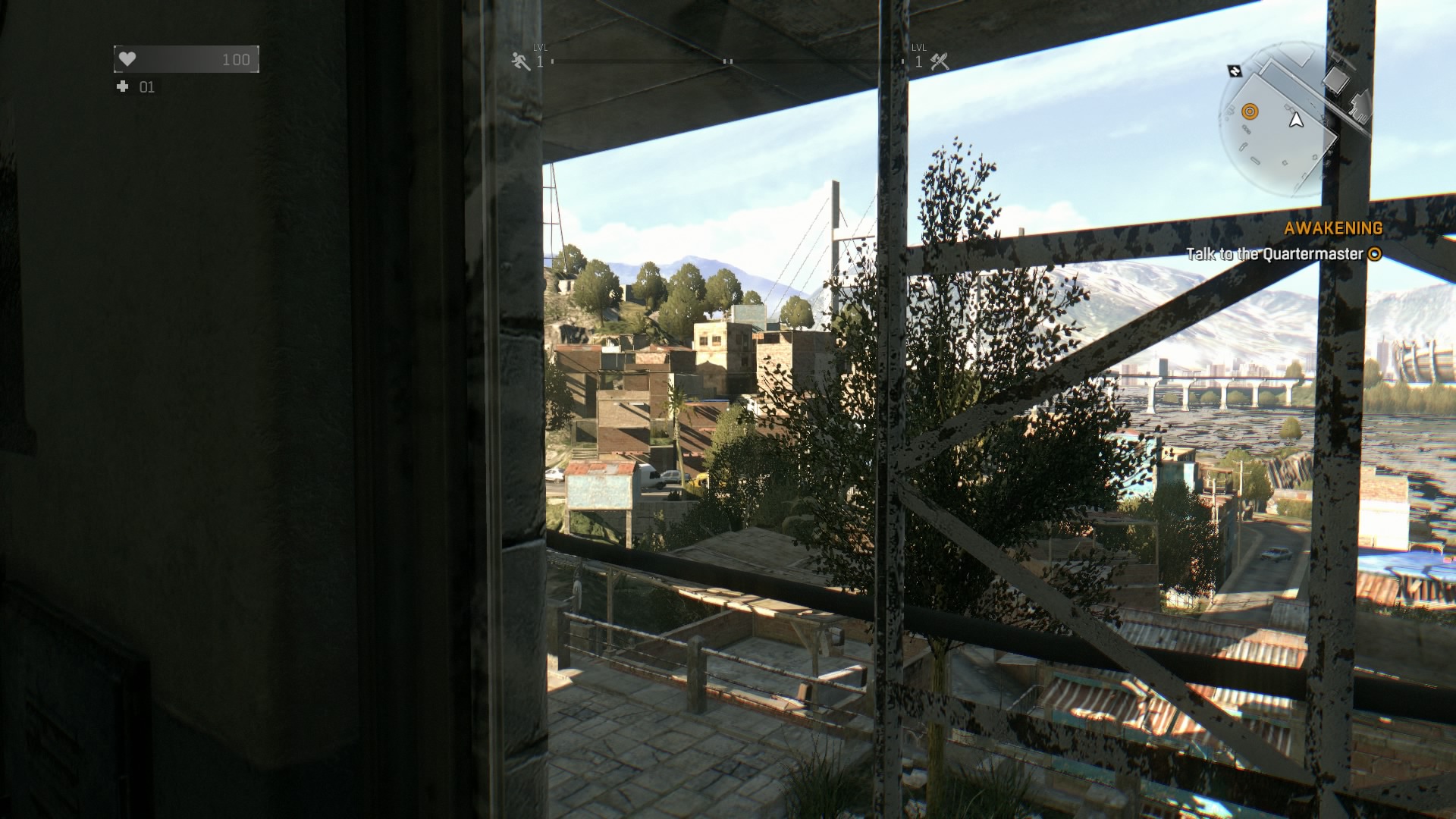
That's quite a difference.
I think it deserves its own thread until Digital Foundry gives their verdict.

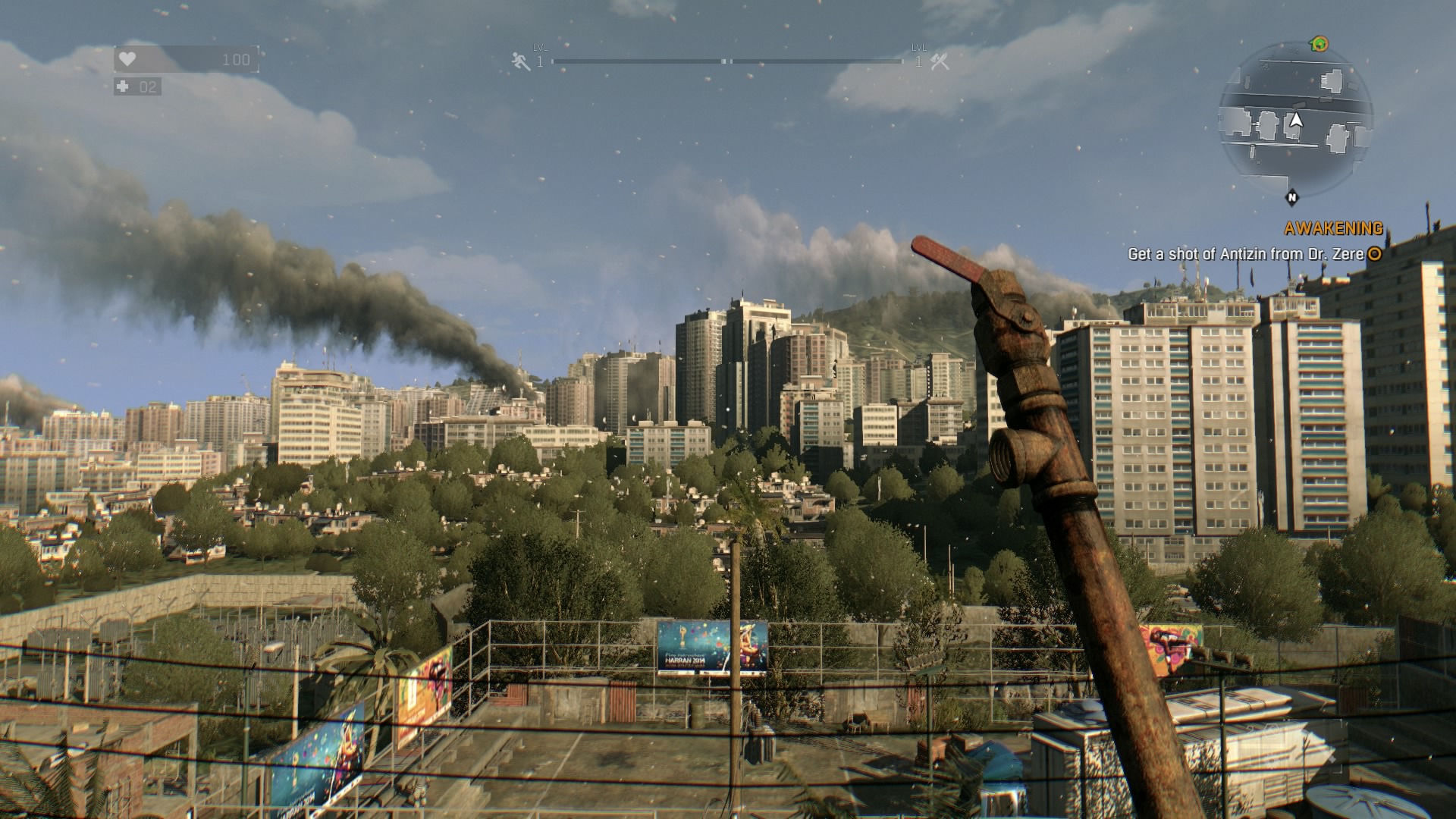
Holy **** at the loss of detail on PS4.
What does that record mean, exactly?
Does it mean the devs have actually submitted something, or are simply holding a spot to submit something?
There's no "Submission" per say on Steam. Nothing like what you see on consoles.
What that record says is that a patch build was uploaded to a seperate branch on Steam.
Games on steam can have multiple versions available at the same time. The "main" branch is the one that all the normal users uses. The devs will use password protected branches to download test builds and such.
lol what? Which version of BF4 MP are you playing to get 110-120fps with a single 970?
At 1080P that's more than possible. Drop the deferred AA and go post-AA and it's stable at 120fps on ultra.
https://www.youtube.com/watch?v=HdofhUlwW5w
Turn off the deferred AA and you pretty much have it even in more demanding areas like in the video where the framerate drops to ~75.
Which are you using?
0x080002F5 to avoid blood flickering. 0x080912F5 brings better performance but blood flickering (and no temporal AA).
Ok so you're using SLI, but with which cards? What CPU do you have? Since you can run BF4 with one 970 with everything on ultra AND 4xMSAA with an average of 110-120fps I'd say this isn't running very well at all.
2700K oced + 3x 680 (2 GB). So no a high end combo.
Well my frames are all over the place right now and I have a decent pc. I would for the time being lean towards the PS4 version.
i7-4770k
780 Ti's (SLI)
16gb Ram
res:1920x1080
edit: everything is on medium settings and no AA or ambient occlusion.
I'm getting an average of 40-55 fps with dips into the low 30's
hopefully it can be solved with a patch or a new driver.
This is what I'm talking about. Something is wrong with the game using your config. I think it's fixable with a patch.
People recommending console version, PS4 has lower than 0 distance view.
Agent_ShortBus
Member
What's your view distance at? Gotta remember the Ps4 view distance is at 0% or less than the PC version. At least thats what hardcoregamer says.
http://www.hardcoregamer.com/2015/01/28/dying-light-face-off-pc-vs-ps4/131644/
I have view distance set to whatever the default is which I believe is 50%.
I'm at work right now so I can't go back and check everything right now or mess with settings. I also bought the PS4 version but haven't gotten outside the starting building but I guess you can't really tell what the frames are like till you're outside.
At 1080P that's more than possible. Drop the deferred AA and go post-AA and it's stable at 120fps on ultra.
https://www.youtube.com/watch?v=HdofhUlwW5w
Turn off the deferred AA and you pretty much have it even in more demanding areas like in the video where the framerate drops to ~75.
Yeah, I actually use 2x deferred aa (+ mfaa in nvidia control panel) + post aa, and then a mix of ultra/med/high settings. It looks great and get wonderful framerates in bf4 on my 970, 60+ fps at all times, usually well above. One of the most well optimized games out there. way too many aaa games this year suffer from wild framerate variations, bf4 is one of the only modern games I've seen with such great minimum framerates (probably largely in part because the engine is very well threaded and supports dx 11.1 + multithreaded commandlists on nvidia and mantle on amd).
https://www.youtube.com/watch?v=4WmeuybFdUk
0x080002F5 to avoid blood flickering. 0x080912F5 brings better performance but blood flickering (and no temporal AA).
2700K oced + 3x 680 (2 GB). So no a high end combo.
This is what I'm talking about. Something is wrong with the game using your config. I think it's fixable with a patch.
People recommending console version, PS4 has lower than 0 distance view.
Must stutter like crazy though?
Even if you have 3x 2GB cards you still only get to use 2GB since all the data has to be loaded into all the cards.
Must stutter like crazy though?
Even if you have 3x 2GB cards you still only get to use 2GB since all the data has to be loaded into all the cards.
As I said is perfectly smooth without hitches using medium textures. Those screenshots are using medium textures.
As I said is perfectly smooth without hitches using medium textures. Those screenshots are using medium textures.
Ahh sorry. Missed that part.
I just dropped my view distance down to 0%. maybe its because I just got done with playing AC:Unity, but I find the pop-in to be barely noticeable even with it all the way down (definitely played many open world games with much worse pop-in, and even some non open world games), and the boost to minimum framerate was massive. I also turned hbao and nvidia dof off, shadow maps medium left textures at high and now my frames are above 60 at pretty much all times even outdoors (i5-2500, 16gb ddr3, gtx 970).
Honestly, this game would have had waaaayyy less complaints if they hadn't allowed the view distance settings to be so high lol.
Honestly, this game would have had waaaayyy less complaints if they hadn't allowed the view distance settings to be so high lol.
At 1080P that's more than possible. Drop the deferred AA and go post-AA and it's stable at 120fps on ultra.
https://www.youtube.com/watch?v=HdofhUlwW5w
Turn off the deferred AA and you pretty much have it even in more demanding areas like in the video where the framerate drops to ~75.
Yeah but it's not any where near averaging 120fps in most of that footage outside of small areas of maps where there isn't much going on. Also you mentioned 4xmsaa which he is running and it's more like 80fps average.... Anyway
The game itself actually reminds me a lil of bf4 quality and style at times. Not sure why but it feels similar to BF4 visuals which are still gorgeous.
fizzelopeguss
Banned
Holy shit the CA in this game.
WHAT
THE
FUCK
The film grain is also particularly adept at making the game look like shit.

Pjsprojects
Member
FX-8350 black
GTX 580 3gb oc
8gig Ram
Getting 42fps most of the time with dips to 39fps in open areas at 1080p
GTX 580 3gb oc
8gig Ram
Getting 42fps most of the time with dips to 39fps in open areas at 1080p
Would be more informative if you also list resolution and detail game settings.FX-8350 black
GTX 580 3gb oc
8gig Ram
Getting 42fps most of the time with dips to 39fps in open areas.
ambientmystic
Member
Thought I'd just chip in as another GTX 760 owner here.
Intel Core i5 4690K @ 4.3 GHz
2GB NVIDIA GTX 760 @ stock boost clocks
16GB DDR3 RAM
1600x900p resolution
All graphical settings enabled/maxed except for View Distance at 40%, Shadows and Textures at Medium. Getting 40-55 FPS depending on the view in open world areas. Constant 60 FPS in indoor areas.
Pretty happy since I expected worse with my midrange rig coming from some of the other folk with higher end rigs in this thread.
Tried Textures @ High, got persistent stuttering when moving about the world. Shadows @ High is also another framerate killer.
Intel Core i5 4690K @ 4.3 GHz
2GB NVIDIA GTX 760 @ stock boost clocks
16GB DDR3 RAM
1600x900p resolution
All graphical settings enabled/maxed except for View Distance at 40%, Shadows and Textures at Medium. Getting 40-55 FPS depending on the view in open world areas. Constant 60 FPS in indoor areas.
Pretty happy since I expected worse with my midrange rig coming from some of the other folk with higher end rigs in this thread.
Tried Textures @ High, got persistent stuttering when moving about the world. Shadows @ High is also another framerate killer.
Dusktildawn48
Member
What is this CA everyone keeps talking about?

Textures at medium talk got me curious, as I'd seen people saying it looked the same more or less as high, and I tried it earlier, and I had weird issues like the LOD on signs (like the Headquarters, Shop) signs in the tower were super low res. Thought maybe that was just how they looked on medium and didn't like it so went back to high. Tried it again though and they look normal now. Wonder if there's some LOD bugs going on.
icecold1983
Member
At 1080P that's more than possible. Drop the deferred AA and go post-AA and it's stable at 120fps on ultra.
https://www.youtube.com/watch?v=HdofhUlwW5w
Turn off the deferred AA and you pretty much have it even in more demanding areas like in the video where the framerate drops to ~75.
only on select maps. fps will plummet far below 120 on all maps during effect heavy scenes even without deferred aa if you keep effects quality on ultra
So I can manage a solid 30 fps throughout the game. It's not the best obviously but I can deal with it. What I can't deal with is the crashing that myself and other people seem to have when trying to play multiplayer. It's the reason why I bought the game and usually I can't play it for more than fifteen minutes without it crashing. Single player works just fine. It's a shame too because it's a lot of fun. Be the zombie is a blast too but it crashes as well. They said that they are looking into it on the steam forums but who knows if they will actually fix it.