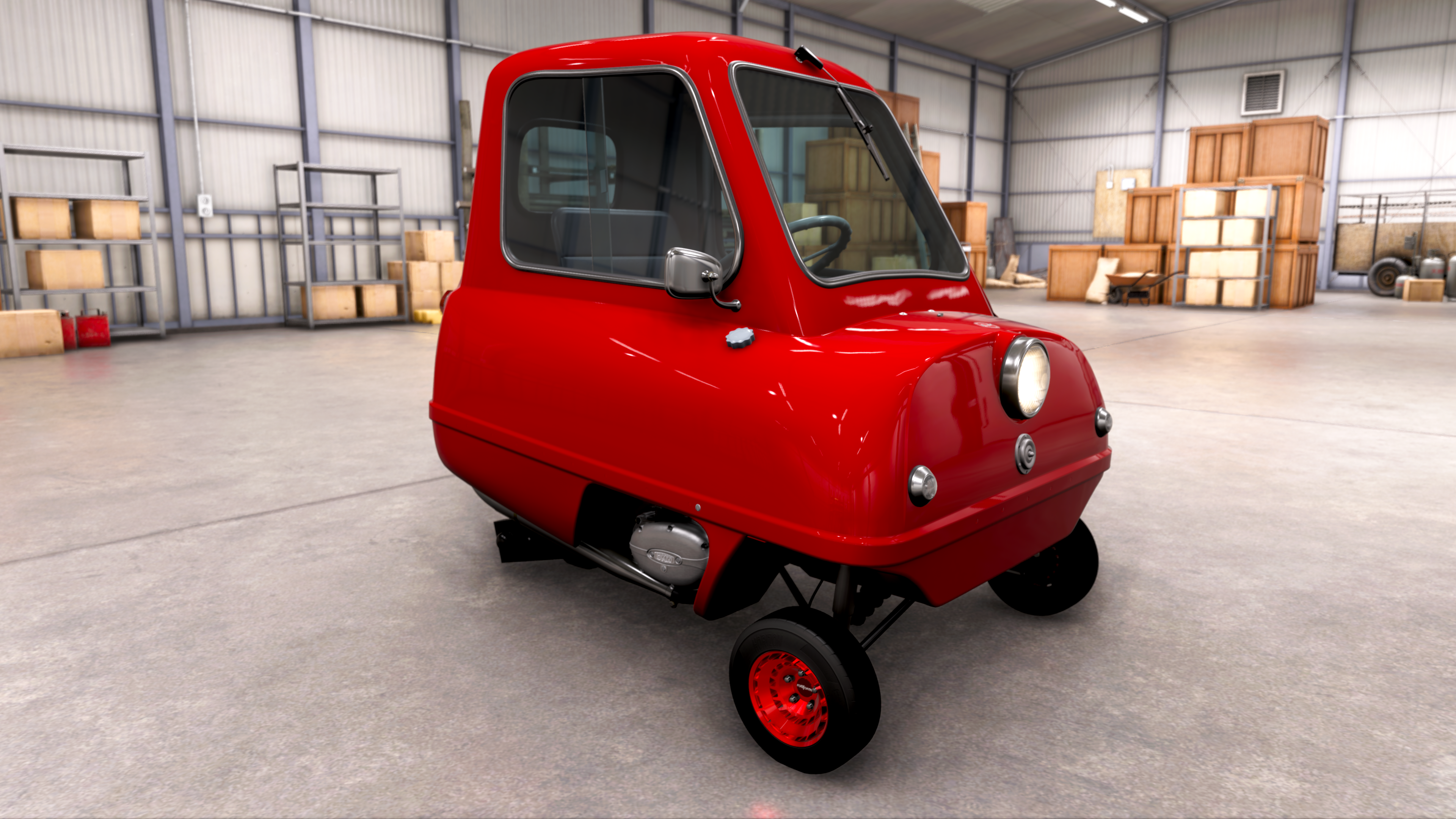
adamsapple
Or is it just one of Phil's balls in my throat?
Mam, that's a C8 Corvette Z06.
How did I miss that, that's not even my main car lol.
Clearly I'm not a car-guy IRL


Mam, that's a C8 Corvette Z06.
I have it, but honestly I'm not seeing much a difference when I toggle the on/off switch in the addon.
- Download ReShade with Add-on support: ReShade_Setup_6.7.3_Addon.exe (Note: You must use the "Addon" version, not the standard one).
- Download the RenoDX Add-on: renodx-forzahorizon6.addon64
- Install ReShade: Run the ReShade installer, select the Forza Horizon 6 executable (ForzaHorizon6.exe), and choose DirectX 12.
- Place the Add-on: Copy the downloaded renodx-forzahorizon6.addon64 file into the main Forza Horizon 6 installation folder where the game's .exe is located.
- Configure: Launch the game, press Home to open the ReShade overlay, navigate to the Add-ons tab, and configure your RenoDX HDR settings. (there's only on/off for now)
Normally RenoDX will completely fix HDR on PC, but keep in mind the RenoDX mod for FH6 is in its initial stage. It already looks fantastic but is not finished.


V-sync is completely broken for me. 5800x3d+9070XT. I get occasional stutters at all settings at high speed especially during turns. RTSS didn't help either. Admittedly I'm sensitive to this so maybe other people wouldn't notice. I've only been able to produce 1 stutter-free benchmark run out of like 50 tries. On FH5 I could do it consistently. Not sure if this is a GP PC thing and the Steam version works ok? Because it's GP PC Adrenalin can't access it, even with Adrenalin Hook or the desktop shortcut add game method. I'm going to try it on my 5060 Ti 16GB tomorrow. It's not game breaking, but still is annoying.
Played for a few last night, got a wristband, and did some fun races.
I got some really good S tier legacy cars for playing other Forza games, that is fun.
I think my game is broken. I switched my time zone to New Zealand to get the game early and switched it back to US after.
Now all the cars have the steering wheel on the right side.
How do i switch the steering wheel back to the normal right side?

Theyre driving on left side so wheels are on the right - for most cars.I think my game is broken. I switched my time zone to New Zealand to get the game early and switched it back to US after.
Now all the cars have the steering wheel on the right side.
How do i switch the steering wheel back to the normal right side?

I've downloaded a mini-track for the estate from someone else's project. Can't be bothered with spending time trying to build shit, I don't even organize my garages.Anyone actually spending time with the 'build the estate' component?
I just did the required visit for the story purpose but other than that have no inclination to play a mini Sim-Estate, lol.

Yeah, they did update the bit-rate last year IIRC.
Good to see the update has a tangible effect.

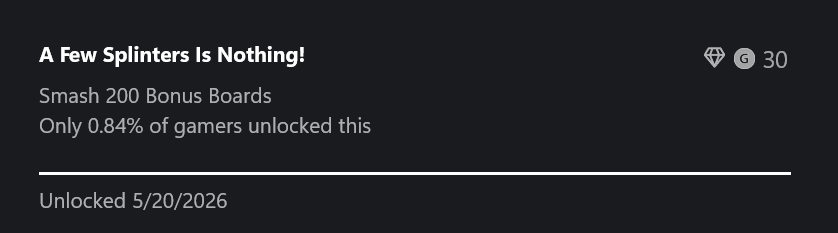


All boards smashed
Is that via XCloud?
How else is he able to play that on a phone?

Anyone actually spending time with the 'build the estate' component?
I just did the required visit for the story purpose but other than that have no inclination to play a mini Sim-Estate, lol.


I have it, but honestly I'm not seeing much a difference when I toggle the on/off switch in the addon.
 github.com
it's NOT broken and it's NOT a fake HDR. In fact, the game's color grading LUTs have been done in HDR, meaning it's about as "proper" an implementation as it gets. Doesn't mean it's perfect, though.

Wait.I found a barn car but it isnt available and is being repaired. It said i csn get it now for 450000 cr. Do i have to pay for it or just wait?

How long?Wait.
For a min i thought this was some Speed Racer DLC with the Mach 5 and my curiosity was piqued lolLove the new "walldrive" feature. Clearly unexpected

I don't know exactly but it takes some little time for them to repair the cars you find in barns for free.How long?
Idk how i got a legendary car so early on. But its shit handling and superfast acceleration and top speed. I have upgraded and tuned it but its just.... once there comes a sharp turn theres nothing i can do.
The game overall is highly addictive. I played 5 hours straight... and i was planning a short intro section.
Soundtrack is shit. Map is amazing. Driving is so good and each car has its own weight and pros and cons. I had forgotten how good forza was.
Whats better pressing LT tap tap tap slowly or LT and handbrake for sharp yurns or just LT and hold? Sharp turns is why i always lose.

I DDU'd my 9070 XT, pulled it, and replaced it with my 5060 Ti 16GB. Depending on the settings I would still get stutters in the benchmark, but the difference was that on the 5060 Ti I was able to set monitor to 120Hz then set in-game frame rate to 60fps with v-sync enabled and pop '0' stutter results in the benchmark multiple times. That's something I tried on the 9070 XT in a few ways(in-game, Adrenalin, RTSS), but it would still stutter. I think v-sync is necessary to get 0 stutters on my system. FG also seems to mask the stuttering, although it is still reported in the benchmark. So it looks like I'm using my 5060 Ti 16GB for a while, DLSS 4 'Perf'/1440p/60fps/High+RT+Night Shadows.Turning off Vsync solved the 2-3 second long hangs I was getting. But I still did get the stutter. Uncapping the framerate solved the stutter for me, mostly. I still get it every now and then, but it's not often.
R5-7600, 9070 XT, 32GB DDR5
Settings playing at: Extreme + RT, FSR4 at Quality
Stutter can be observed intermittently at every setting preset for me, though they aren't anywhere near as extreme as they were before I disabled vsync and uncapped the fps, so I'll leave the settings where they are for the eye candy.

Anyone actually spending time with the 'build the estate' component?
I just did the required visit for the story purpose but other than that have no inclination to play a mini Sim-Estate, lol.
I DDU'd my 9070 XT, pulled it, and replaced it with my 5060 Ti 16GB. Depending on the settings I would still get stutters in the benchmark, but the difference was that on the 5060 Ti I was able to set monitor to 120Hz then set in-game frame rate to 60fps with v-sync enabled and pop '0' stutter results in the benchmark multiple times. That's something I tried on the 9070 XT in a few ways(in-game, Adrenalin, RTSS), but it would still stutter. I think v-sync is necessary to get 0 stutters on my system. FG also seems to mask the stuttering, although it is still reported in the benchmark. So it looks like I'm using my 5060 Ti 16GB for a while, DLSS 4 'Perf'/1440p/60fps/High+RT+Night Shadows.
P.S.- I upgraded my drivers on the 9070 XT before I switched and Adrenalin was able to detect the GP PC version and manipulate settings.


Do i need to press home and turn on everytime I enter in the game?
- Download ReShade with Add-on support: ReShade_Setup_6.7.3_Addon.exe (Note: You must use the "Addon" version, not the standard one).
- Download the RenoDX Add-on: renodx-forzahorizon6.addon64
- Install ReShade: Run the ReShade installer, select the Forza Horizon 6 executable (ForzaHorizon6.exe), and choose DirectX 12.
- Place the Add-on: Copy the downloaded renodx-forzahorizon6.addon64 file into the main Forza Horizon 6 installation folder where the game's .exe is located.
- Configure: Launch the game, press Home to open the ReShade overlay, navigate to the Add-ons tab, and configure your RenoDX HDR settings. (there's only on/off for now)
Normally RenoDX will completely fix HDR on PC, but keep in mind the RenoDX mod for FH6 is in its initial stage. It already looks fantastic but is not finished.
After I updated the driver it worked and showed FSR4 active in the upper right corner when the game boots. I can't remember if I was able to use ALT+R to get it to pop, but I was able to have it running on my 2nd monitor while I played and it showed FSR4 ML Upscaling Active(green), and showed the performance metrics as I played. Also I was able to test using Adrenalin frame rate control.Does the GP version let you bring up the adrenaline overlay? I don't get the little notification in the corner of the screen that it's available lol
No, all changes you make in both ReShade and RenoDX are saved in real time.Do i need to press home and turn on everytime I enter in the game?
The Native HDR is horrendous. Only good one is rtx HDR but 5% less perfNo, all changes you make in both ReShade and RenoDX are saved in real time.
But to be fair, don't expect to see a lot of changed in the HDR right now, because the native HDR is already good, and this is the first version of the RenoDX mod for FH6.

Yeah, unfortunately I see no reason to touch this stuff at all....which is disappointing. Why are they bring in these features with absolut ZERO purpose? Lets hope they just run out of time/ideas and maybe they give more purpose to it later on.The garage/estate builder stuff is just fluff that 99% of people won't touch.

People have analyzed the FH6 native HDR it and are saying its spectrum is solid and real HDR, it's not "fake" as per usual. But if you prefer RTX, then why not (expect performance drop). Tbf. RenoDX comes with its own 2–6% GPU cost in most gamesThe Native HDR is horrendous. Only good one is rtx HDR but 5% less perf
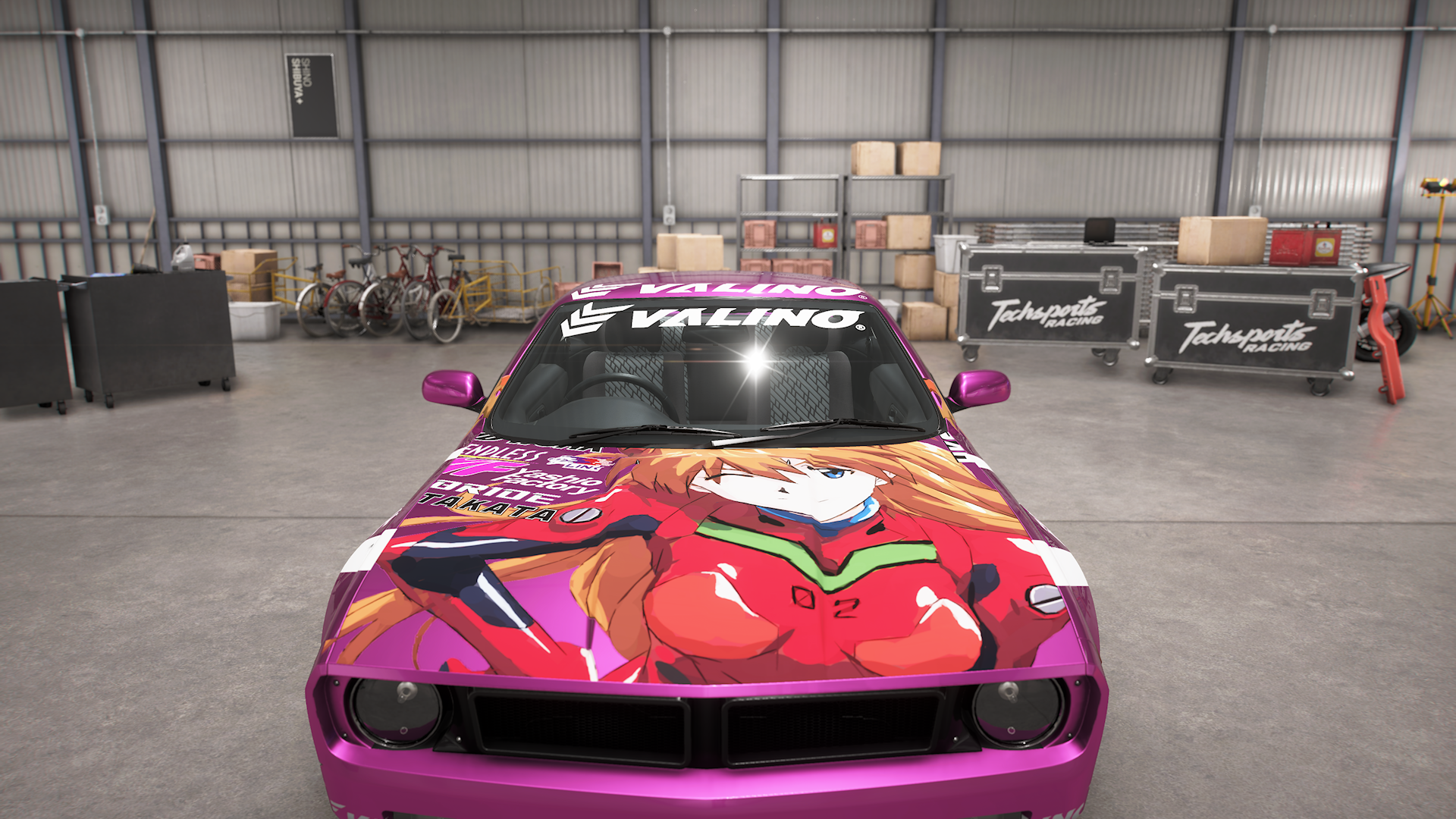
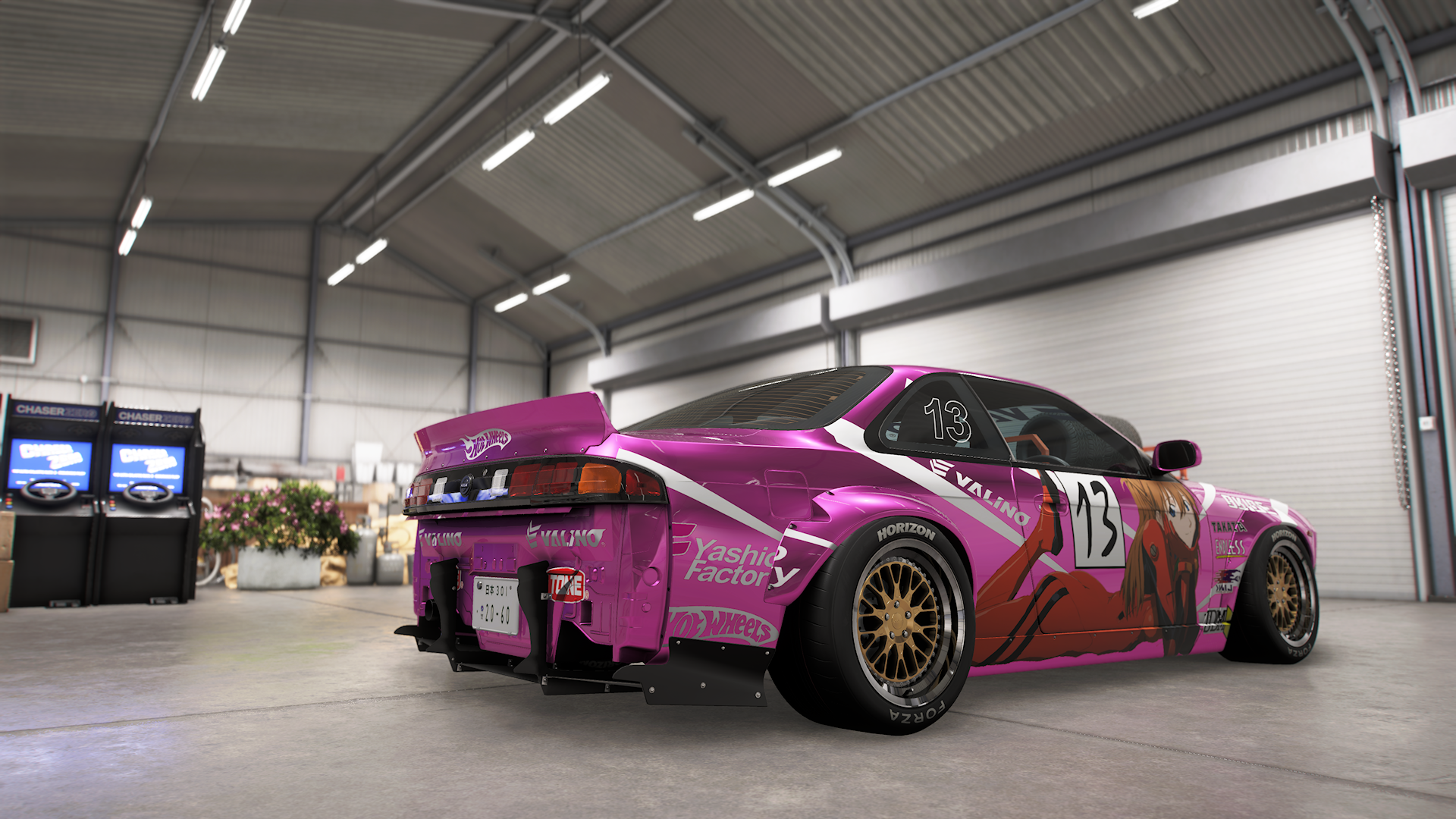
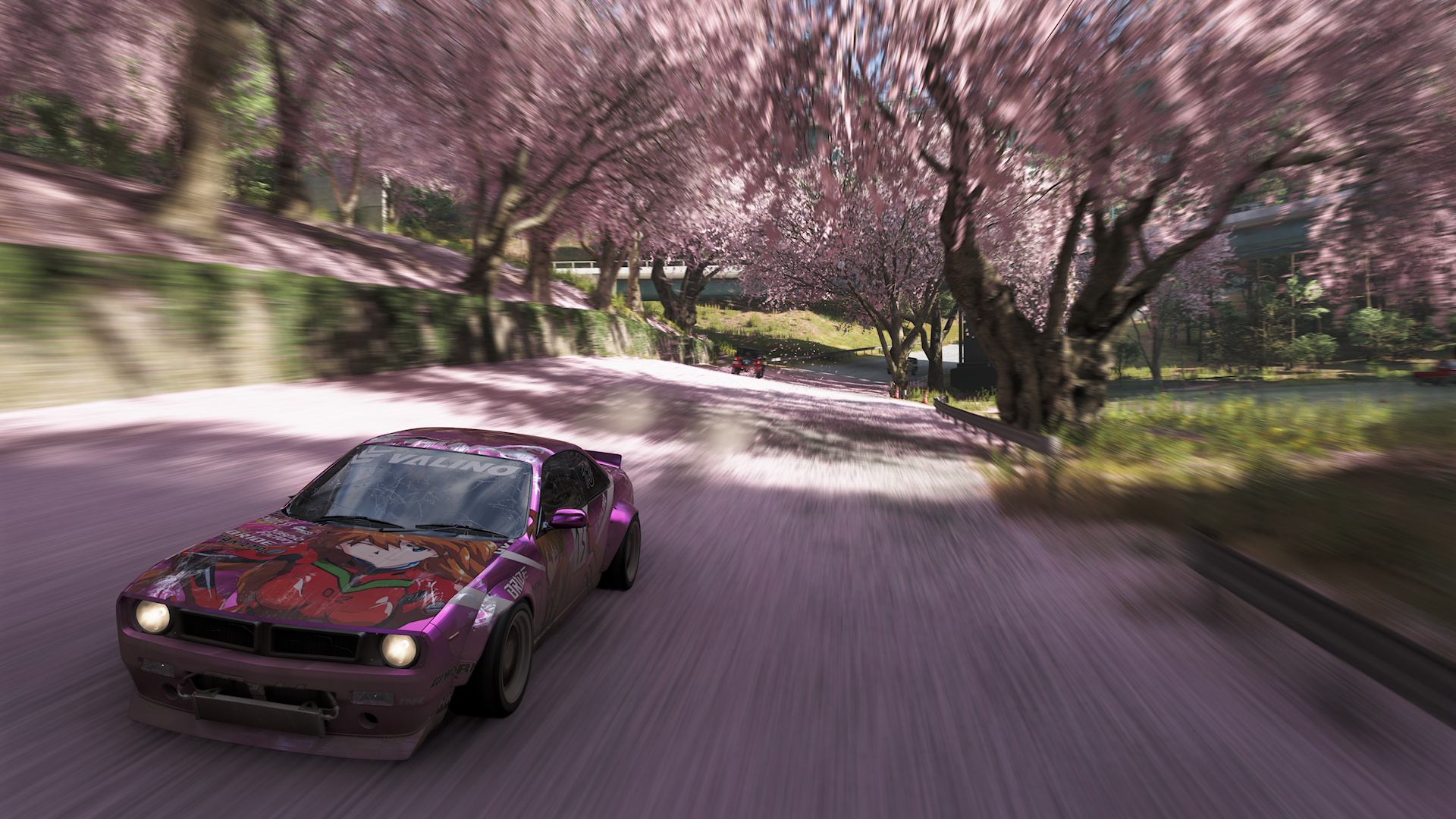
Fast travel is free, definitely a change for the better since you still need to discover roads.The usual fast travel boards in this one? Collect 50 or whatever it is and its free to fast travel?
I have it, but honestly I'm not seeing much a difference when I toggle the on/off switch in the addon.
forzahorizon6: rewrite tone mapping/grading, add lut scaling, refactor and more (9 hrs ago).
Its not a 10....maybe an 8. Its a good chill game and if you love cars its even more awesome, but when people would be as critical as they were with Crimson Desert...this would be a 4/10...yep!Love all the forzas but how is this a 10 ?

I saw this thing on drag racing leaderboards.
Thx It looks really goodPeople have analyzed the FH6 native HDR it and are saying its spectrum is solid and real HDR, it's not "fake" as per usual. But if you prefer RTX, then why not (expect performance drop). Tbf. RenoDX comes with its own 2–6% GPU cost in most games
This update looks great btw: https://github.com/OopyDoopy/renodx/releases/download/snapshot/renodx-forzahorizon6.addon64