

-
Hey Guest. Check out your NeoGAF Wrapped 2025 results here!
You are using an out of date browser. It may not display this or other websites correctly.
You should upgrade or use an alternative browser.
You should upgrade or use an alternative browser.
What controller are you using on PC?
- Thread starter Jesb
- Start date


Alexios
Cores, shaders and BIOS oh my!
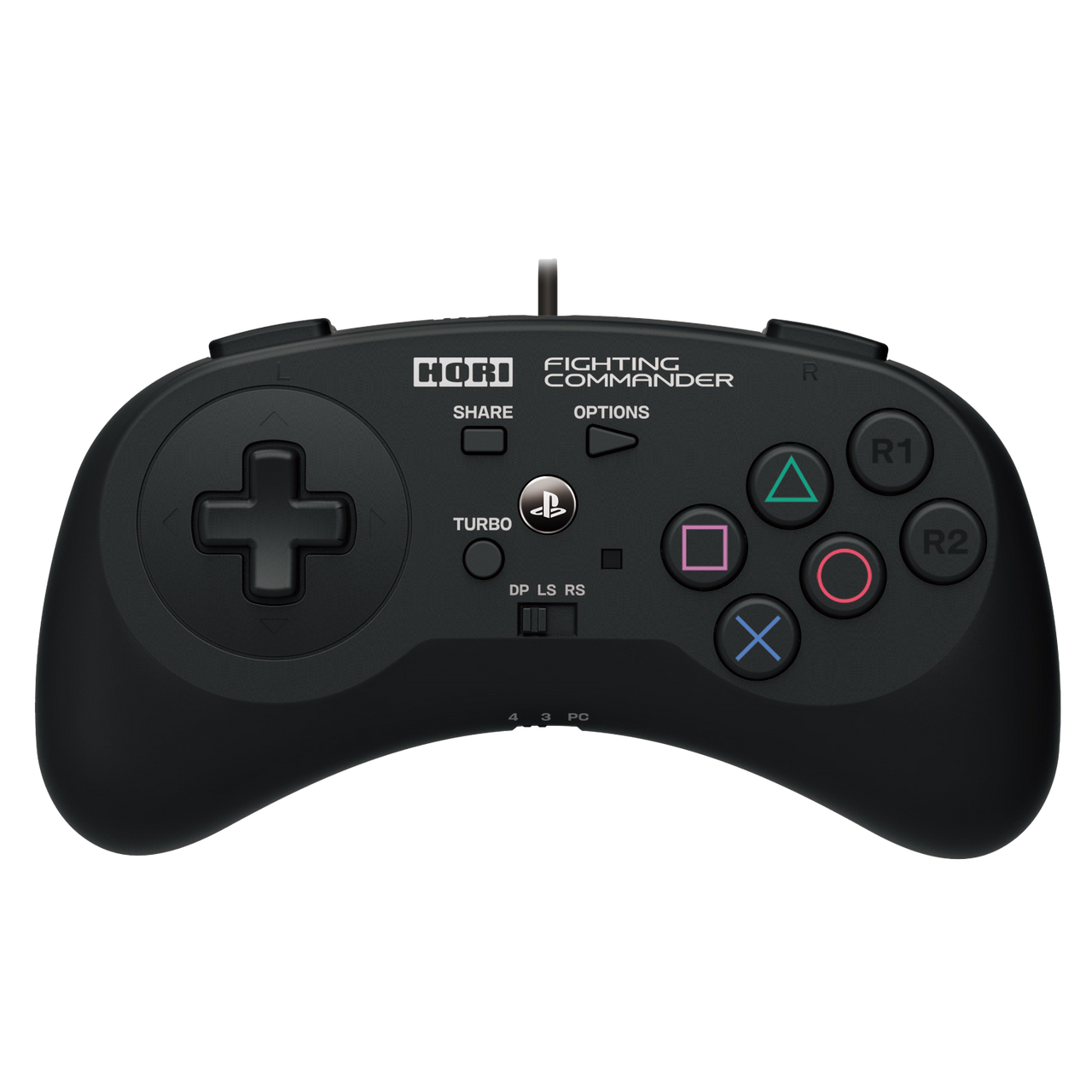
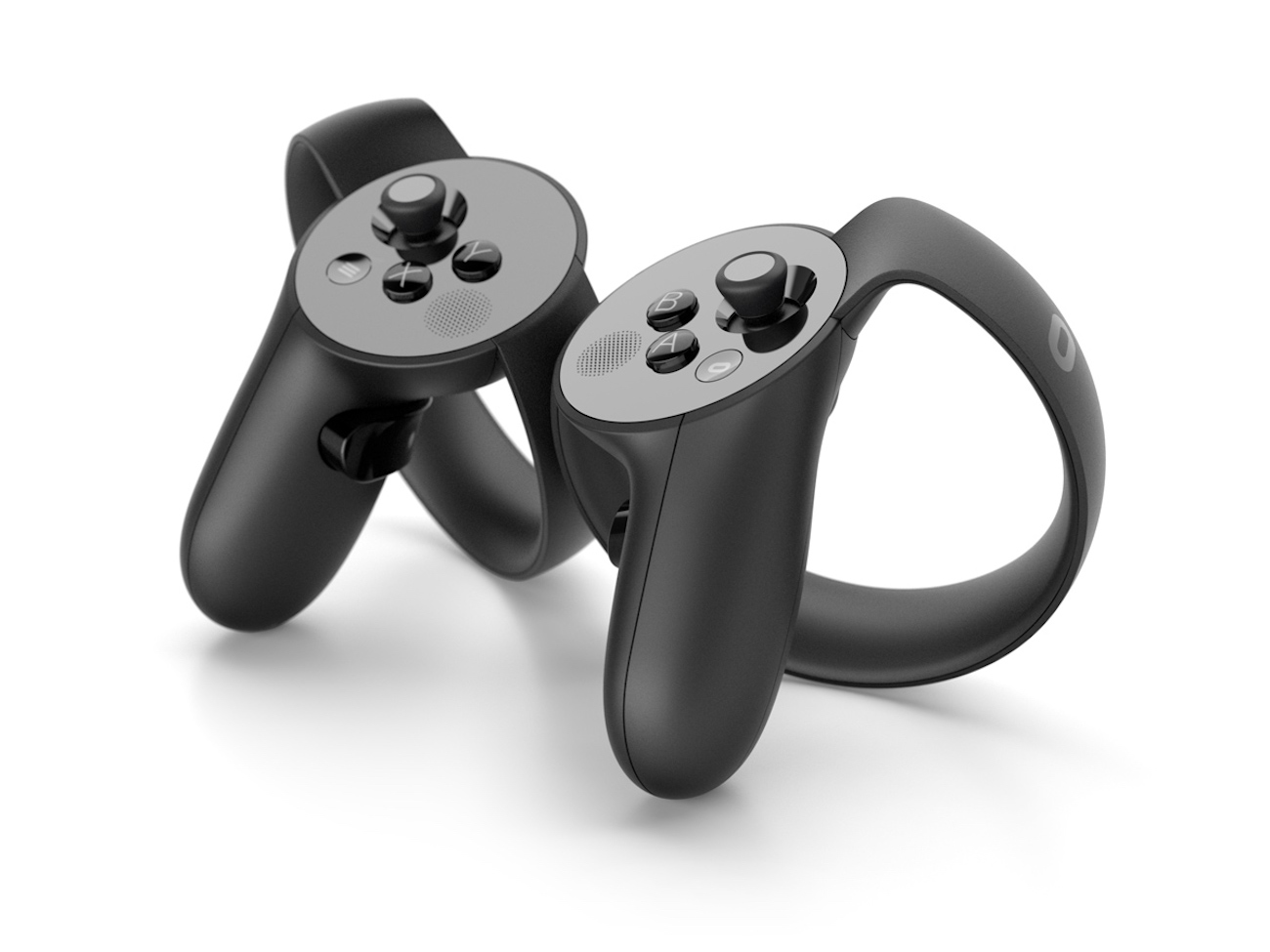
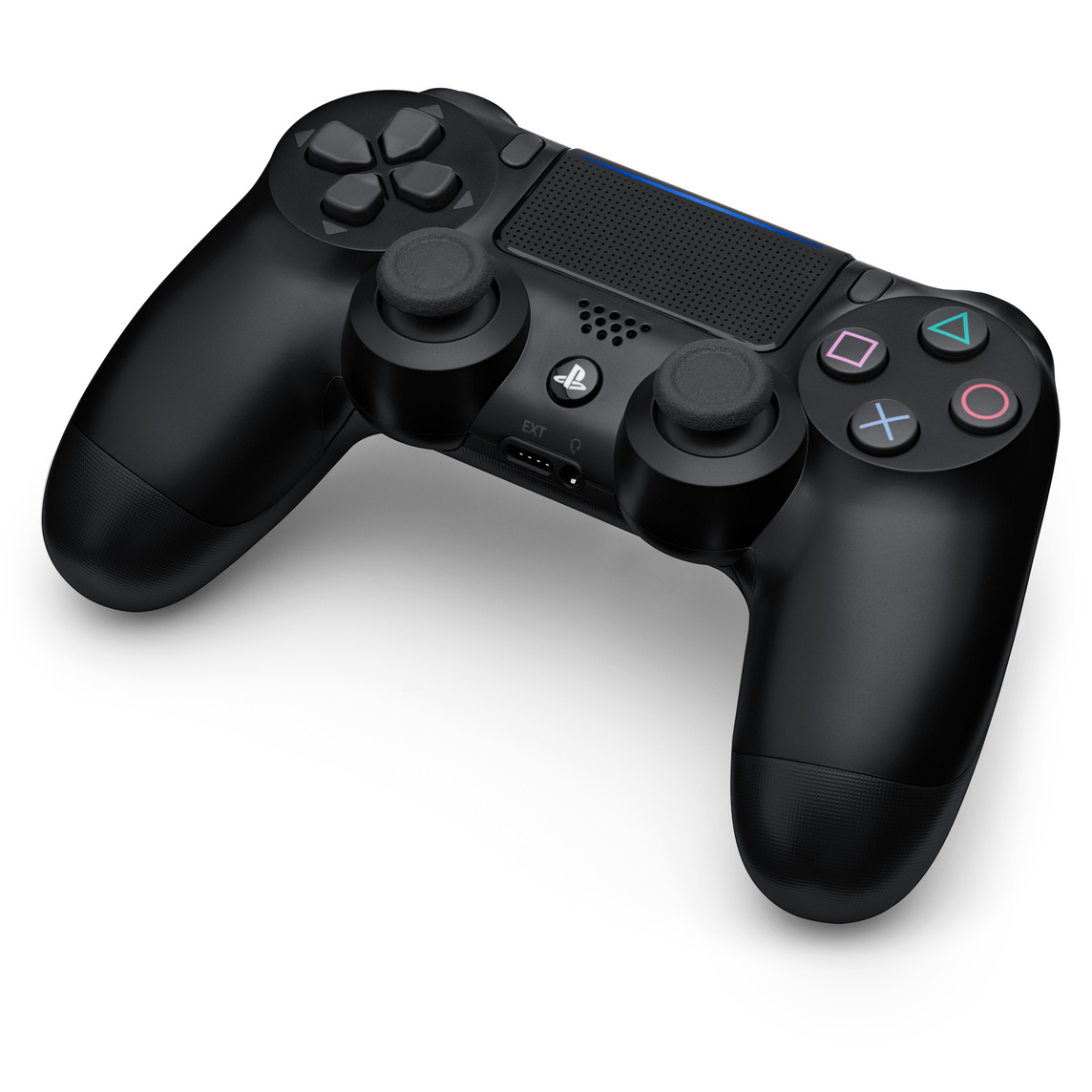
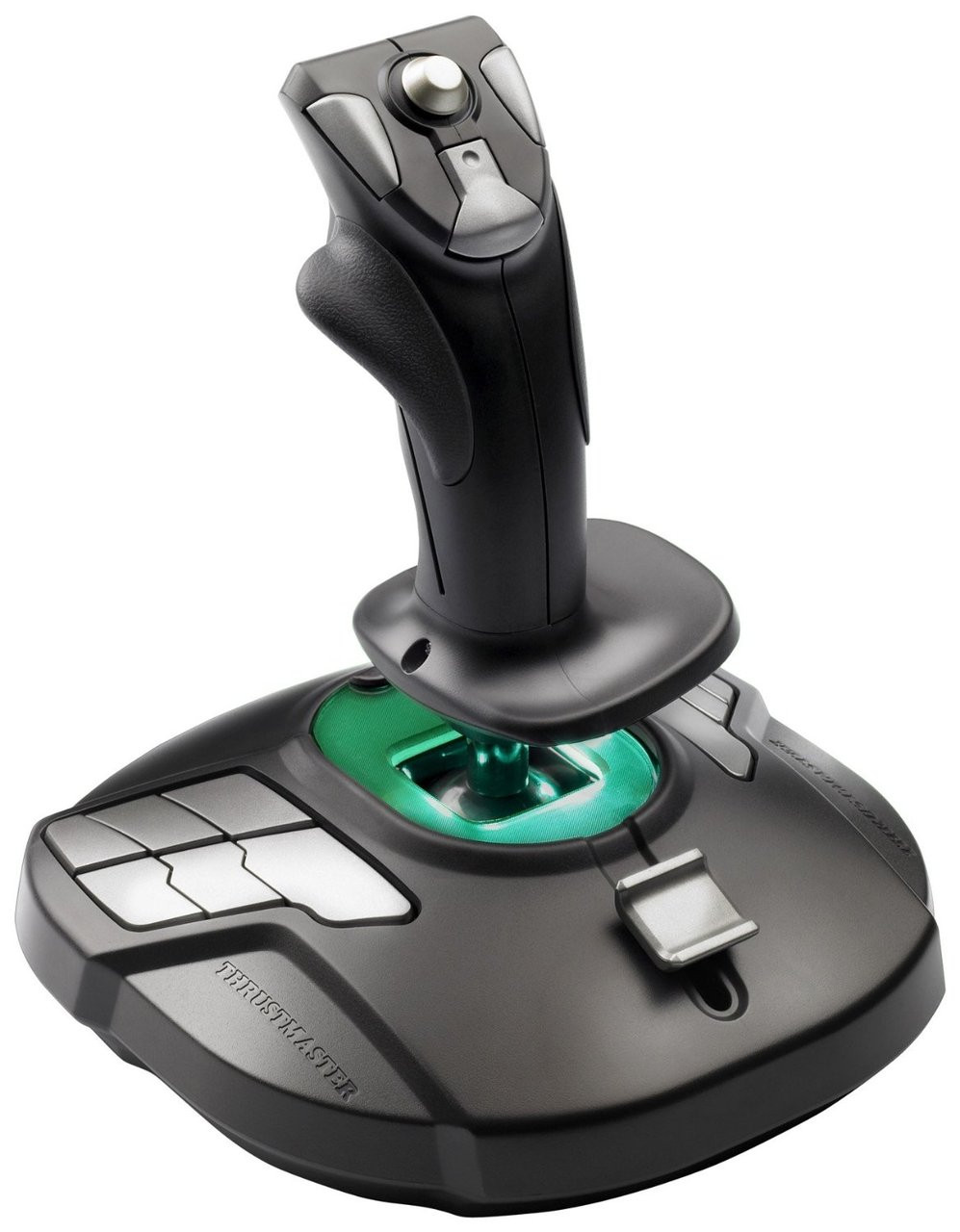
Forgot this (looking to upgrade with throttle and maybe pedals but it's been awesome the last few years, not only in flight/space games but also MechWarrior 4 Mercenaries, obviously alongside the keyboard as stand alone it doesn't have enough inputs).
Last edited:

Patrick S.
Banned
I use one of my Bluetooth Xbox One controllers, but wired because the only BT adapter is not Windows 10 compatible. My mainboard has bultin Bluetooth, but I got it used and it didn't come with the antenna so I won't work well.
kamal9deuce
Neo Member
Wired (USB) Xbox One Controller

#Phonepunk#
Banned
this is the worst fucking thing about gaming on PC. i have bought so many controllers. it's a huge pain in the ass to get any of them to work on Windows. then after you finally get it setup Steam will randomly update the game and suddenly your controller no longer works. such a pain.
 www.pdp.com
only thing i've found that is semi reliable is the Nintendo Switch Pro controller. i have the USB version and it detects it right away. you still have to use X360CE to configure but it will work. which is more than i can say for the 6+ other controllers i've tried.
Nintendo Switch Faceoff Wired Pro Controller- Star Mario
Choose a character, team up with friends, and battle your way to the finish line with the Faceoff™ Wired Pro Controller for Nintendo Switch. This controller is compatible with any Faceoff Pro Controller Faceplate, so you can customize your Faceoff Wire
only thing i've found that is semi reliable is the Nintendo Switch Pro controller. i have the USB version and it detects it right away. you still have to use X360CE to configure but it will work. which is more than i can say for the 6+ other controllers i've tried.
Last edited:

Alexios
Cores, shaders and BIOS oh my!
What controllers are you buying, most these days (or rather since the xbox 360 days) use the xinput standard and work out of the box like an Xbox compatible controller, other than that you can also use PS4 controllers via DS4Windows to get them recognized as xinput controllers (though games may have native support so it's not necessarily needed) and then there's the ancient dinput standard which is used for devices that aren't exactly controllers and have different features/axis like racing wheels or joysticks which of course are supported by the games they're meant for. Beyond that it's your own choice to buy non standard controllers and hope that there are apps or adapters to make them work in games that normally only support the Windows standard, xinput. Any modern semi reputable brand, from Logitech to Thrustmaster to 8bitdo and Hori, has xinput based controllers for PC or multi-mode controllers like my Fighting Commander which has both PS console and PC xinput modes. If you're buying random console/company controllers and expect them to magically work without checking the compatibility and features or making sure there are apps or adapters that get them to work like standard Windows controllers that's on you, like buying a wavebird and expecting it to work on a PS5 without hassle. If you're actually buying xinput controllers and still have to mess with stuff like x360ce I can only guess you've totally messed up your Windows and/or driver and/or Steam api configuration as they've not needed any additional software since, again, the Xbox 360 days, 15 years now. Being able to use non standard stuff like your Switch controller thanks to users is a plus for PC, not the "worst fucking thing". Btw that should be usable with just the Steam api configuration too, without needing x360ce, so again it seems you're messing with stuff that you haven't bothered to learn how to use and configure then complain even though it was your own choice to avoid simple standard Windows controllers. Start from scratch, clean all that bs up.this is the worst fucking thing about gaming on PC. i have bought so many controllers. it's a huge pain in the ass to get any of them to work on Windows. then after you finally get it setup Steam will randomly update the game and suddenly your controller no longer works. such a pain.
Nintendo Switch Faceoff Wired Pro Controller- Star Mario
Choose a character, team up with friends, and battle your way to the finish line with the Faceoff™ Wired Pro Controller for Nintendo Switch. This controller is compatible with any Faceoff Pro Controller Faceplate, so you can customize your Faceoff Wire
only thing i've found that is semi reliable is the Nintendo Switch Pro controller. i have the USB version and it detects it right away. you still have to use X360CE to configure but it will work. which is more than i can say for the 6+ other controllers i've tried.
Last edited:


Brofist
Member
only thing i've found that is semi reliable is the Nintendo Switch Pro controller. i have the USB version and it detects it right away. you still have to use X360CE to configure but it will work. which is more than i can say for the 6+ other controllers i've tried.
What are the 6+ other controllers if you don't mind me asking?


hououinkyouma00
Gold Member
Just get the 8bitdo adapter. You can use it on Switch and still get rumble and gyro.DS4 with the PC bluetooth thingy.
I wish i could using on the swtich too, how hard is to make a proper D-pad? no even nintendo is nailing it.


-Minsc-
Member
Same here, wired Xbox 360. Gets the job done.The same model I have used for about a decade now. The (wired) Xbox 360 controller. Its simple and just works.

JimboJones
Member
Use the steam controller configuration tool instead of x360ce it had native support for Nintendo/Sony/Microsoft controllers, makes it it trivial to set up games with themthis is the worst fucking thing about gaming on PC. i have bought so many controllers. it's a huge pain in the ass to get any of them to work on Windows. then after you finally get it setup Steam will randomly update the game and suddenly your controller no longer works. such a pain.
Nintendo Switch Faceoff Wired Pro Controller- Star Mario
Choose a character, team up with friends, and battle your way to the finish line with the Faceoff™ Wired Pro Controller for Nintendo Switch. This controller is compatible with any Faceoff Pro Controller Faceplate, so you can customize your Faceoff Wire
only thing i've found that is semi reliable is the Nintendo Switch Pro controller. i have the USB version and it detects it right away. you still have to use X360CE to configure but it will work. which is more than i can say for the 6+ other controllers i've tried.

Daniel Thomas MacInnes
GAF's Resident Saturn Omnibus
I've still got my Xbox 360 for PC joypad, still works perfectly fine. Aside from the less-than-ideal d-pad, it's a great controller with highly responsive buttons and very comfortable ergonomics. One of these years, I'll finally get around to picking up an Xbox One joypad, but I'm in no real rush at the moment.

The Fartist
Member

ScpServer

BusierDonkey
Member
my main controller but V1 has a big problem with the grip issue.
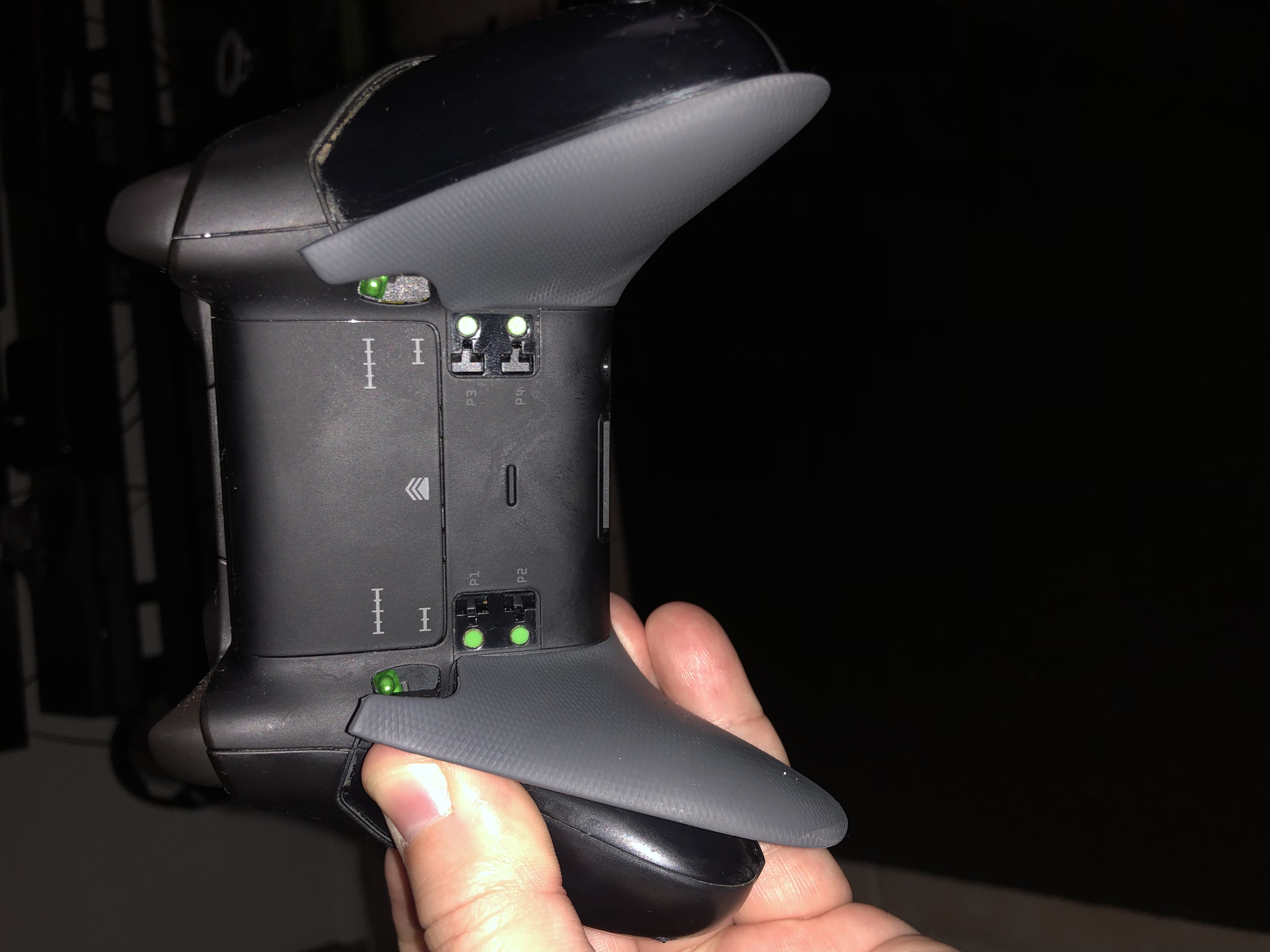
i am at two SAV and one shell change.
this thing is RROD of joypad.
edit :this dirty gamepad is not mine
So much dead skin...


Soodanim
Gold Member
Assuming this is recognised as a DS4, this could be really good. I bought the Mega Drive and Saturn controllers but they aren't as easily used as others because they can't be simply translated into XInput. Plus the Hori reputation.

TUROK
Member
I played through Doom Eternal using a One controller, a PS4 controller, and a 3rd party One controller, and I found both the official controllers both quite pleasant to use, while the 3rd party one is satisfactory enough, but the sensitivity curve on the analogs is a bit too fast for me.


MetalSlug
Member
Memories of when I cared even less about fancy controllers than I do now.

I remember when I was around 6 or 7 and I got my first PC.
I was playing with a controller that looked just like that for Shadow Warrior.

Hideous Snake
Gold Member
Xbox One controller. Most comfortable for me and I don't need other fancy shit
Alexios
Cores, shaders and BIOS oh my!
I'm not sure if the PS4 mode gets it recognized as a DS4 to configure with DS4Windows (I think not but I've not tried in a while) but the PC mode (bottom switch) is xinput so it's fine alongside the switches that change the mappings of the shoulder buttons (it has 4, not just 2, so the face R1 and R2 are duplicates by default, unless you use the top switch to turn the shoulder buttons into R3, L3, L1, L2 sets instead) and the d-pad (which can be mapped as the d-pad or either analog stick of a normal xinput controller). I assume you got the Saturn controller from Retrobit, that one goes to xinput mode if you just hold Start (but still has too few buttons for some non Saturn and newer system emulation and games). Mine had the weak d-pad flaw, it snapped, which is why I bought the Fighting Commander and couldn't be happier (even if the d-pad isn't Saturn style). It's perfect for RetroArch, any older system cores and pretty much anything else I've thrown at it. I even play some Dreamcast games with it, like Code Veronica, that don't need a stick. It's fine for any modern fighting game of course, also any 2D-ish game doesn't have twin stick controls or other weirdness.Assuming this is recognised as a DS4, this could be really good. I bought the Mega Drive and Saturn controllers but they aren't as easily used as others because they can't be simply translated into XInput. Plus the Hori reputation.
There's also a white Xbox One version (it too has a mode switch though, between Xbox One and Xbox360/PC, I'm not sure why that's a thing and why the Xbox One mode wouldn't work universally) if you prefer that but it has some different and potentially missing features (plus it's not as proven since it's newer). For example, in photos I don't see a switch to enable access to L3/R3 (yet the Turbo function has been replaced with Assign, maybe it can somehow do that though it doesn't seem likely) which could be pretty bad (like, you'd probably end up having to set Saturn emulation L/R on just LB/LT as otherwise RB/RT have to be mapped to Z and C instead as they're duplicated on the front). It would have been better if that (or even every) version had RB/LB or RT/LT duplicated so that you would still have a free opposing pair of shoulder buttons to set as L/R or similar regardless.
Last edited:
Soodanim
Gold Member
Thank you for this, it's the details I'm looking for when it comes to controllers so this info isn't something I usually see. And thanks for the start button RetroBit part, I must have missed/forgotten that!I'm not sure if the PS4 mode gets it recognized as a DS4 to configure with DS4Windows (I think not but I've not tried in a while) but the PC mode (bottom switch) is xinput so it's fine alongside the switches that change the mappings of the shoulder buttons (it has 4, not just 2, so the face R1 and R2 are duplicates by default, unless you use the top switch to turn the shoulder buttons into R3, L3, L1, L2 sets instead) and the d-pad (which can be mapped as the d-pad or either analog stick of a normal xinput controller). I assume you got the Saturn controller from Retrobit, that one goes to xinput mode if you just hold Start (but still has too few buttons for some non Saturn and newer system emulation and games). Mine had the weak d-pad flaw, it snapped, which is why I bought the Fighting Commander and couldn't be happier (even if the d-pad isn't Saturn style). It's perfect for RetroArch, any older system cores and pretty much anything else I've thrown at it. I even play some Dreamcast games with it, like Code Veronica, that don't need a stick. It's fine for any modern fighting game of course, also any 2D-ish game doesn't have twin stick controls or other weirdness.
There's also a white Xbox One version (it too has a mode switch though, between Xbox One and Xbox360/PC, I'm not sure why that's a thing and why the Xbox One mode wouldn't work universally) if you prefer that but it has some different and potentially missing features (plus it's not as proven since it's newer). For example, in photos I don't see a switch to enable access to L3/R3 (yet the Turbo function has been replaced with Assign, maybe it can somehow do that though it doesn't seem likely) which could be pretty bad (like, you'd probably end up having to set Saturn emulation L/R on just LB/LT as otherwise RB/RT have to be mapped to Z and C instead as they're duplicated on the front). It would have been better if that (or even every) version had RB/LB or RT/LT duplicated so that you would still have a free opposing pair of shoulder buttons to set as L/R or similar regardless.
I miss 6 button controllers.

MarikaKun73
Banned
I disagree. The entire purpose of the PC experience is versatility. The ability to play the way you want, customization etc.The entire purpose of the PC experience is using KB/M.
OT: I have an xbox 360 controller that I use for my PC gaming needs.


BadBurger
Many “Whelps”! Handle It!
I disagree. The entire purpose of the PC experience is versatility. The ability to play the way you want, customization etc.
OT: I have an xbox 360 controller that I use for my PC gaming needs.
This. With a PC you can do whatever you want. Even modest gaming prebuilt rigs today come with onboard bluetooth. Shit I've played more Wii U games on my PC than I did back when I had an actual Wii U.
-Minsc-
Member
I remember when I was around 6 or 7 and I got my first PC.
I was playing with a controller that looked just like that for Shadow Warrior.
I'm not sure I ever used it much (if at all) for a FPS. I do remember using it for Mortal Kombat 2 (or was it 3?).
When playing Phantasy Star Online 2 (and by extension, Phantasy Star Online BB) I use the 360 controller. PSO was a console game so it just feel right in my mind to use a controller.I disagree. The entire purpose of the PC experience is versatility. The ability to play the way you want, customization etc.
OT: I have an xbox 360 controller that I use for my PC gaming needs.
When playing a FPS (which I don't, these days) or a game like MInecraft I use keybaord/mouse.


I use the 8BitDo SN30 pro which is basically a wired SNES controller with 2 extra shoulder buttons and control sticks. It's affordable, high quality, but might not be a good fit for larger hands.
I have an 8BitDo SN30 pro, and it works more or less out of the box on Linux Mint 22.3, but I have an issue when playing Hoa on Steam. All controls work fine when starting/connecting the controller with Start-B, except the control for flying. If I connect the controller with Start-X, I am able to fly, but all the controls/buttons are mixed up (Y = X, A = B etc)...
Anyone know a fix for this? I tried to "load chapter" which was suggested in a rdit thread. I've tried connecting with cable, restarting, reconnecting and everything I can think of.

Sand Dan Glokta
Banned
PS5 controller for slower paced/rpg games.
Xbox Elite V2 for more intense games.
Overall I prefer the xbox controller, and use the ps5 controller since its better than it gathering dust, as my ps5 already is, and to prolong the xbox controller's life.
Xbox Elite V2 for more intense games.
Overall I prefer the xbox controller, and use the ps5 controller since its better than it gathering dust, as my ps5 already is, and to prolong the xbox controller's life.
Edit / solved!I have an 8BitDo SN30 pro, and it works more or less out of the box on Linux Mint 22.3, but I have an issue when playing Hoa on Steam. All controls work fine when starting/connecting the controller with Start-B, except the control for flying. If I connect the controller with Start-X, I am able to fly, but all the controls/buttons are mixed up (Y = X, A = B etc)...
Anyone know a fix for this? I tried to "load chapter" which was suggested in a rdit thread. I've tried connecting with cable, restarting, reconnecting and everything I can think of.
 I found the controller settings in Steam, and managed to map every button - now it works, and I'm flying (under water) in Hoa (recommended!)
Daniel Thomas MacInnes
GAF's Resident Saturn Omnibus
I used to use an Xbox 360 controller for many years. Unfortunately, my current desktop Mac won't recognize it. It's just probably too old. I assume the newer-generation Xbox controllers would work fine.
More recently, I had a Retrobit Sega Saturn joypad, which worked perfectly for all my retro videogames on OpenEmu (sadly, Mac isn't anywhere as good a platform for retro games as PC, but who wants to deal with Windows anymore if they can avoid it?), at least until the d-pad broke. I understand that's a common problem with that controller. I would hope that problem has been fixed, because that's such a great joypad to use.
Currently, my only controller is a Retrolink Nintendo 64 joypad. It's very good at what it does (I bought it for a book project that eventually fell apart), and it's essential for playing N64 games, but for everything else, it's less than ideal. It's better than nothing, of course. I still remember the horrible days of bad PC joypads, so there's no use complaining.
More recently, I had a Retrobit Sega Saturn joypad, which worked perfectly for all my retro videogames on OpenEmu (sadly, Mac isn't anywhere as good a platform for retro games as PC, but who wants to deal with Windows anymore if they can avoid it?), at least until the d-pad broke. I understand that's a common problem with that controller. I would hope that problem has been fixed, because that's such a great joypad to use.
Currently, my only controller is a Retrolink Nintendo 64 joypad. It's very good at what it does (I bought it for a book project that eventually fell apart), and it's essential for playing N64 games, but for everything else, it's less than ideal. It's better than nothing, of course. I still remember the horrible days of bad PC joypads, so there's no use complaining.

MiguelItUp
Member
8BitDo Ultimate 2C, kind of an impulse buy on Amazon as it was under $20 and it's great!

Crayon
Member
PS5. It's really nice. It's not really great because the battery and sticks that wear out. But it's very nice when those are out of mind. You can play for a fairly long session even though the batters should be twice that. And the sticks take years to wear out even though they shouldn't.
It's got a good dpad, great face buttons, good sticks. The force feedback and haptic tricks are supported by some games and I always enjoy those. It's comfortable for a modern bulky controller. I'm more comfortable on old-timey thin bodied controllers, but the modern style is nice in it's own way. It's a little heavy.
The gyro accuracy seems really good on it. I don't know if there are any tests for that. But it's actually more useful on pc where you can map it to whatever you want. Same with the touchpad. More, actually. A lot of times on pc you are set up on the couch and a game just needs you to bump just one thing with a mouse. Between both of those, I have set up mappings that are literally game-changing.
It's got a good dpad, great face buttons, good sticks. The force feedback and haptic tricks are supported by some games and I always enjoy those. It's comfortable for a modern bulky controller. I'm more comfortable on old-timey thin bodied controllers, but the modern style is nice in it's own way. It's a little heavy.
The gyro accuracy seems really good on it. I don't know if there are any tests for that. But it's actually more useful on pc where you can map it to whatever you want. Same with the touchpad. More, actually. A lot of times on pc you are set up on the couch and a game just needs you to bump just one thing with a mouse. Between both of those, I have set up mappings that are literally game-changing.


CandyCrushSagat
Member
OG stream controller. Will upgrade to the stream controller when it's released.


Hohenheim
Member
My latest is a Nacon Revolution X Unlimited (Great name.. ), and it's really good. Battery life could be a bit better, but it comes with a dock, so I just put it there when i'm not using it.
It's probably my favourite atm.
I also have a Turtle Beach Stealth Ultra, a Fusion Pro and a 8bit do ultimate. They're all great. They all come with charging docks.
I use the 8bit do when i'm having some snacks while playing, as it's a lot cheaper than the others, and I don't care as much about keeping it pristine
It's probably my favourite atm.
I also have a Turtle Beach Stealth Ultra, a Fusion Pro and a 8bit do ultimate. They're all great. They all come with charging docks.
I use the 8bit do when i'm having some snacks while playing, as it's a lot cheaper than the others, and I don't care as much about keeping it pristine

amigastar
Member
Whats a Stream Controller? I only know Steam Controller.OG stream controller. Will upgrade to the stream controller when it's released.
CandyCrushSagat
Member
It's like a steam controller but with autocorrect making a typo.Whats a Stream Controller? I only know Steam Controller.
amigastar
Member
i seeIt's like a steam controller but with autocorrect making a typo.
 I'm also waiting for the new St(r)eam Controller.
Last edited:

Ulysses 31
Member
Flydigi Apex 4 but I'm gonna try out the ROG Raikiri 2 soon.