MickeyKnox
Member
The film grain is also particularly adept at making the game look like shit.
Except you can turn the film grain off through some file editing.

The film grain is also particularly adept at making the game look like shit.

Page bump. What is CA?
CA is chromatic abberation, a visual artifact of light passing through a lens and then not focusing all colors on the same convergence point out the the other end due to the differing wavelengths. The better the lens the less of it you'll see.
It's applied to games as a post processing effect by the sort of talented classy Visual Design Directors that have cheap reproductions of Renaissance era paintings and statues all over their homes.

lol thats way above my head, thanks thoughCA is chromatic abberation, a visual artifact of light passing through a lens and then not focusing all colors on the same convergence point out the the other end due to the differing wavelengths. The better the lens the less of it you'll see.
It's applied to games as a post processing effect by the sort of talented classy Visual Design Directors that have cheap reproductions of Renaissance era paintings and statues all over their homes.
lol thats way above my head, thanks though
Found a fix over at reddit.
Credit goes to fireundubh for the CA and quickshot101 for the filmgrain
I'll spare you guys the labor, but explain what you need to do.
You extract SteamApps\common\Dying Light\DW\Data0.pak using winrar, ( these pak files hold a lot of other settings, so you savvy people can probably find other cool stuff in there )
and then place the relevant files in your dying lights "my document" folder.
The correct path for the CA files will beCode:yourdocs\DyingLight\data\postprocess\include\
You basically comment out these lines - 1425-1438 in main.ppfx
Code:1425 //If("f_pp_aberration_on", "", "", "", "") 1426 //{ 1427 // if(e_path != SM31) 1428 // { 1429 // SetRenderTargetsView("_4_BLUR_TEMP", ""); 1430 // SetBuffer(8, "4_RGBA16F_B"); 1431 // Mesh("quad_screen.msh", "copy.mat", "std"); 1432 // } 1433 // 1434 // resolve(0, "/32"); 1435 // SetRenderTargetsView("_4_BLUR", "noresolve"); 1436 // SetBuffer(8, tex_0); 1437 // Mesh("quad_screen.msh", "screen_aberration.mat", "std"); 1438 //}
As well as line 1378-1387 in renderloop.ppfxCode:1378 //If("f_pp_aberration_on", "", "", "", "") 1379 //{ 1380 // SetRenderTargetsView("_2_RG11B10F_A", ""); 1381 // SetBuffer(16, "2_RG11B10F_B"); 1382 // Mesh("tri_screen.msh", "copy.mat", "std"); 1383 // 1384 // SetRenderTargetsView("_2_RG11B10F_B", ""); 1385 // SetBuffer(16, "2_RG11B10F_A"); 1386 // Mesh("tri_screen.msh", "screen_aberration.mat", "std"); 1387 //}
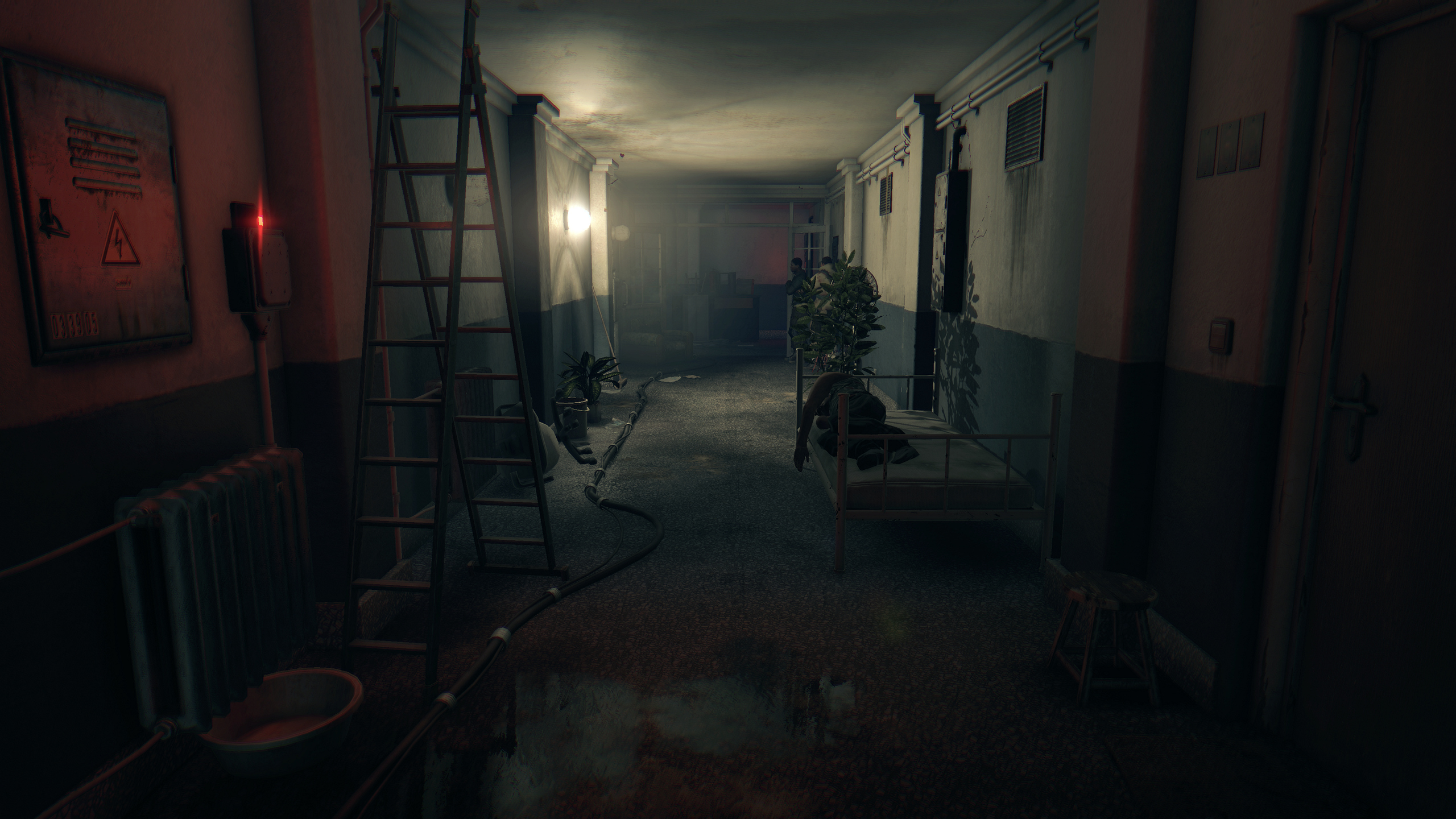
Here are the results
Files to remove CA -> https://dl.dropboxusercontent.com/u/2349952/RemoveCA.rar
Files to remove film grain -> https://dl.dropboxusercontent.com/u/2349952/removefilmgrain.rar


Holy crap - in that comparison, CA is a travesty! Yuck!
It's not that bad during normal gameplay, in that scene you're waking up and still feeling dizzy.
Oh, ok, so in that scene, contextually, it makes sense, then.
Installing now. This game will surely make my i5 4670k @ 4.4 and GTX 760 cry.
Definitely disabling grain and that CA though. Holy crap that looks bad. From what I read you actually see a performance boosts by disabling that crap.
Installing now. This game will surely make my i5 4670k @ 4.4 and GTX 760 cry.
at that first picture with the CA
WHY?
What kind of monster would put this in their game...
So is there any ways to play the game in borderless windowed mode?
You could try "Windowed Borderless Gaming": http://westechsolutions.net/sites/WindowedBorderlessGaming/
I haven't tried it with this game, but it works great with many others that don't support the option natively in my experience.
EDIT: Tried it, works for me.
i5-4590k 3.3 hz, 280x, 8 gb ram here, getting anywhere from 40-60 on the streets with view distance all the way down, foliage and shadows on medium, and nvidia settings off. I get stuttering too, and some weird audio bugs occasionally. Hopefully we get a patch or an amd driver update or something to smooth things out, I could do with slight frame drops here and there but stuttering is just annoying as hell.
Well, that particular scene is you waking up after a 70 hour nap, because you got knocked out, i guess they are trying to make it look like the protagonist is groggy.
Damn. So not a steady 60 FPS at 1080p on a 980GTX?

So whenever I put the textures to high, my game stutters like shit. Dropping the textures to medium alleviates this completely, but the goddamn the textures are absolute trash tier now.
Anyway, getting between 35-60fps on my 970/3570 setup with view distance turned all the way down and textures at medium. Everything else has been left on, including the godawful filters i have to adjust in the ini or whatever the fuck. Hopefully they fix the stuttering for high textures.
it really is a ubisoft through and through. Stuttering, radio towers and mediocre performance. Bravo techland.
It's not techland's fault you have a gpu that can't cache 4+ GBs of vram that the game requires for high texture setting.
Take it up with nvidia for lying about how much useable vram your card has rather than bitch at techland for putting a setting in a game that you don't have the juice to use but are pushing anyways because you don't like the way signposts look.
Yep. Nvidia's performance article posted recordings of upward of 4gb vram usage at 1080 on high settings.Does it really use more than 3.5 vram at 1080p with high textures?
Yep. Nvidia's performance article posted recordings of upward of 4gb vram usage at 1080 on high settings.
It's not techland's fault you have a gpu that can't cache 4+ GBs of vram that the game requires for high texture setting.
Take it up with nvidia for lying about how much useable vram your card has rather than bitch at techland for putting a setting in a game that you don't have the juice to use but are pushing anyways because you don't like the way signposts look.
Yes, even on high end cpu's this game is almost totally cpu bottlenecked unfortunately. The draw distance setting is the main thing that effects framerate.
It's not techland's fault you have a gpu that can't cache 4+ GBs of vram that the game requires for high texture setting.
Take it up with nvidia for lying about how much useable vram your card has rather than bitch at techland for putting a setting in a game that you don't have the juice to use but are pushing anyways because you don't like the way signposts look.
For example, running around an area on Medium resulted in a modicum of texture pop-in and VRAM usage of around 2GB. Repeating the test on High resulted in zero pop-in and VRAM usage that topped out at 3.3GB, though during longer gameplay sessions usage of nearly 4GB has been observed.
I have no problems at all playing this game on high textures on a 970, not a single stutter.
do you have more than 8gigs of ram, per chance? Or did you tweak some settings or are you just playing with everything cranked up? The stuttering gets really bad for me

do you have more than 8gigs of ram, per chance? Or did you tweak some settings or are you just playing with everything cranked up? The stuttering gets really bad for me
Quit spreading FUD.
That's not high for your settings plus where you are. You should be able to turn the view distance up even. With 0 view distance and your rig plus those settings 60 locked should be more than obtainable (barring some really intense scene).
alright, but to maintain this steady 60 I should probably leave the settings where they're at, right?
is this performance normal? just got outside. i've been on this rooftop spinning the camera around and the FPS counter is locked at 60fps (using the GeForce counter, which is why it isn't showing up in the screen). why do i feel like i shouldn't be getting such high frames?
970 ftw, i7 3770, 8gb ram | V-sync via Nvidia Control Panel, film grain + HUD removed, max pre-rendered frames at 1, triple buffered. 1080p.